


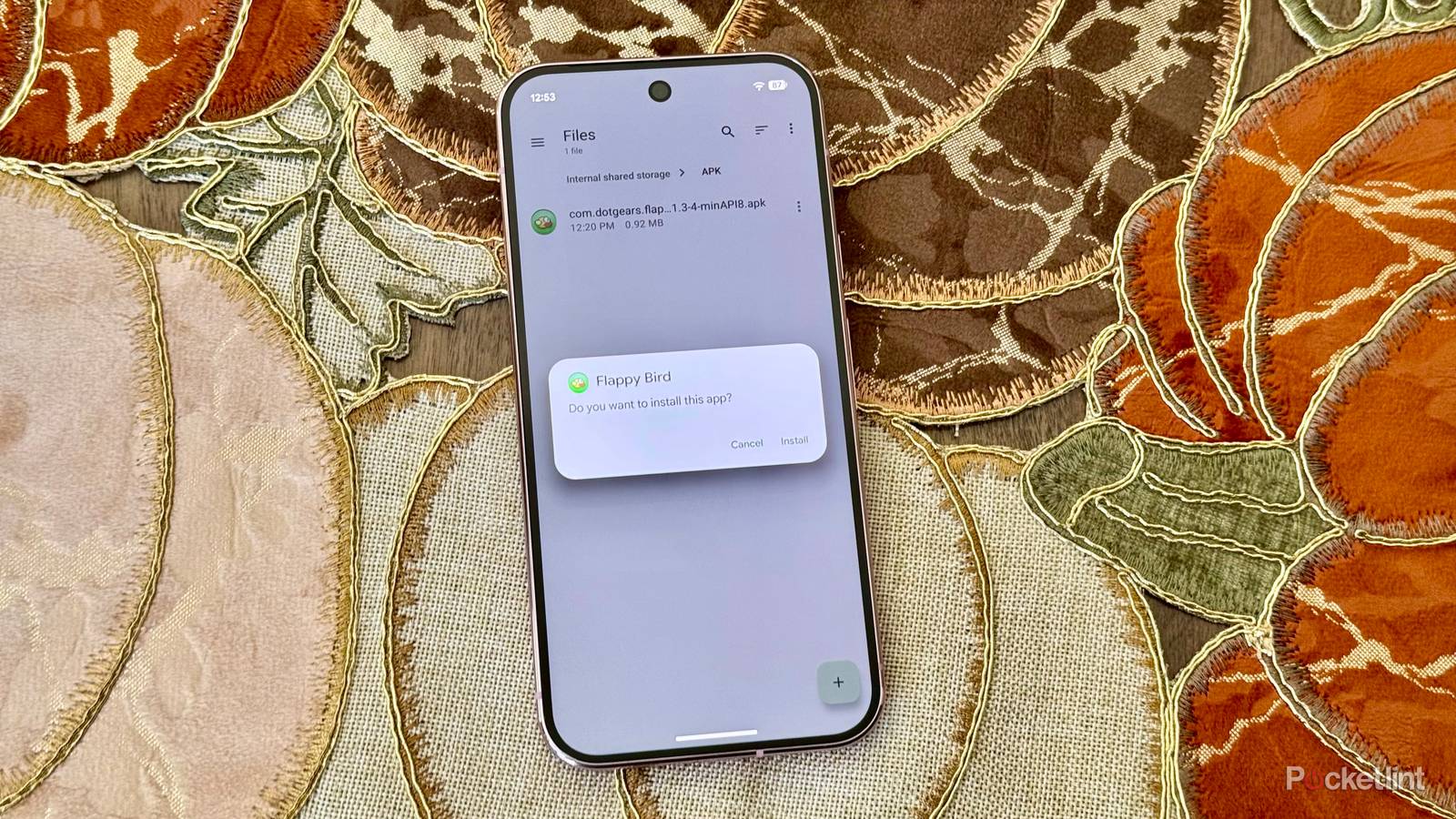
Sideloading, if you’re not familiar, is the workaround developers and some of us civilians use to get around sanctioned app stores. For developers, the issue is that apps need to be tested before they’re ready for primetime. On the civilian front, there are useful functions that may break app store rules, and of course some people exploit this to install pirated apps.
In March 2026, Google unveiled a new approach to sideloading that’s been controversial, but in theory straddles a thin line between freedom and protecting people from malware. It’s finally rolling out, so here’s what you need to know about its availability and how it works.
The story on Android’s new sideloading system
Who gets to be the gatekeeper?

What’s controversial is Google’s decision to require most developers to verify their identity before an app can run on Android — whether or not it’s downloaded from an authorized app store. That does in theory make it harder to slip malware onto your phone, but if Google left it at that, it would also make things harder for casual app creators wanting to share tools with others.
The good news is that if you’re truly committed to installing apps from unverified sources, Google will let you without using ADB (the Android Debug Bridge), assuming you meet the requirements. You can find detailed instructions below. The gist is that once you’ve enabled Android’s developer menu, you can toggle unverified sources, restart your phone, and start installing unverified apps 24 hours later. Once that’s accomplished on a single Android device, the change will carry over to every other device linked to your account.
Why the delay? Google is worried about scammers tricking you. In fact, the reboot is meant to cut off any phone calls or remote access a scammer might have, and you’re asked directly if someone is coaching you. You can also choose to limit access to one week if you’re worried about creating a permanent security vulnerability.
As if that weren’t enough, once you enable this system — known as the Advanced flow — you’ll still get a pop-up warning you when you try to install unverified software. You can waltz on through if you tap Install anyway.
How to enable Android’s Advanced sideloading flow
Plus requirements and availability

To start with, you’ll need to enable developer options:
- Open the Settings app.
- Select About phone.
- Tap on Build number seven times.
- When prompted, enter your PIN or password.
- When you return to Settings, you should see a Developer options button.
If your phone is eligible for the Advanced flow, follow these steps.
- Install Android Developer Verifier from the Play Store.
- Under Developer options, go to Apps from unverified developers.
- Toggle on Allow apps from unverified developers. Re-authenticate yourself when prompted.
- When asked if you’re being coached, tap No one asked me. No legitimate business or government agency will force you to bypass Google’s safeguards.
- Restart your device to start the 24-hour delay countdown. You can tap Restart later if you need to accomplish other things first.
- Once the delay is over, return to Apps from unverified developers.
- Choose between the seven-day or indefinite windows. Google recommends against the latter, but if you want to install or update unverified apps in the future, the seven-day option will eventually force you to go through this process again.
Note that if you need to temporarily disable the Advanced flow, you can do that for 10 minutes without another 24-hour wait. Also, you don’t need to leave developer options on to use unverified apps.
The real kicker here is that even with Android Developer Verifier installed, you may not see the Advanced flow immediately. That’s because Google isn’t enforcing verification until September 30, 2026, and it’ll be limited to Brazil, Indonesia, Singapore, and Thailand until a global rollout sometime in 2027. Google is at least covering a broad range of app stores at launch, namely the Google Play Store, GetApps, the Samsung Galaxy Store, the Palm Store, the V-Appstore, and the Honor and Oppo App Markets.


