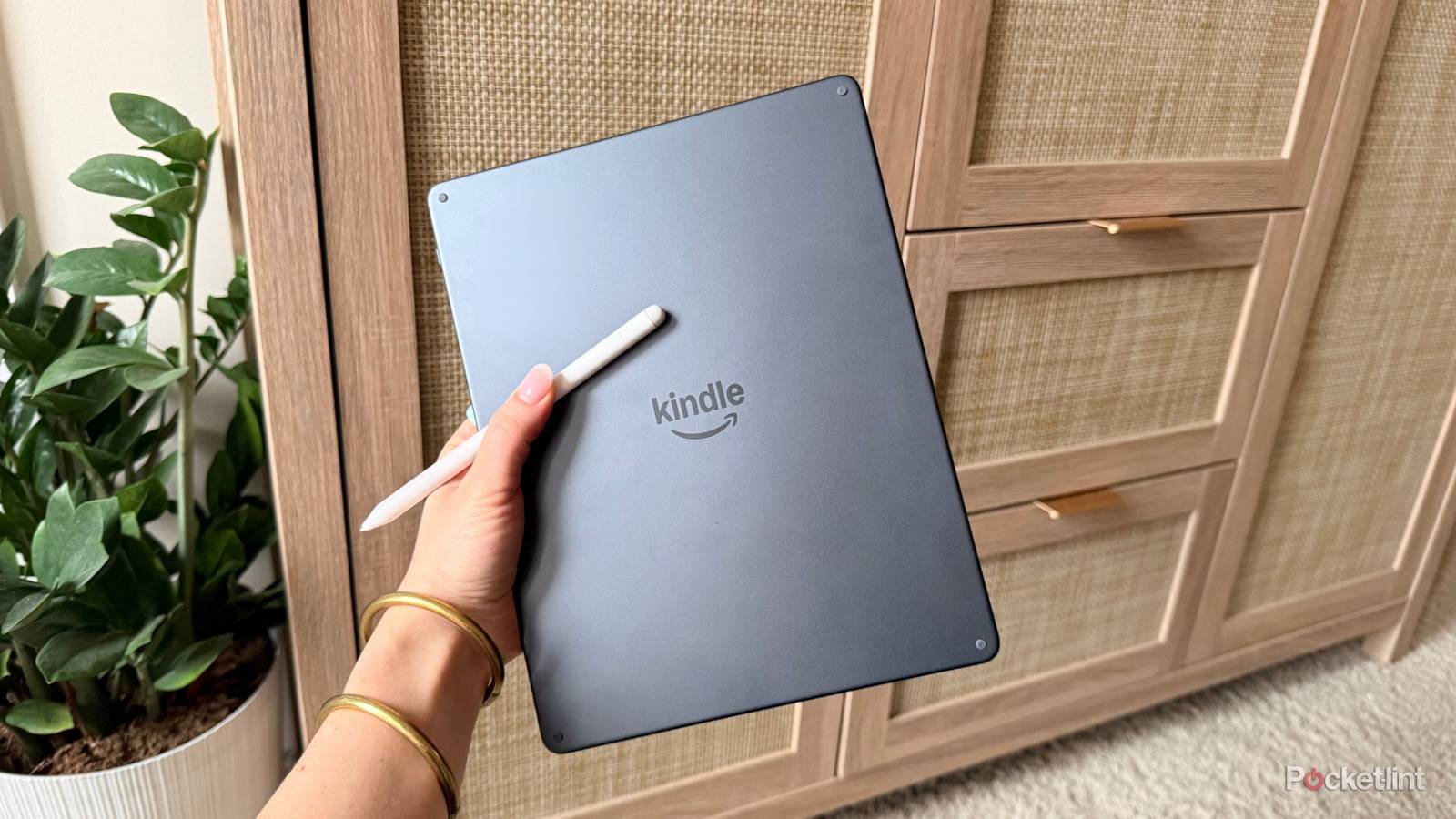
I’ve always liked the Kindle Scribe, mainly because it has a larger screen than other Kindles and also doubles as a digital notebook, making it great for taking notes and annotating PDFs. And since it features a paper-like E Ink display, writing on it feels much more like using a pen and paper than taking notes on an iPad.
However, one flaw the Kindle Scribe has had since the first model launched in 2022 is that you couldn’t edit PDFs you sideloaded via USB. You could only view them. After four years, that’s finally changing.
With the latest Kindle software update, version 5.19.2, Amazon has finally updated every generation of the Kindle Scribe to now support annotating and editing PDFs that have been sideloaded (via Good E-Reader).
This means that if you connect your Kindle Scribe to a PC or Mac and drag and drop PDF files from your computer to your Kindle Scribe for review, you can now actually edit them. Which, for some mind-boggling reason, you couldn’t do before.
Previously, the only way to annotate or edit a PDF on a Kindle Scribe before this update was to use Amazon’s Send to Kindle tool.

- Storage
-
32GB, 64GB
- Brand
-
Amazon
- Screen Size
-
11-inch glare-free display
- Battery
-
Up to 12 weeks
How to sideload PDFs onto your Kindle Scribe
You will need to connect your Scribe to a PC using a USB cable

If you want to try out this new feature on your Kindle Scribe, the first step is to ensure it is updated to the latest software version, 5.19.2.
To do this, go to Settings > Device Options > Software updates. When you tap Software updates, if it says your Kindle Scribe is on version 5.19.2, you’re good to go. If it isn’t, it should begin updating.
Once you’ve done that, plug your Kindle Scribe into a PC or Mac via USB, and then navigate to open your Kindle Scribe’s file folder. You should see a folder on your Scribe labeled “Documents.” You can add any PDFs you have to that folder, and they’ll then appear in your Kindle library on your device.
So if you have lots of PDFs you want to edit, this is a much easier way to get them onto your Kindle Scribe, rather than uploading them all via Send to Kindle and waiting for them to appear on your device.
It’s wild to me that the ability to edit sideloaded PDFs is only now being added to the Scribe… But hey, better late than never, I guess?
It’s wild to me that the ability to edit sideloaded PDFs is only now being added to the Scribe, and not years ago, given that one of its main selling points is note-taking and document editing. But hey, better late than never, I guess?
One thing I want to mention as well is that I’m really glad Amazon has added this feature to all its Kindle Scribes. So, whether you have a first-gen, second-gen, or third-gen Kindle Scribe, you can now edit sideloaded PDFs with the 5.19.2 update.
Amazon recently released its third-gen Kindle Scribe, featuring a sleeker design and a larger display that make it look more like an iPad. It also introduced its first-ever Kindle Scribe Colorsoft, a version of the new Scribe with a color display similar to the Kindle Colorsoft. The new Kindle Scribe starts at $500, though, so it is a bit more expensive than the previous generation Kindle Scribe. However, Amazon is soon releasing a version of its new Kindle Scribe without a front light, priced at $430.