


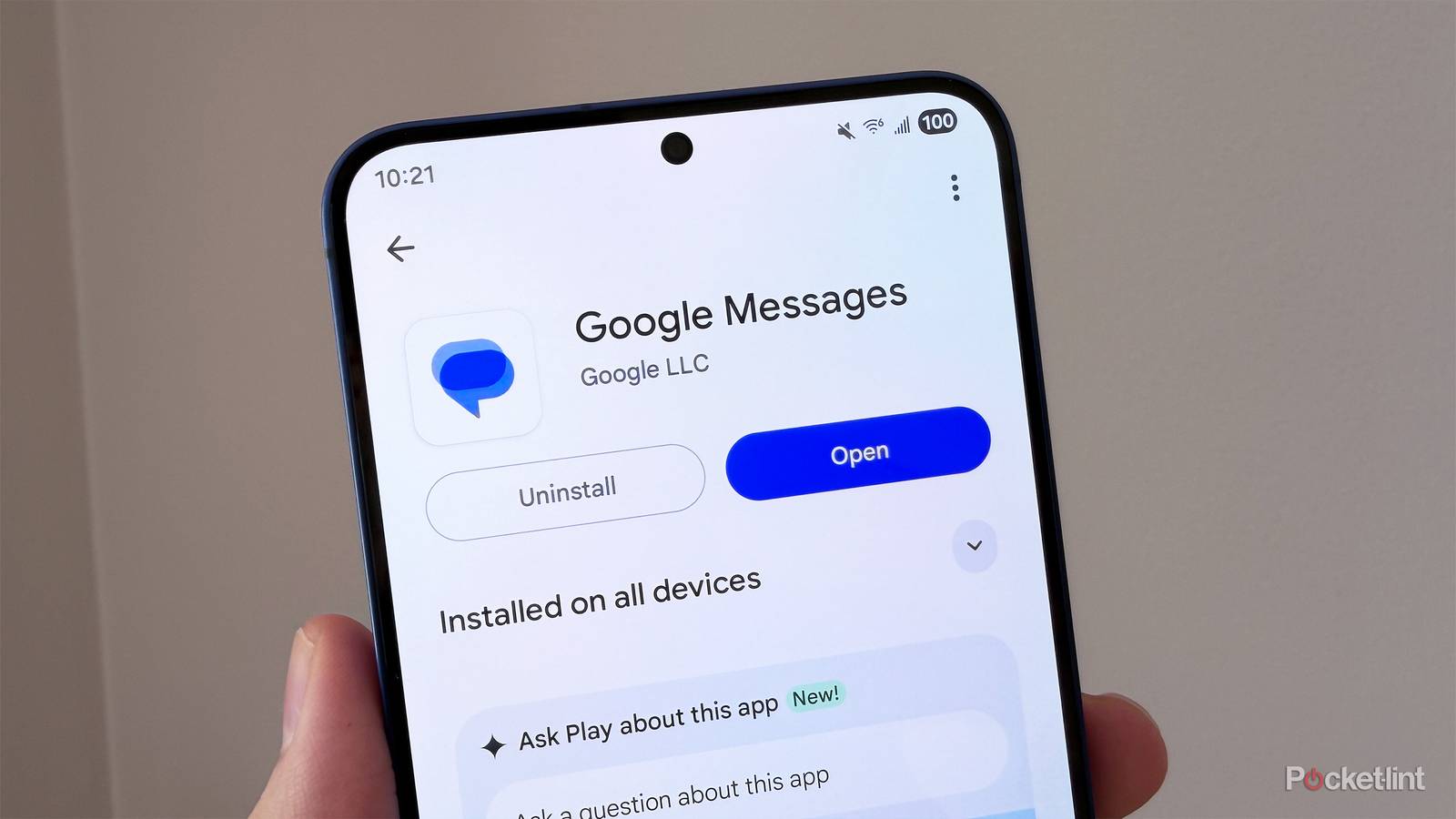
I’ve got to give Google some credit here. Over the past few years, it has put in a lot of work to improve Google Messages, bringing it to a point where it can properly compete with popular messaging apps like iMessage and WhatsApp.
It’s added tons of handy features, including making RCS the default for all users and adding modern messaging features like reactions, replies, and improved group chats and media sharing. Now, Google has another useful feature on the way that will bring Google Messages even closer to its biggest competitors: live location sharing.
As the name suggests, live location sharing lets you share your real-time location in a conversation, so the other person can see exactly where you are. Whether you’re meeting up with a friend or just want someone to know you made it home safely, it’s an easy way to keep them in the loop.
It’s a feature that iMessage and WhatsApp have offered for a while now, and according to Android Authority, Google is working on bringing the same capability to Google Messages.
Google Messages’ live location sharing works similarly to iMessage
You can choose how long to share your location for

Android Authority dug into a beta version of Google Messages and found a way to enable live location sharing and try it out, even though the feature isn’t live yet.
In the beta version of Google Messages, to share your live location, all you have to do is tap the attachment icon in a conversation (the + icon) and then select “Real-time Location.”
Once you tap that, a map will appear on your screen showing your location, and you can choose how long to share your location with the contact you’re messaging, with options of one hour, today only, or a custom duration. After you’ve decided how long, you can send your live location to that contact. At the top of the messages screen with them, you’ll see a persistent banner that shows you’re sharing your location and when it expires.
If you want to stop sharing your location at any time, all you have to do is tap that banner in the messages chat and press “Stop.”
Google already offers live location sharing in its Find Hub app, so it’s essentially bringing that feature over to Google Messages here, which is a welcome addition.
Overall, the implementation of live location sharing in Google Messages is extremely straightforward and quite similar to how iMessage handles it, where you tap the “+” icon, then tap Location to share your live location with a contact.
I use live location sharing all the time on iMessage, whether it’s a friend sending me their location, so I know where they are when I’m picking them up from the train or airport, or me sending my location to someone so they can track how far I am from them for a meetup. Additionally, it’s a handy safety feature to use after a night out to let someone know you’ve gotten home safely.
Google already offers live location sharing in its Find Hub app, so it’s essentially bringing that feature over to Google Messages here, which is a welcome addition. It’s worth noting again that this feature isn’t live yet, but since it’s been found in the Google Messages beta, it hopefully shouldn’t be too long before it rolls out widely.