


One of the moments I look forward to each year is when Spotify Wrapped drops, revealing all the insights into my music listening habits from the past year. It has become an annual phenomenon for many people, and with its newest update, Spotify seems to be trying to capture some of that magic and make it happen more often.
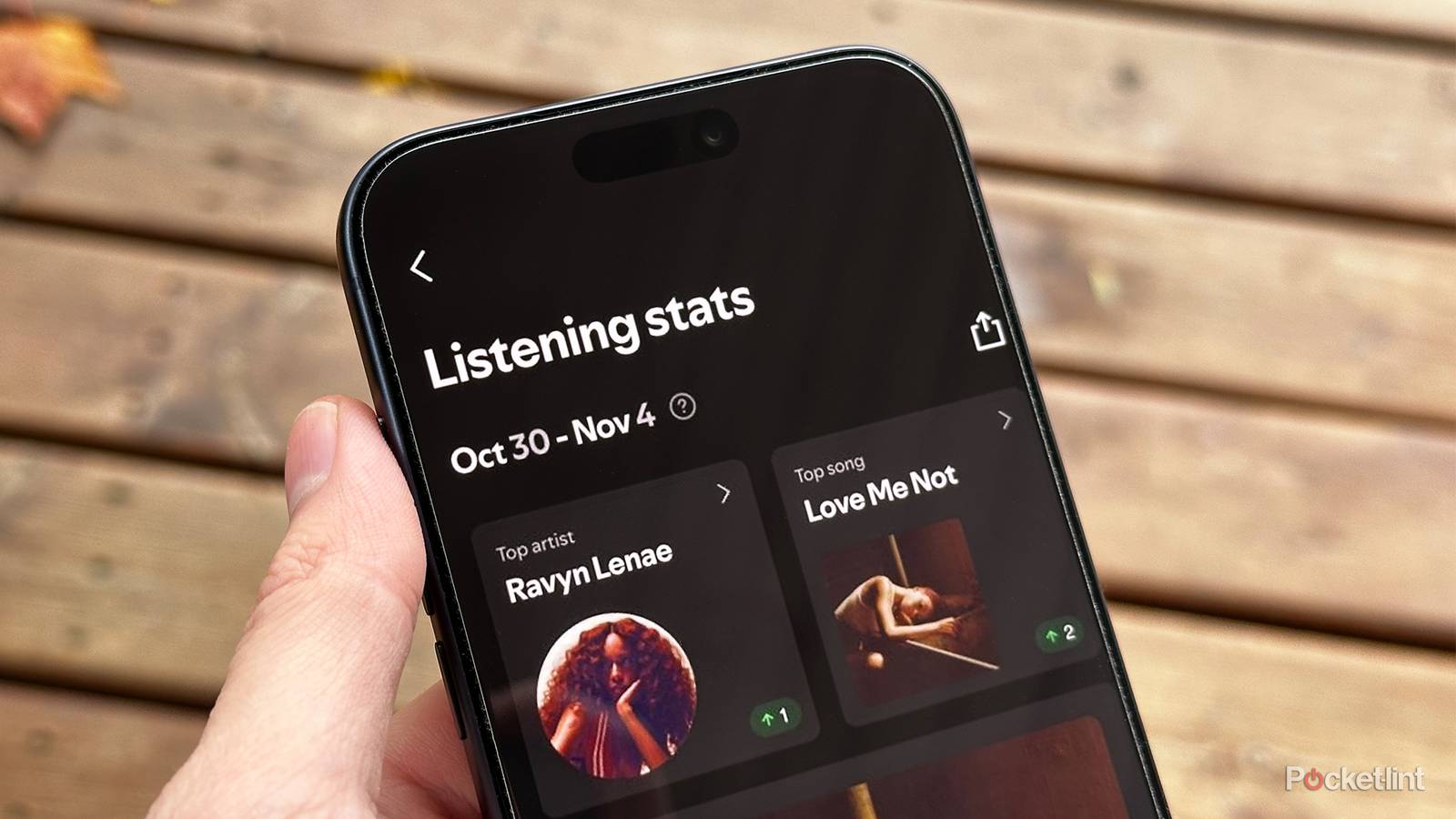
Spotify recently announced the launch of a new feature called “Listening stats,” which highlights the songs and artists you’ve been listening to the most over the past four weeks and recommends playlists inspired by them.
Listening stats will also show you your top artists and songs for a specific week, and let you share that snapshot in time with friends through Spotify’s new direct messaging feature or via social media apps like Instagram, WhatsApp, and others.
Spotify also states that each week, Listening stats will feature a “special highlight” that showcases what makes your listening habits unique, such as a “milestone, new discovery, or fan moment.”
Listening stats is rolling out to free and premium Spotify users now and is available in more than 60 countries. Spotify said its annual Wrapped is still coming soon, which will give you the “full story of your year in music.”

- Premium Subscription
-
$12 per month
- Free trial
-
Yes
- Ad plans
-
Free with advertisements
How to view your Listening Stats on Spotify
It’s not as detailed as Spotify Wrapped

If you want to check out listening stats on Spotify, the first thing you’ll need to do is make sure the app is up-to-date on your device. The easiest way to do this is to open the app store on your device, whether it’s the Apple App Store or Google Play Store, and navigate to Spotify’s app page. If an update is available, you’ll see a button labeled “Update” instead of “Open”. If it just says open, your app is already up-to-date.
Once you’ve made sure your app is updated, here’s how to find listening stats on Spotify:
1. Tap your profile image in the top left corner of Spotify.
2. Select Listening stats.
3. From there, you can view all your top artists and tracks from the past week, and tap Share to send them to friends.
If you don’t see listening stats on your Spotify app yet, even after updating, it’s probably because Spotify is still rolling out the feature to all users, and it should appear soon.
Spotify already provides a lot of music recommendations through Daily Mixes, Discovery Weekly, and Release Radar, so listening stats is just another tool in the toolbox to help you revisit your favorite tracks and discover new music.
I’m a fan of what Spotify is doing here, and I like the idea of being able to check my listening stats each week to see what songs and artists I’ve liked the most and get recommendations based on that.
Listening stats seems like a middle ground between Daily Mixes and Spotify Wrapped. It offers a glimpse into some of the details of your listening habits, but it doesn’t go nearly as in-depth as Spotify Wrapped does. So, if you’re worried about it ruining the excitement of Spotify Wrapped, it doesn’t seem like it will spoil the experience that much.
So far, from what I’ve seen, I’m a fan of what Spotify is doing here, and I like the idea of being able to check my listening stats each week to see what songs and artists I’ve liked the most and get recommendations based on that. It’s also a simple way to quickly share that info with friends. Spotify Wrapped usually drops in early December, so if you want to see your full year’s music stats, you won’t have to wait much longer.