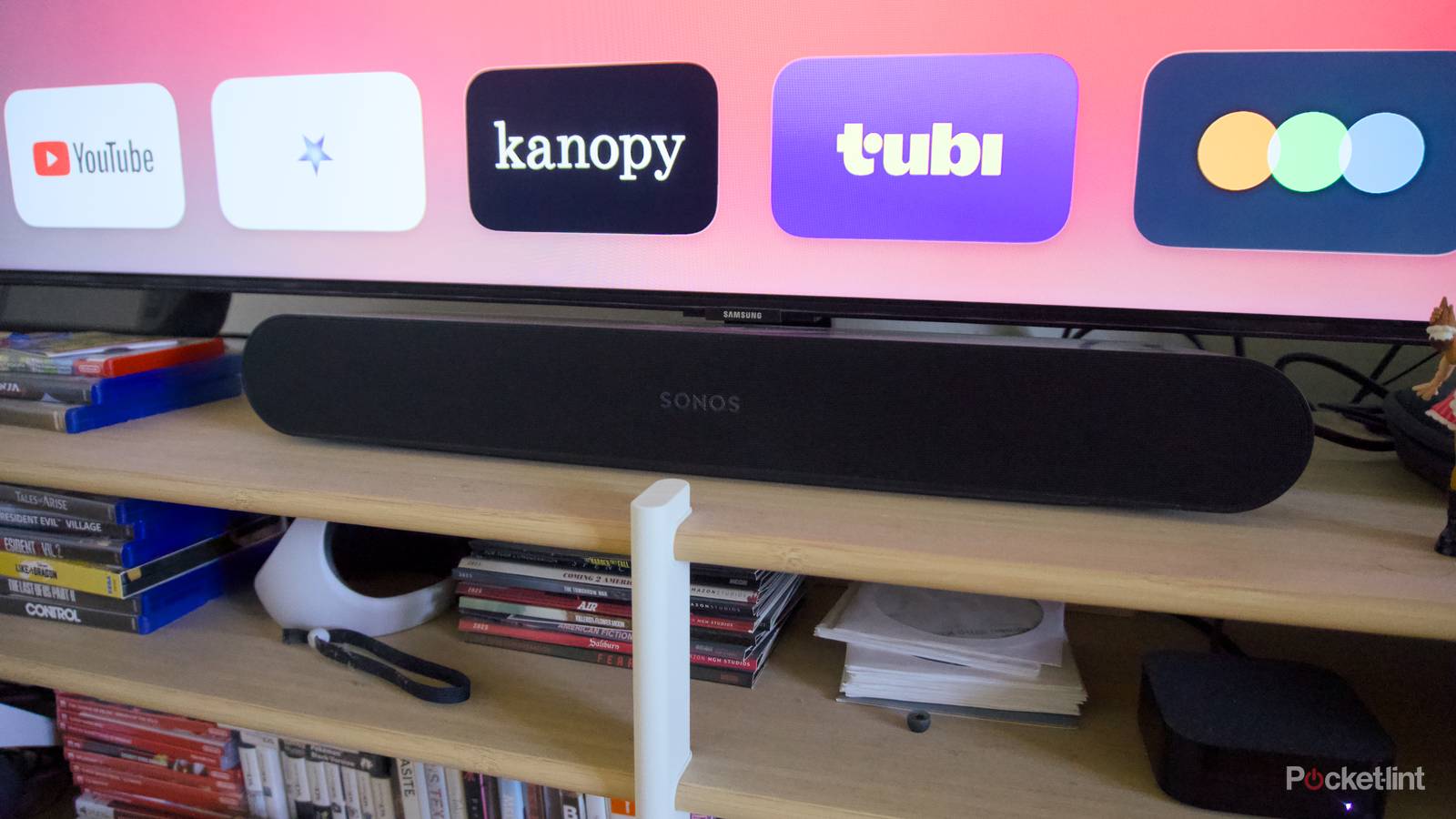
Soundbars are a wonderful thing. I know some home theater enthusiasts dislike them, but that’s because it’s possible to get even better results if you’re willing to pay for upgrades like a receiver and floor speakers. Within the budget of us mere mortals, a soundbar is often a fast ticket to cinematic immersion.
Changing settings isn’t always necessary — it’s possible that a soundbar will be ready to go the second you plug it in. More likely, though, is that you’ll want to spend some time personalizing it using an associated mobile app. Some models have more options than others, so don’t fret if you can’t find everything mentioned here.

- Connectivity
-
HDMI eARC, Bluetooth, Wi-Fi, Apple AirPlay 2
- Audio Channels
-
9.1.4
Room calibration
A must whenever it’s available

If you’re a casual TV viewer, room calibration might feel like a gimmick, and I wouldn’t blame you for thinking that way. Speakers have sounded excellent for decades without it. And to be honest, I don’t always notice the difference myself.
Major impact occurs when a space has unusual acoustics. A tiny room with heavily decorated plaster walls, for example, will naturally have less reverb than a larger space with spartan wood or concrete surfaces. Compensating for acoustics can fix issues like bass bloat, murky dialogue, and asymmetrical speaker placement. It’s absolutely vital, in fact, if your bar supports spatial audio formats like Dolby Atmos and DTS:X. Without calibration, spatial effects may misfire in one way or another.
If your bar supports this calibration, be sure to run it again whenever you shift between rooms, or make substantial changes to the one you’re in. Thankfully, some bars can do this without you lifting a finger.
EQ levels
Avoid boost buttons (if you can)

Under most circumstances, the right EQ settings are purely subjective. While one person may value clear dialogue over everything else, another might not be satisfied unless the entire room is shaking. Too often, however, speaker makers seem to botch their defaults, as if they haven’t tested their own product. A few taps can potentially transform a soundbar from a disappointment into a miracle.
The best soundbars allow granular EQ control, meaning you can adjust a range of independent frequencies instead of depending on presets or grouped highs, mids, and lows. This amount of control isn’t always necessary, but I’ve found that the right tweaks can sometimes make highs and mids sing without compromising bass.
That’s one reason you should avoid using bass, treble, and/or dialogue boost buttons unless there’s nothing better available. The other is that these can sometimes compress dynamic range, although that might be a worthwhile sacrifice if bass is weak or voices are incomprehensible.
Lip sync and spatial audio offsets
Only if necessary

Normally, adjusting offsets is completely unnecessary. Any soundbar worth owning these days connects via HDMI, Wi-Fi, or at least optical, and those technologies are either inherently low-latency or paired with automatic compensation. Lip sync is baked into the HDMI 2.1 specification.
That said, various factors can throw lip sync off, and compensation is crucial if latency is any higher than about 40 to 50ms. That’s the threshold at which people begin to notice a gap. Unless you’re very tolerant, you’ll want to fix sync immediately, using either your soundbar’s app or your TV’s audio settings.
As for spatial audio, soundbars with optional rear or side satellites may include options to manually refine distance and/or timings, assuming they don’t do it automatically, a la DTS:X or Dolby FlexConnect. When a bar bounces audio off your ceiling for spatial effects, you may be able to adjust height channel levels (in decibels) so that vertical channels aren’t too weak or overpowering.