4K Blu-ray players are mostly for playing 4K Blu-ray discs. That should be obvious by the name alone, but it’s not all they are capable of. I have one that makes for a truly awful streaming box, but the opportunity is there. While that’s pretty much a useless way to use your player, I can think of some other ways to squeeze out some value from your player.
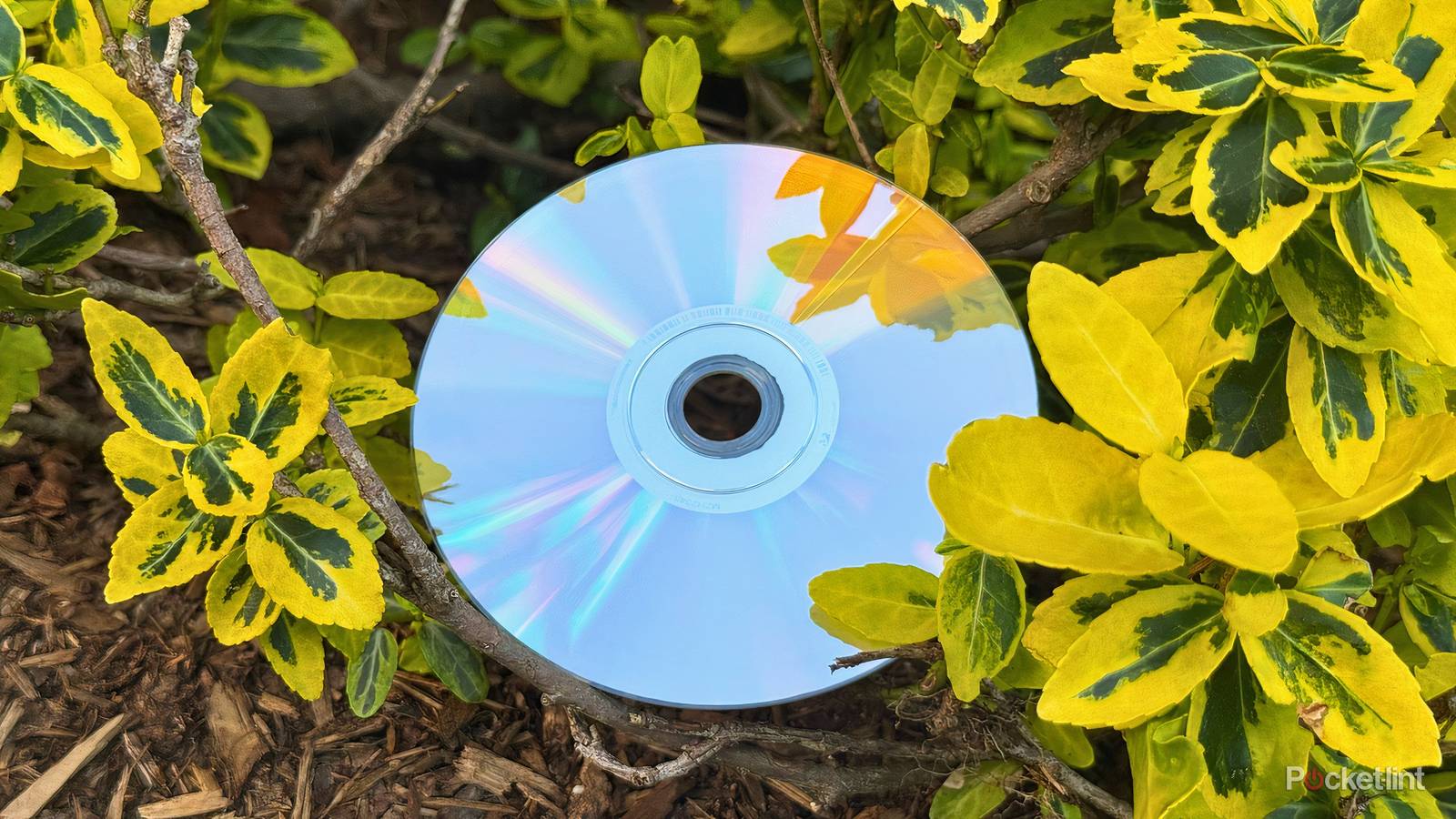
If you love physical media and collecting movies, that might span to other areas, like music. CDs have been around for a long time, and I remember using my PS2 as a CD player, and I also remember burning CDs on my original Xbox. You might not realize that your 4K Blu-ray may already be the best CD player that you own. I know when I was getting back into physical media, I was wondering if I would have to go out and buy a CD player, but the answer was no. Yes, there are dedicated CD players out there that will give you more quality, but a 4K Blu-ray player is a fine start.
Your 4K Blu-ray player is a good CD player
The more you know

I would argue that the main selling point of a CD player is the superb quality. You don’t have to worry about lossy audio with a disc, and your 4K player lets your CD play at its maximum bandwidth. There are some obvious downsides to using the 4K player, with the main one being that you have to go through a specific menu to play a CD versus popping it into a CD player and listening to it.
If you’re okay with that, then you’ll get a lot of mileage out of your 4K Blu-ray player. Like any device that’s being used for something that it’s not explicitly designed to do, there are better alternatives. I don’t spend a lot of time listening to CDs, so I don’t think it’s worth investing in something more expensive.
What I like the best is that I have my 4K Blu-ray player hooked up to my sound system, so putting a CD into it means I get to listen to music that is the best possible quality in my home. I have a separate receiver hooked up to my record player, but that only works for vinyl records, and it would be a hassle for me to fit a CD player on to that shelf. My 4K player is just the most convenient way for me to do this, so that’s why I do it. At the very least, it’s better than the likes of Apple Music and Spotify, and I get to use my CDs instead of a streaming service.
If you like to hit up thrift stores, you’ll find that CDs are among the cheapest pieces of physical media available at them. While a boom might be happening in other areas, it seems like it hasn’t quite caught on for CDs yet. Now is a perfect time for you start building up a CD collection if you’re into music and want to get into physical media.
It’s a bit like using a game console as a Blu-ray player
Whatever works best for you

Before I picked up my 4K Blu-ray player, I used my Xbox to play my discs. Coincidentally, an Xbox is a fine way to play your CDs as well. If you’re relatively up-to-date with new technology, you probably have some way to play a CD, whether that’s a game console or a Blu-ray player. Only enthusiasts go the extra mile and get a dedicated player. Many people I know still use game consoles as their Blu-ray player, and there’s nothing wrong with that. Just know that if you take that path, you leave some performance on the table.
For CDs, the main thing I noticed are interface issues, and the fact that I need to have my TV on to do anything. An actual CD player doesn’t need a screen, and it’s a lot snappier than having to rely on a remote to navigate through things. Your audio system is the biggest factor at play here, and if yours is up to snuff, you probably won’t notice any difference between using a Blu-ray player or an actual CD player.
I think the gap is a bit larger when you use your PS5 as a 4K Blu-ray player. The main difference there is that you don’t have access to Dolby Vision. This is a fantastic HDR format, and it’s one of the big selling points of a standalone player. If you have a TV that supports Dolby Vision and care about getting the best quality, then you should probably look into getting a 4K Blu-ray player down the line. There are a few options, but unfortunately, nearly all of them will cost you a few hundred dollars.