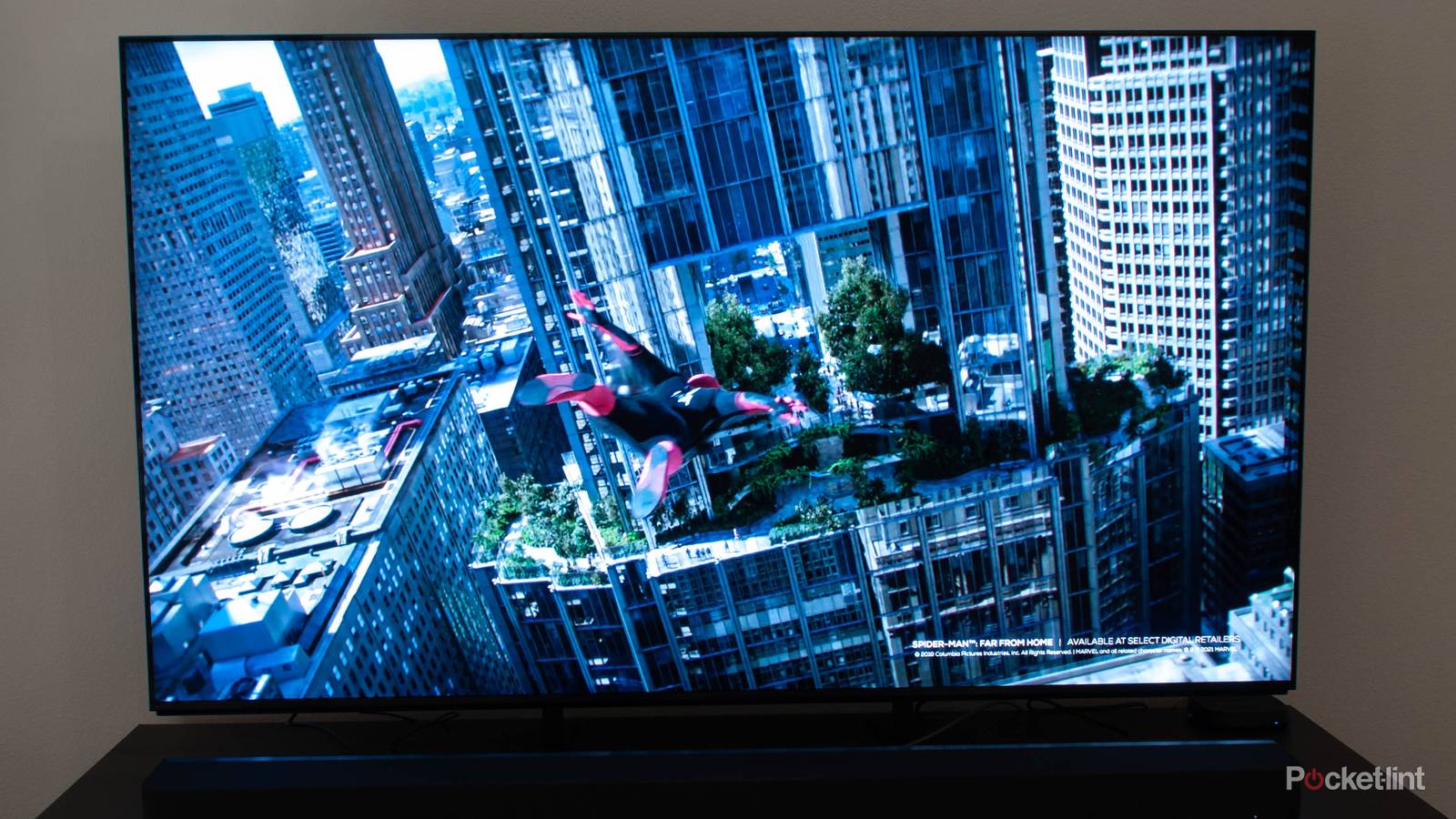
Many of you are probably too young to remember, but for a while in the 1980s and ’90s, a battle raged between the backers of fullscreen and widescreen VHS tapes. Fullscreen, at the time, meant 4:3, the ratio most TVs were sold in. Supporters wanted their video to fill up the whole screen, no matter that most movies were shot in 16:9 (or wider), inevitably losing some of their content in the home transition. Widescreen champions were okay with black bars and a smaller picture so long as it meant getting the entire image.
The widescreen side ultimately won the day, a slice of fullscreen DVDs notwithstanding. Any recent TV will have been designed around 16:9 without a second thought. But aspect ratios still matter in 2026, particularly in how your TV handles unusual ones. The consequences can extend beyond stretched-out characters and scenery.

TV aspect ratios through the ages
Trivia challenge
From boxy CRTs to ultra-wide screens — how well do you know the numbers
behind the picture?
HistoryStandardsWidescreenBroadcastingTechnology
What aspect ratio was used by almost all standard-definition televisions throughout
most of the 20th century?
Correct! The 4:3 ratio (also expressed as 1.33:1) dominated television
from the very beginning of broadcast TV right through to the HD transition. It was chosen largely
because it closely matched the aspect ratio of early 35mm film frames, making content sharing between
cinema and TV easier.
Not quite — the answer is 4:3. This nearly square ratio was the global
standard for analogue television for decades, chosen in part because it mirrored early cinema film
dimensions. It wasn’t until widescreen HD broadcasting took hold in the 2000s that 16:9 began to take
over in living rooms worldwide.
What aspect ratio is the current standard for high-definition and most modern
flat-screen TVs?
Correct! 16:9 became the international standard for HDTV and is now
essentially universal for flat-panel televisions. It was chosen as a compromise ratio that works well
for both widescreen cinema content and traditional broadcast material, and it aligns neatly with 1080p
and 4K resolutions.
The correct answer is 16:9. This widescreen ratio was standardised for
HDTV after engineers determined it was the best mathematical compromise between the various widescreen
cinema formats and the old 4:3 standard. It’s the ratio behind 720p, 1080p, and 4K UHD screens found in
homes today.
Which organisation formally standardised the 16:9 aspect ratio for HDTV in 1987?
Correct! The Society of Motion Picture and Television Engineers (SMPTE)
formally recommended the 16:9 ratio following research by engineer Kerns Powers, who found it to be the
geometric mean of the most common cinema aspect ratios in use at the time. It was a clever mathematical
solution to a very practical problem.
The answer is SMPTE — the Society of Motion Picture and Television
Engineers. Engineer Kerns Powers proposed 16:9 after calculating the geometric mean of all the major
widescreen cinema formats then in circulation. The idea was that 16:9 would crop or letterbox other
formats with the least wasted screen space.
What was the purpose of the ’14:9′ aspect ratio that UK broadcasters used during the
transition from 4:3 to 16:9?
Correct! 14:9 was a clever transitional compromise used by broadcasters
like the BBC and ITV in the late 1990s and 2000s. A 16:9 picture would be slightly letterboxed on a 4:3
TV but still look wider and more cinematic, while 4:3 content would be mildly cropped on a widescreen
set — neither format suffered too badly.
The answer is that 14:9 served as a transitional compromise. UK
broadcasters used it as a safe zone during the years when audiences had a mix of old 4:3 and new 16:9
sets. By keeping the key action within a 14:9 frame, content looked reasonable on both screen shapes
without severe letterboxing or cropping.
What term describes the black horizontal bars that appear at the top and bottom of a
screen when 2.35:1 widescreen film content is displayed on a 16:9 television?
Correct! Letterboxing refers to the black bars added above and below an
image to preserve its original wide aspect ratio on a narrower screen. The term comes from the shape of
a letterbox slot in a door. Many cinephiles actually prefer letterboxed presentations because the full
intended composition of the film is preserved.
The correct term is letterboxing. Those black horizontal bars are added
to preserve the original cinematic aspect ratio when a film wider than 16:9 is shown on a standard TV.
Pillarboxing is the opposite — it refers to the vertical black bars on the sides when a narrow 4:3 image
is shown on a widescreen display.
What name is given to the black vertical bars that appear on either side of a 4:3
image when it’s displayed on a 16:9 widescreen television?
Correct! Pillarboxing describes the vertical bars that frame old 4:3
content on a widescreen display. Some TVs fill these bars with a blurred or mirrored version of the
image edge, while others simply leave them black. When both pillarboxing and letterboxing appear
simultaneously — for very wide cinema on a 4:3 set — it’s called windowboxing.
The answer is pillarboxing. Those tall black bars on either side of a
4:3 image on a widescreen TV are the vertical equivalent of letterboxing. Some viewers stretch the image
to fill the screen, but this distorts the picture — people appear unnaturally wide. When both types of
bars appear at once, the result is called windowboxing or a ‘postage stamp’ image.
Ultra-wide TVs and monitors sometimes use a 21:9 aspect ratio. Which cinema
projection format most closely inspired this ratio?
Correct! The 21:9 ratio (approximately 2.33:1) closely mirrors the
anamorphic widescreen format popularised by CinemaScope in the 1950s, which typically produces a 2.35:1
or 2.39:1 image. Ultra-wide 21:9 TVs were marketed as offering a more cinematic experience, eliminating
or reducing letterbox bars for many Hollywood films.
The answer is CinemaScope and the anamorphic widescreen format. The 21:9
ratio at roughly 2.33:1 is very close to the 2.35:1 of classic anamorphic cinema lenses. Ultra-wide TV
manufacturers promoted this as the ‘cinematic’ ratio, meaning many Hollywood blockbusters can fill the
screen without letterbox bars — though content made for 16:9 will show pillar bars instead.
Before television standardised on 4:3, early experimental TV systems in the 1920s
and 1930s used a variety of unusual aspect ratios. What ratio did John Logie Baird’s early
mechanical television system use?
Correct! Baird’s early Televisor system used a tall, narrow
portrait-oriented image of roughly 3:7, meaning the picture was taller than it was wide — the opposite
of modern screens. This was partly a consequence of the mechanical scanning disc technology he used. The
image was tiny and low-resolution by any modern standard, but it was a genuine moving picture
transmitted electronically.
The answer is 3:7 — a portrait-oriented ratio taller than it was wide.
Baird’s mechanical Televisor of the late 1920s produced a narrow upright image, essentially the inverse
of what we think of as a TV picture today. The format was driven by the limitations of his Nipkow disc
scanning mechanism rather than any aesthetic choice, and it was quickly superseded by electronic systems
using more familiar ratios.
Your Score
/ 8
Thanks for playing!
A quick primer on aspect ratios
Just to make things clear

Aspect ratio refers to image proportions in terms of length versus width. 16:9 could be using any measurement system, but the consistent thing is that for every 16 units of length, there are 9 units of width. Favoring the first number results in an elongated image, while a relatively even pairing (like 4:3) is going to look boxy.
There’s nothing concrete forcing your content into one of the two ratios I’ve mentioned so far. Certainly, cameras and screen sizes will be better suited to one ratio or another, but cropping is a way around this dilemma, and it’s done all the time. When you watch a Christopher Nolan movie, the scenes shot with IMAX cameras are inevitably cropped for home release, since their 1.43:1 aspect ratio just doesn’t fit your TV.
The reason 16:9 is everywhere is that what was originally a compromise — between 4:3 and even wider formats — gained enough industry traction to become a hardware and content standard. Strictly speaking, there’s nothing stopping TV makers like LG, Samsung, or Hisense from switching to 16:10 like your laptop, or 2.65:1 like an old Cinerama theater. The former would leave you with bigger black bars (letterboxing) in the most prevalent widescreen ratios, however, while major frame elements might be cut off in Cinerama.
Why you should still worry about aspect ratios on your TV
Adaptability isn’t always what it should be

Being designed around the catch-all 16:9 format, your TV doesn’t often encounter problems with other ratios, as long as the video is received in a form it knows how to process. The Golden Girls, for example, may have been shot in 4:3, but if you’re watching it on Hulu/Disney+ or a DVD player, it’s going to be properly “pillarboxed” to retain the same ratio.
When you connect an older analog source device such as a VCR or a LaserDisc player, your TV doesn’t necessarily know what to do with that signal. There’s nothing automatically flagging the correct ratio, so there’s a risk your TV will take a 4:3 image and stretch it out to 16:9, making for a distinctly unwatchable experience. Some older content was mastered to be anamorphic — that is, it counted on a TV stretching things out, letting content flip between 4:3 or 16:9 on the fly — but that wasn’t commonplace.
It’s not just movies and TV shows that are impacted by this problem, either. Even game consoles like the GameCube and PlayStation 2 were built with 4:3 in mind, and of course many older consoles never had the option of digital output. If you plug an NES into a modern TV using a cheap HDMI adapter, there’s a chance the content will be so stretched as to be unplayable. In fact, game designers from previous eras frequently counted on 4:3 TVs for balancing gameplay — they knew how much a player would be able to see, and how long they’d have to react to incoming objects.
There’s also the potential for scaling artifacts, such as halos, shimmering, blurring, or jagged edges (aliasing). These really just add insult to injury, but are worth mentioning nevertheless.
All these problems are why some people are willing to invest in a dedicated upscaler. Your TV already has upscaling hardware, but it’s generally meant to boost digital video to 1080p, 4K, or 8K, depending on your TV. It may be poorly equipped for anything else. Helping you play NES or Genesis games is especially low on the priority list, because extra horsepower is required to render game graphics with minimal lag. Lag doesn’t matter if you’re just trying to watch your VHS copy of Raiders of the Lost Ark.
Keep in mind that there’s only so much any upscaler can do. A VHS tape from 1984 is going to have inherently low resolution, worse than any DVD. An upscaler can fix ratios, duplicate pixels to fill up a 4K screen, and perhaps clean up some artifacts, but it can’t add detail where there wasn’t any. Generative AI could in theory try to fill in the details, but that’s going to be a fabricated illusion at best.
On a final note, something you might be wondering about is IMAX Enhanced, a standard you’ll encounter on a handful of devices and services, such as Disney+. This doesn’t mean you’re actually getting a 1.43:1-shaped screen. Rather, you’re getting an expanded vertical image in supported scenes, specifically 1:90:1 in the case of Disney. Otherwise, it’s a quality and compatibility benchmark, closely associated with DTS surround sound. Don’t expect a movie like Dunkirk or The Odyssey to look exactly like it did in theaters.


4.5/5
- Brand
-
Sony
- Display Size
-
65″, 75″, 85″
- Dimensions
-
Without Stand: 1443 x 835 x 48 mm
- Operating System
-
Google TV