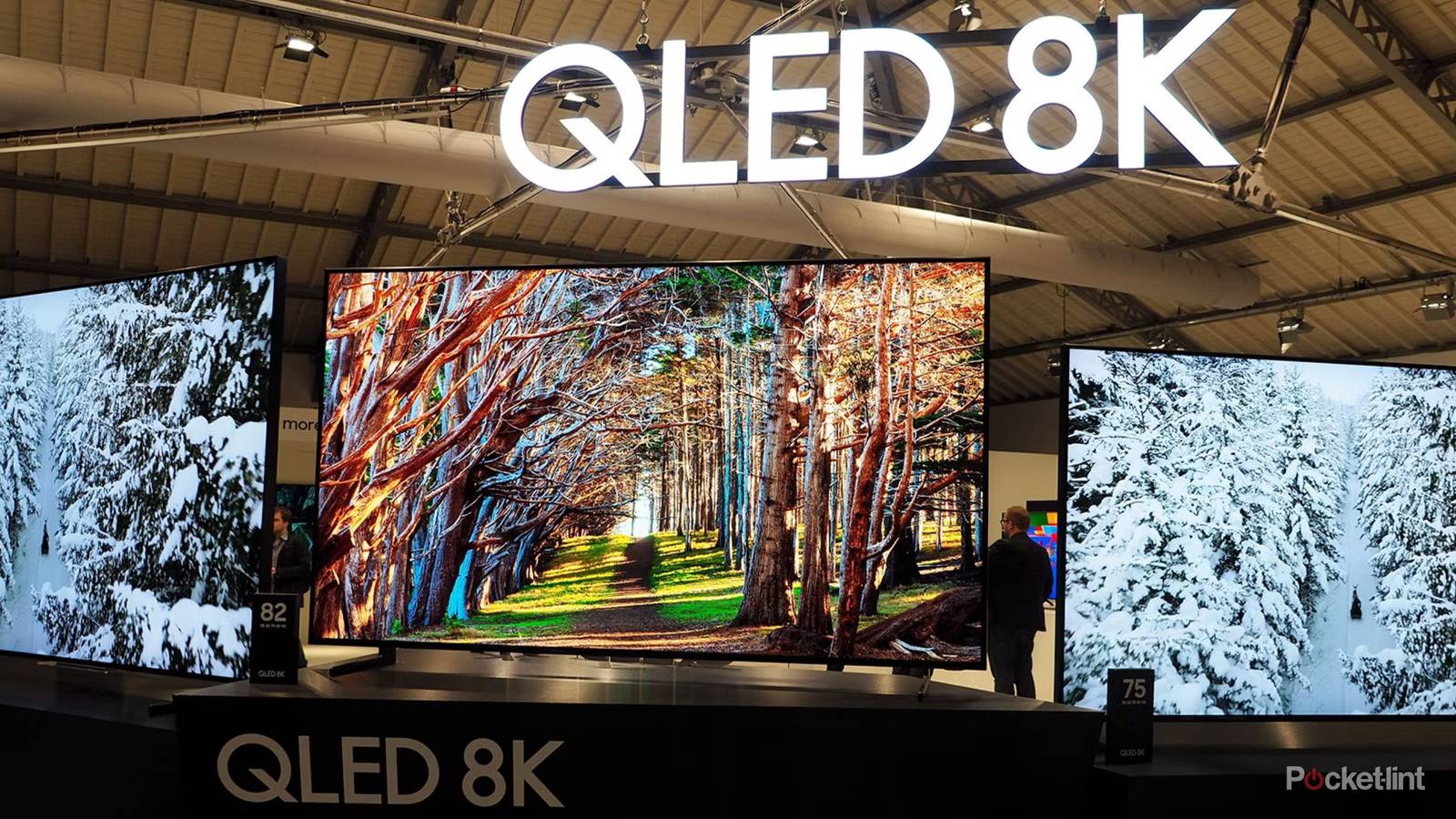
It feels like TV makers want to make my job harder sometimes. It’s one thing to devise new twists on technology. On top of that, however, they’re often rebranding common features, or coming up with those twists by combining existing standards. Case in point: QLED mini-LED, also known as mini-QLED. It’s possible for QLED and mini-LED to be separate formats, so for the purposes of clarity, I’m going to focus on “basic” QLED TVs, referencing mini-LED only where it makes the most sense.
There’s one overwhelming advantage to vanilla QLED TVs, and that’s cost. Many models are under $500, and if your priority is size, sticking with QLED can keep your budget semi-reasonable, right through to the 100-inch mark. But you may be making sacrifices to achieve those savings, which you should be aware of when you’re browsing the store. It’s no wonder mini-LED (in all its forms) is infiltrating the budget market, and will probably kill off those basic panels within the next few years.

Quiz
Mini-LED vs OLED
TV Tech Trivia Challenge
Think you know your pixels from your backlights — put your display IQ to the ultimate test.
OLEDMini-LEDDisplaysTV TechHistory
What does OLED stand for?
Correct! OLED stands for Organic Light-Emitting Diode. Each pixel contains an organic compound that emits light when electricity is applied, which is what allows true blacks with no backlight needed.
Not quite. OLED stands for Organic Light-Emitting Diode. The ‘organic’ part refers to carbon-based compounds used in the emissive layer — a key difference from traditional LCD panels that rely on a separate backlight source.
What is the primary structural difference between Mini-LED and standard LED LCD TVs?
Exactly right! Mini-LED TVs pack thousands of tiny LEDs — often just fractions of a millimetre — into far more local dimming zones than traditional LED LCD displays. This dramatically improves contrast and HDR precision.
Not quite. Mini-LED still uses an LCD panel with a backlight, but that backlight is made up of thousands of tiny LEDs grouped into many more local dimming zones. This finer control is what gives Mini-LED its contrast edge over conventional LED LCDs.
Which company is widely credited with bringing the first OLED TV to mass market, launching a 55-inch model in 2013?
Spot on! LG launched its 55-inch OLED TV in 2013, marking a turning point for premium home displays. LG Display remains the dominant manufacturer of large-panel OLED screens used by many TV brands today.
Actually, it was LG that launched the first mass-market OLED TV in 2013. While Samsung was an early OLED pioneer in mobile displays, LG cornered the large-panel OLED TV market and still supplies panels to numerous rival brands.
What is ‘blooming’ or ‘haloing’ in the context of Mini-LED TVs?
Correct! Blooming or haloing occurs when bright on-screen elements bleed light into surrounding darker areas, revealing the boundaries of local dimming zones. It’s Mini-LED’s most notable weakness compared to per-pixel OLED control.
Not quite. Blooming refers to light from bright objects bleeding into neighbouring dark areas because a local dimming zone covers more than one part of the image. It’s the visual artefact most often cited when arguing OLED’s per-pixel control is superior.
What is the main reason OLED TVs are susceptible to burn-in?
That’s right! Because each OLED pixel generates its own light via organic materials, prolonged display of static content wears those organics unevenly, potentially leaving a faint permanent image. Modern OLED TVs use various mitigation techniques to reduce this risk.
Not quite. OLED burn-in happens because each pixel’s organic emissive material degrades with use. Static elements — like news tickers or game HUDs — that stay on screen for hours can cause some pixels to age faster than others, leaving a ghost image behind.
Apple’s Pro Display XDR, launched in 2019, used which backlighting technology to achieve its high contrast performance?
Well done! Apple’s Pro Display XDR used a Mini-LED backlight with over 576 local dimming zones, delivering impressive HDR performance. It helped put Mini-LED on the map as a serious professional-grade display technology.
Actually, Apple’s Pro Display XDR used Mini-LED backlighting with 576 local dimming zones. It was a high-profile early endorsement of Mini-LED tech and helped signal the format’s potential as a premium alternative to OLED.
Which display metric, often used in HDR specifications, measures peak brightness in nits?
Correct! A nit is simply another name for one candela per square metre (cd/m²). Mini-LED TVs can often exceed 2,000 nits peak brightness, a significant advantage over most OLED panels when it comes to HDR highlights in bright rooms.
Not quite. A nit equals one candela per square metre (cd/m²). This matters a lot in the Mini-LED vs OLED debate because Mini-LED panels can typically achieve much higher peak nit counts, making HDR specular highlights look more dazzling, especially in well-lit rooms.
Micro-LED is often cited as a future technology that could outperform both OLED and Mini-LED. What is its key distinguishing feature?
Exactly! Micro-LED uses microscopic inorganic LEDs as individual self-emissive pixels, promising OLED-level contrast and per-pixel control combined with Mini-LED-level brightness and longevity. The challenge remains manufacturing cost and yield at scale.
Not quite. Micro-LED technology places tiny inorganic LEDs at every single pixel position, making each one self-emissive without organic materials. In theory it gets the best of both worlds — OLED’s contrast and Micro-LED’s brightness — but production costs currently keep it out of mainstream reach.
Your Score
/ 8
Thanks for playing!
Contrast and black levels can be less impressive
Just the nature of the beast

All QLED and mini-LCD TVs are variations on LCD technology. That means they’re dependent on backlighting systems to present a visible image. Some of the earliest LCDs relied on a single backlight, but on a modern QLED set, you’re more likely to get full-array local dimming (FALD), which employs a grid of dozens or hundreds of lights for more precise control over contrast and black levels.
That’s a relative term. While a QLED TV is liable to be great to look at overall, contrast is hampered by the fact that some lights will inevitably “bleed” into dark areas. In fact, no LCD can achieve a pure black, since that would require turning off one or more backlights completely. You’ll notice, therefore, that some shadows are really just a dark gray, especially if you dial up your brightness settings. Mini-LED helps improve contrast dramatically by raising the number of LEDs into the thousands or tens of thousands — yet still, the black level problem remains.
The only panel technologies that can achieve perfect blacks and contrast are OLED and MicroLED, thanks to being able to shut off individual pixels at will. MicroLED is still wildly unaffordable. If you value image quality more than having the biggest TV, though, you should limit your shopping to mini-LED and OLED products.
Halo and blooming effects

One consequence of the problem above is that when a bright object appears against a dark backdrop — such as the Moon in the night sky, or a window in a shaded room — you’ll get what are known as “halo” or “blooming” effects. It’s the most conspicuous form of lightbleed, and some people find it seriously distracting. I don’t necessarily mind that much myself, but you should be aware that it isn’t an intentional cinematic effect like the lens flares you see in Blade Runner or the J.J. Abrams Star Trek movies. You might literally appreciate movies in a new light once you switch to OLED or MicroLED.
An important note is that being picky about the QLED you buy can go a long way towards fixing these effects. More expensive models are liable to have more backlights and other ways of counteracting bloom, even if they can’t eliminate it completely. Simply switching to mini-LED isn’t necessarily the solution here, either. When Apple introduced mini-LED iPad Pros a few years ago, some buyers complained about very conspicuous blooming artifacts. The company switched over to OLED in subsequent Pros and never looked back.
You’re not getting the best possible brightness
When daytime viewing matters

The one area where QLED holds an edge over OLED is brightness. Though more advanced OLED TVs are tipping the playing field, traditionally, OLED sets have been dim enough that they’re best viewed in rooms with little to no ambient lighting. That’s all the more true if you’re watching something in Dolby Vision’s Dark or Filmmaker modes.
Neither OLED nor standard QLED can compete with mini-LED in the brightness arena. The tech often delivers 1,000 to 2,000 nits of peak brightness, and will soar over the 3,000-nit mark on better products. For a frame of reference, the 3,000 nits on my Apple Watch Ultra 2 is enough to make its screen readable in the midday sun. In your living room, this performance translates into intense HDR highlights, or simply the ability to watch shows at any time without worrying about closing the blinds.
Performance is reaching absurd levels, frankly. A new tech, RGB mini-LED, can potentially achieve 8,000 to 10,000 nits, which is more interesting academically than it is practically. In a dim room, leaving the brightness up on an RGB unit could almost literally be blinding, so the only real use of this is making sure highlights pop in every possible lighting condition.
Your set may be paired with other inferior specs
The curse of the budget realm

An unfortunate truth of the TV industry is that once a panel type gets relegated to the budget sector, other specs tend to suffer too. 1080p used to be state-of-the-art, but today, any set that can’t hit 4K is also going to be hobbled by things like the absence of HDR. The philosophy seems to be that when price is the leading bulletpoint, it’s time to skimp on other features to prop up profit margins.
Things aren’t so bad with QLED these days as long as you stick to 4K models, but there are risks to watch out for. Some models may not support Dolby Vision or Dolby Atmos, which are the leading HDR and spatial audio formats, respectively. HDR10+ is a perfectly fine substitute for Vision in most cases, yet without native Atmos, you’ll have to count on passthrough to a soundbar or receiver to decode that format.
Things aren’t so bad with QLED these days as long as you stick to 4K models, but there are risks to watch out for.
Pay close attention to refresh rates and available HDMI ports. Some QLED sets may be stuck with a 60Hz refresh rate — which is fine if all you’re doing is watching movies and shows, but could cause trouble if you want to connect a PC or game console. Those devices frequently top 60 frames per second, and if your TV can’t keep up, the result is going to be noticeable visual glitches.
As for HDMI ports, cheaper QLEDs might only have three, and you’re probably not going to find a set that has HDMI 2.1 across the board. This matters because 2.1 wasn’t just a minor revision of 2.0. It added support for eARC audio, 4K refresh rates over 60Hz, and VRR, which syncs refresh and framerates to avoid visual errors. You might also appreciate ALLM, which switches into Game Mode automatically when a PC or console is connected, eliminating redundant post-processing. Though Game Mode is an option with HDMI 2.0, if you forget to enable it, you’re going to suffer extra input lag that will make some games unplayable.