Size
Matters to most TV buyers

Size is one of the biggest factors affecting TV buying decisions, and everybody wants to upgrade to a larger model. Once upon a time, this meant sticking to the top brands because cheaper TVs were usually smaller and hadn’t caught up yet. This is no longer true because you can now find entry-level offerings at comparable sizes.
You can find budget 100-inch TVs, like the Hisense QLED QD5 at $1,400and theTCL mini-LED 98QM64Lat $2,199, compared to Samsung’s QLED QN80F at around $4,000 and LG’s QNED85A at $3,500. It’s a similar scenario with smaller and more popular 85-inch models. In the Samsung range, you can get the budget-friendly 85M70H for around $1,100 or spend more than double on the 85M70H at around $3,000. Alternatively, you can pick up cheaper 85-inch options, like the $800 Hisense 85U65QF or the $600 Insignia NS-85F501NA26.
Resolution and image quality
Sharpness, clarity, and speed

Size isn’t everything, and factors like resolution and overall image quality are just as important when buying a TV. Nearly every TV on the market has standardized to 4K, so you’ll get the same resolution regardless of which one you buy. Some cheaper TVs use older QLED displays, which offer decent picture quality and outstanding value.
Size isn’t everything, and factors like resolution and overall image quality are just as important when buying a TV.
However, many budget models are moving to the latest mini-LED technology, which makes the image brighter and more vivid. Gamers need fast refresh rates for smooth gameplay visuals, and entry-level TVs now offer between 120 and 144Hz compared to the standard 60Hz from just a few years ago.
When looking at 75-inch Mini-LED TVs, you can get an entry-level Samsung 75M70H with a 120Hz refresh rate for $700, while the Samsung 75QN80H with a 144Hz refresh rate costs $2,000. If you want to go cheaper, you can try the 144Hz Hisense 75QD7QF at $550 or the 144Hz TCL 75T7 at $630 after markdowns.
Design
Port selection affects the user experience

Premium TVs once had thinner bezels, sturdier build quality, and more ports than budget options. While this is still true to an extent, the lines are now blurred, and it comes down to individual makes and models. Some budget TVs punch above their weight and offer quality comparable to mid and high-end options, while others have flimsy stands and cheap plastic bodies. Still, TV design has plateaued; apart from niche portable and lifestyle models, most look the same, and you probably couldn’t tell them apart if it weren’t for the branding.
That said, port selection, Wi-Fi, and Bluetooth speeds make a practical difference to viewing, and this is where many budget models cut costs. For example, the previously mentioned Samsung 75M70H offers a single USB-A port, three HDMI ports, Wi-Fi 5 speeds, and no optical port. In comparison, the pricier Samsung 75QN80H is clearly better with its two USB-A ports, four HDMI ports, Wi-Fi 6E, and an optical port.
Some budget models can match the audio quality of pricier models, while others are noticeably less powerful and aren’t as clear.
Sound quality is another murky area and varies by model. Some budget models can match the audio quality of pricier models, while others are noticeably less powerful and aren’t as clear. For example, the Samsung 75M70H offers 20W sound while the Samsung 75QN80H offers 50% more power at 30W. This will make a difference to your experience if you rely solely on your TV’s built-in speakers for audio, but it may be irrelevant if you have a soundbar or a surround sound system.
OS
smooth operations

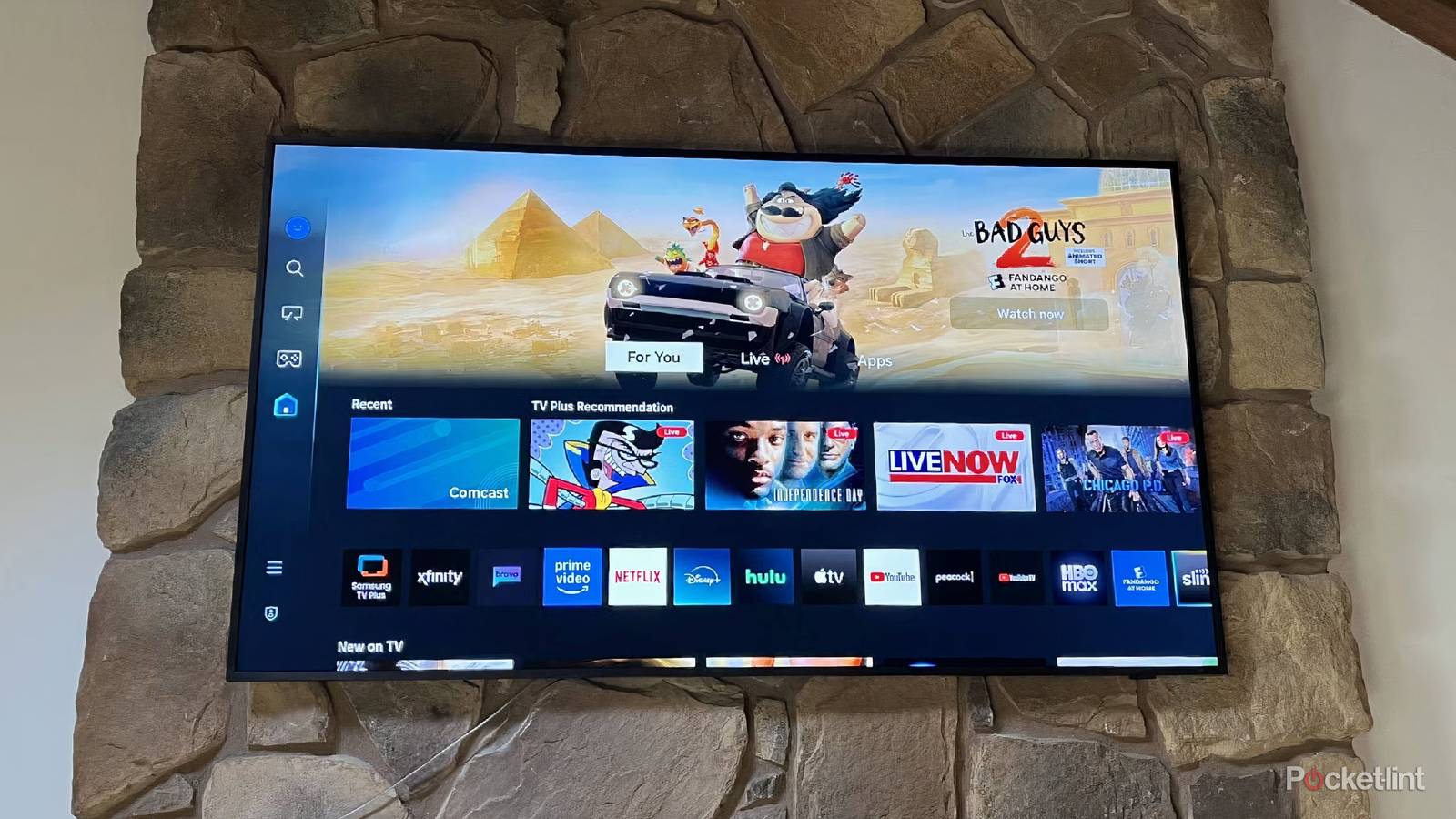
We all want smooth performance while scrolling through our menus and streaming services. Brands like Samsung and LG usually stick to their proprietary Tizen and Web OS systems. Others, like Hisense and TCL, have moved to Google TV as their standard OS. It doesn’t matter which you prefer as long as your TV is fast enough so you don’t experience lag.
This is another area where performance comes down to individual models. The experience can also vary depending on how long you’ve had your TV, as older firmware, outdated apps, and old cache partitions can also slow it down. That’s why it’s worth doing your homework and researching the TV and its processor before making a decision.
Price
Everyone wants the best value

Everyone wants the best value, and most buying decisions come down to the price. As I’ve demonstrated from my previous points, modern budget TVs can be significantly cheaper than high-end models while offering similar features.
You’ll easily find high-resolution big-screen TVs with the latest technology for hundreds, and sometimes thousands, of dollars less than comparable high-end alternatives.
You’ll easily find high-resolution big-screen TVs with the latest technology for hundreds, and sometimes thousands, of dollars less than comparable high-end alternatives. They may offer incredible specs for the price, but it’s still worth checking the specs and reviews before buying if you can’t view the image quality in person. It’s a win-win either way, and you’re bound to find the perfect TV for your needs.

- Brand
-
LG
- Display Size
-
42, 48, 55, 65, 77, or 83 inches
- Operating System
-
webOS
- Display Type
-
OLED
- Display Resolution
-
4K
- Refresh rate
-
165Hz (with VRR)