


Generally speaking, TV makers have shifted away from brand-exclusive software. There’s still Samsung’s Tizen and LG’s webOS, of course, yet the vast majority of TVs are preloaded with Roku OS, Google TV, or Amazon Fire OS. The world is better for it. As much as you or I might dislike some of those corporations’ practices, standardized platforms force a lingua franca, larger app catalogs, and basic performance benchmarks. In the early days of smart TVs, it was possible to end up with a sluggish proprietary OS and just a handful of apps, none of which are probably functioning in 2026.
That said, companies still insist on putting their own spin on things, and sometimes include features that may not be common elsewhere. Here’s what you need to change if you’ve just picked up a TV from Hisense — bearing in mind that the vast majority of the company’s TVs are based on either Google TV or Fire OS. I’m going to assume you’re using one of those two platforms.
Automatic Content Recognition
Kill this and other tracking technologies

Sadly, Hisense is one of the many brands that implements Automatic Content Recognition, or ACR for short. This collects anonymized data for marketing purposes, which is bad enough on its own. What really makes it insidious, however, is that it documents everything onscreen, even content from HDMI devices like your game console or Blu-ray player. Although nothing too terrible is likely to come from this apart from even more targeted advertising, it’s a privacy intrusion that no company has a right to.
What’s tricky is that because ACR is a universally hated “feature,” it’s often branded under different names, and stuffed into menus that aren’t intuitive. On Google-based Hisense TVs, it’s typically found under Settings -> System -> Privacy. Look for an option labeled Smart TV Experience, Viewing Information Services, or something similar. Don’t worry, it’s tough to disable the wrong feature by accident.
 Quiz
QuizHisense TVs
Trivia challenge
From ULED to laser TV — how well do you really know one of the world’s biggest TV brands?
TechnologyHistoryFeaturesModelsBrands
In which country was Hisense founded?
Correct! Hisense was founded in China in 1969, originally as the Qingdao No. 2 Radio Factory. It has since grown into one of the largest consumer electronics and appliance companies in the world.
Not quite — Hisense was founded in China, specifically in Qingdao, in 1969. While South Korean and Japanese brands often dominate TV discussions, Hisense has become a major global player from its Chinese roots.
What does Hisense’s proprietary ULED technology primarily refer to?
Correct! ULED is Hisense’s marketing term for a suite of picture-enhancement technologies applied to LCD panels, including full-array local dimming, wide colour gamut, and high peak brightness — not an entirely new panel type.
Not quite. ULED isn’t a unique panel type or a form of OLED — it’s a collection of technologies Hisense applies to enhance LCD performance. These include local dimming, wide colour gamut support, and high dynamic range processing.
What is the name of Hisense’s ultra-short throw laser TV projector product line?
Correct! Hisense markets its ultra-short throw laser projector products under the Laser Cinema brand. These systems can project very large images from just a few centimetres away from a wall or screen.
Not quite — Hisense’s ultra-short throw laser projector line is called Laser Cinema. The TriChroma name does relate to Hisense’s three-colour laser technology used within some of those projectors, but it’s not the product line name.
Which major TV brand did Hisense acquire the rights to use in North America in 2015?
Correct! In 2015, Hisense acquired the right to use the Sharp brand name on TVs in North America. This deal gave Hisense a recognisable legacy brand to help compete in one of the most competitive TV markets in the world.
Not quite. Hisense acquired the rights to sell TVs under the Sharp brand in North America in 2015. They later also licensed the Toshiba TV brand in some regions, but it was Sharp that came first in North America.
Which smart TV operating system does Hisense primarily use on its TVs sold in the UK and Europe?
Correct! Hisense developed its own smart TV platform called VIDAA, which is the primary OS found on its TVs in the UK and European markets. VIDAA is designed to be fast and simple, though it supports a growing library of streaming apps.
Not quite. While Tizen belongs to Samsung and webOS to LG, Hisense developed its own platform called VIDAA. Some Hisense models in certain markets have used Android TV, but VIDAA is the company’s primary in-house smart TV OS.
What panel technology does Hisense use in its top-of-the-line OLED TVs?
Correct! Like many TV brands outside Samsung, Hisense sources its OLED panels from LG Display, which produces WOLED (White OLED) panels. Hisense then applies its own processing and software on top to differentiate its sets.
Not quite. Hisense does make OLED TVs, and like Sony, Philips, and others, it sources those panels from LG Display’s WOLED production line. Hisense doesn’t manufacture OLED panels itself, but adds its own image processing technology.
Hisense became a major global sponsor of which major sporting event in 2016, significantly boosting its international profile?
Correct! Hisense was an official sponsor of UEFA Euro 2016, held in France. This sponsorship was a landmark moment for the brand’s global marketing ambitions and helped raise awareness of Hisense across European markets considerably.
Not quite. In 2016, Hisense became an official sponsor of UEFA Euro 2016 in France — a key moment in the brand’s push for global recognition. They have since sponsored FIFA World Cups too, but Euro 2016 was the prominent 2016 deal.
What is the maximum number of local dimming zones found in Hisense’s high-end ULED Mini-LED TVs as of their 2023 lineup?
Correct! Hisense’s flagship Mini-LED sets, such as models in the U8 and U9 series, featured up to around 10,000 local dimming zones, allowing for extremely precise control of brightness and contrast across the screen.
Not quite. Hisense’s top Mini-LED models in 2023 boasted around 10,000 local dimming zones. Mini-LED technology allows for thousands of tiny LEDs to be packed into the backlight, enabling far more granular dimming than traditional full-array local dimming sets.
Your Score
/ 8
Thanks for playing!
While you’re at it, keep an eye out for any other tracking technologies that might be active, such as diagnostics uploads. These won’t matter as much as ACR, but there’s no sense sharing data if you don’t have to. It’s your TV — Hisense isn’t entitled to know anything about what you’re doing.
Filmmaker Mode
Or at least choose something close

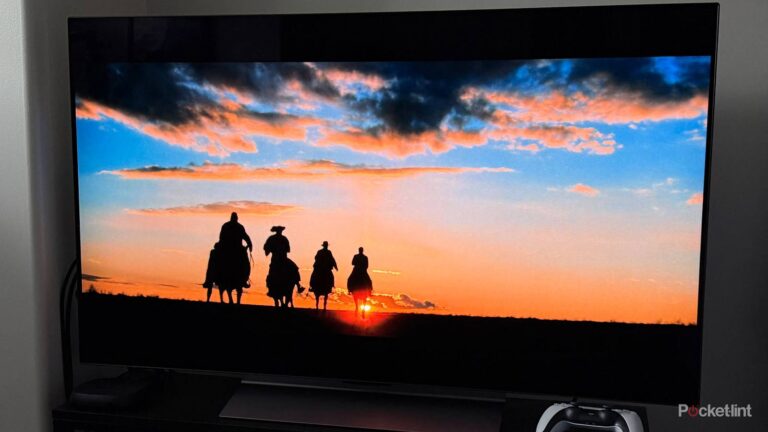
In a store, most of the TVs you see are going to be set to picture modes like Dynamic or Vivid. Those two ramp up aspects like brightness, contrast, sharpness, and saturation, often pairing it with noise reduction and motion smoothing. At a glance, they appear to show off the full power of a TV, drawing your eye.
Once you bring something home, however, these modes can be terrible. All that post-processing blows out detail, and frequently makes things look unnatural, especially if noise reduction and motion smoothing are on. The former may remove grain that’s supposed to be there. Smoothing, meanwhile, tends to result in the dreaded “soap opera effect” that makes a $200 million blockbuster look like a ’90s episode of All My Children. There are some promising upgrades to smoothing tech coming in Dolby Vision 2 and HDR10+ Advanced, but until they get here, the feature is your enemy.
As a rule, I steer people towards Filmmaker Mode. This disables most post-processing and sets a specific white point, the goal being to get as close as possible to a filmmaker’s original intent. It might be slightly disappointing if you’re used to Dynamic or Vivid, but you’ll probably come to appreciate the subtle details the mode brings out. Besides, you can tweak picture settings afterward, and HDR is ultimately more important to making an image pop.
If Filmmaker Mode still feels too flat, you might alternately try Theater Day or Theater Night. Those modes retain a bit more processing without going overboard. In fact, while I’m a Filmmaker convert, I had my Hisense U68KM on Theater Night previously.
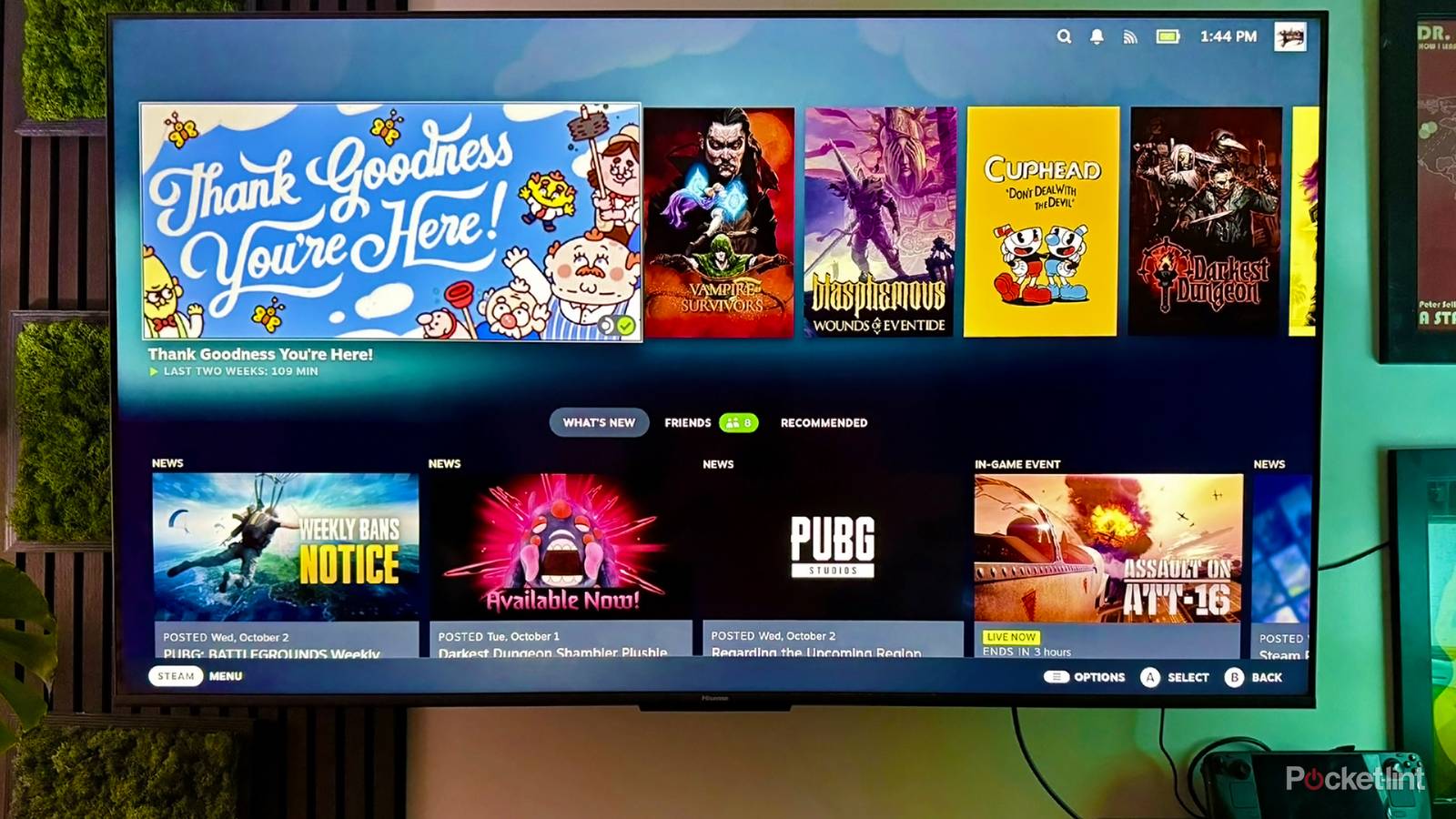
Incidentally, be sure any input with a connected PC or game console is using Game Mode. That disables all post-processing, which is irrelevant given that something like a Steam Deck or PS5 is perfectly capable of handling the task itself. More importantly, any post-processing is going to increase input lag. That’s annoying when you’re trying to get work done, and it makes some games unplayable, such as Cuphead or Elden Ring.
Energy Saving
When virtue becomes vice

As I’ve said a couple of times elsewhere, I’m usually a big proponent of energy-saving tech. I insist on a smart thermostat for my house, and my gaming laptop is set to only activate its Nvidia GPU as necessary. Heck, the smart bulbs in my house are programmed to be off most of the day.
On TVs, though, I shut off energy-saving (a.k.a. eco) modes immediately. While they live up to their name, they do so by sabotaging brightness levels. That makes a TV harder to watch in well-lit rooms, and reduces the impact of HDR, which by definition is all about extremes in brightness. The savings aren’t even that high — all else being equal, it might cost you a few dollars extra per year to witness your TV’s full capabilities.
Typically the main thing to do on Hisense TVs is avoid using the Energy Saver picture mode, but check your TV’s Power menus to be sure. You’ll also need to disable any auto-brightness features, whether they’re in the Picture or Power categories. These might sound helpful, but the reality is that they’re often too conservative. You’re better off popping on a dark scene in a favorite movie and manually tweaking brightness until you can barely see shadow details. If the shadows themselves start to turn gray, your brightness is too high. I’ve found that 50 to 80% brightness is the sweet spot, depending on your TV and room conditions.
HDMI Format
Pull your TV out of the Stone Age

Nonsensically, the HDMI ports on some Hisense TVs may not automatically take advantage of their specs. If you don’t head over to Channels & Inputs (or an equivalent menu) and adjust HDMI Format options, they may be left in Standard mode, which prioritizes compatibility over performance. I’ve never actually heard of anyone actually encountering compatibility issues, so this is Hisense playing things safe to a fault.
Your exact format options are going to depend on the TV and its specs. It’s best to set an input to Auto if you can, since that will adapt on the fly, depending on what you plug in. If that’s not available, select an Enhanced mode appropriate to what you’re plugging in. If an input has a PC or console attached, you’ll need to select a mode marked for VRR, and/or high refresh rates upwards of 120Hz. If you don’t, your TV will inevitably fall out of sync with framerates, the result being visual artifacts like screen tearing.
A related note — PCs and consoles should always, always be connected via HDMI 2.1 or 2.2. The 2.0 standard doesn’t support VRR, or 4K refresh rates over 60Hz. Verify that your cables are compatible as well.

- Playing Time
-
3-12 hours
- Brand
-
Valve
- Weight
-
1.41lb (640g)
- Chipset
-
AMD APU