


As much as I’ve written about HDMI, it usually tends to be straightforward in practice. Got a laptop or game console? Hook it up to your TV with HDMI 2.1. New soundbar? Make sure it’s plugged into eARC if you can, or at least ARC. If it’s an older or low-priority device, HDMI 2.0 will probably be fine. Whatever you do, don’t fall for the gold-plated connector scam.
Necessity has, however, resulted in a number of unusual HDMI devices. In other cases, gadget makers have simply seized on its specs to expand the possibilities. What you’ll see below is just a taste of what’s out there, but might hopefully give you ideas for your own home theater (or office) setup.
SilentGlass malware protection
Taking security to new levels

In theory, just about anything with a processor and connection to the outside world can be compromised by malware. Though that usually just means your computer, phone, or tablet, truly determined attackers could strike at everything from your smart speakers to your smartwatch. SilentGlass takes this concern to the extreme. Developed by the UK’s National Cyber Security Centre, Goldilock Labs, and Sony, the product is designed to intercept threats between one of your devices and any HDMI display, whether it’s a TV or a monitor.
In corporate or government environments, the stakes are a lot higher, and it’s not inconceivable that someone could use a display as an attack vector.
Realistically, the average person is never going to face any HDMI-based malware. Smart TVs are rarely the subject of attacks, never mind successful ones, and most monitors don’t have any internet connectivity. In corporate or government environments, however, the stakes are a lot higher, and it’s not inconceivable that someone could use a display as an attack vector to steal secrets or otherwise compromise a network. The National Cyber Security Centre is a part of GCHQ — the UK’s signals intelligence and security agency — and says SilentGlass is “already successfully deployed on Government estates,” hinting at how far some agencies are willing to go to stay bulletproof.
You can’t buy SilentGlass yet, but the plan is for it to become commercially available in the near future. Hypothetically, some version of this concept could eventually be integrated into the HDMI standard itself, especially now that its bandwidth exceeds most USB and Thunderbolt connections.
Sync boxes for smart lighting
Putting on the perfect lightshow

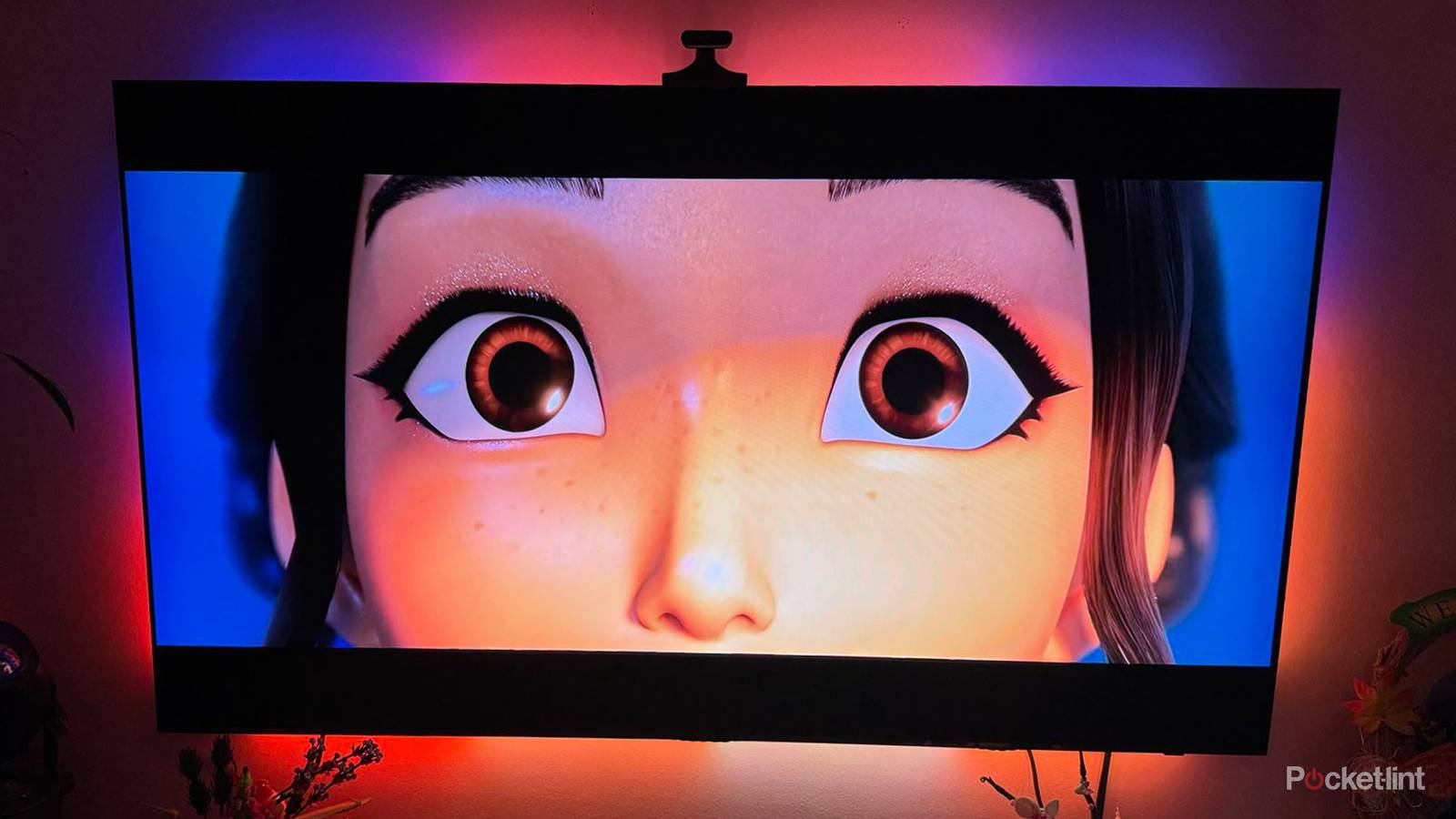
Smart backlighting on a TV might initially seem like a gimmick. Certainly it’s unnecessary — it’s not like Apocalypse Now loses its bite without it. But when it works as intended, it does a lot to heighten immersion, since it seems to extend scenes across your walls, much like you’d experience in a theater. It’s harder to get distracted by your phone when the whole room is shifting colors.
Most sync systems are camera-based. You perch a camera above or below your TV, and an onboard processor broadcasts what it sees to your lights. This often works just fine, but there are a couple of potential problems with this arrangement: accuracy and lag. That camera has to be precisely positioned, and there may not be perfect color reproduction. Lag is likely to be minimal these days, yet there’s still image processing that needs to take place before anything can be transmitted.
When it works as intended, lighting sync does a lot to heighten immersion, since it seems to extend scenes across your walls, much like you’d experience in a theater.
HDMI sync boxes solve these issues by intercepting video signals directly. They’re limited in that they won’t work with a TV’s onboard apps, but for consoles, cable boxes, Blu-ray players, and media streamers, they’re usually preferable.
A catch with all sync systems is that they tend to be tied to a specific lighting brand. While you can often link them to Apple HomeKit, Google Home, or Amazon Alexa, that’s just for general-purpose lighting commands, since there’s no universal standard for TV sync.
Advanced retro gaming upscalers
Playing the hottest releases of 1986

Superficially, you might think that the only thing you’d need to hook up your old NES or Sega Genesis to a modern TV is some sort of composite or component adapter. And strictly speaking, that will work. The problem is that with a basic adapter, you may not get playable results. Your TV might stretch a 4:3 image out to 16:9, and introduce visual artifacts like ghosting. More significantly, there will probably be added input lag as your TV struggles to upscale low-resolution content. 50 to 100 milliseconds might not sound like a big deal, but on top of other sources of lag, it’s enough to create a noticeable delay between when hitting a button and onscreen action.
Dedicated scalers ramp up processing power and actively correct issues related to color, resolution, aspect ratios, and/or framerates.
Dedicated scalers like RetroTINKs solve these problems by both ramping up processing power and actively correcting issues related to color, resolution, aspect ratios, and/or framerates. The most expensive models go a step further, letting you apply special effects, often with the goal of simulating CRT TVs. If your old consoles get as much or more playtime than your newer devices, a dedicated scaler is a must-have.
Be prepared to spend, though. If you want a RetroTINK that can scale up to 4K and handle any input you can throw at it, that’s $450, and the company’s best model is a whopping $750, which would probably be enough to afford a PlayStation 5, a game, and a second controller. Other scaler brands may not be any cheaper.
Capture cards
For the budding streamers

If you’re middle-aged or older, something that might blow your mind is the popularity of livestreaming games on services like Twitch and YouTube. You’d probably rather watch a TV show or play the games yourself. In practice, though, the most popular streamers draw huge audiences, and some smaller ones do it without any expectations of money — they just want to share some fun with friends. Arguably, games like Among Us and Peak owe their success entirely to how hilarious they are to watch.
Capture cards let you pump HDMI video back to your computer, where you can use tools like OBS to merge sources and mix audio.
The trick with game consoles is extracting video in a way that can be broadcast online with all the effects viewers expect. Capture cards let you pump HDMI video back to your computer, where you can use tools like OBS to merge sources and mix audio. In 2026, these cards are divided into two types: PCIe models you install into desktop towers, and external ones that are more flexible. Naturally, you can also use cards to record footage instead of broadcasting it.
It’ll be interesting to see how this tech develops in the next few years. Nintendo already has some limited, platform-exclusive streaming going on with the Switch 2, so it’s not inconceivable that Sony and Microsoft’s next-generation consoles might bake in more powerful features that eliminate the need for capture cards, if only in scenarios that don’t demand professional production.


4/5