



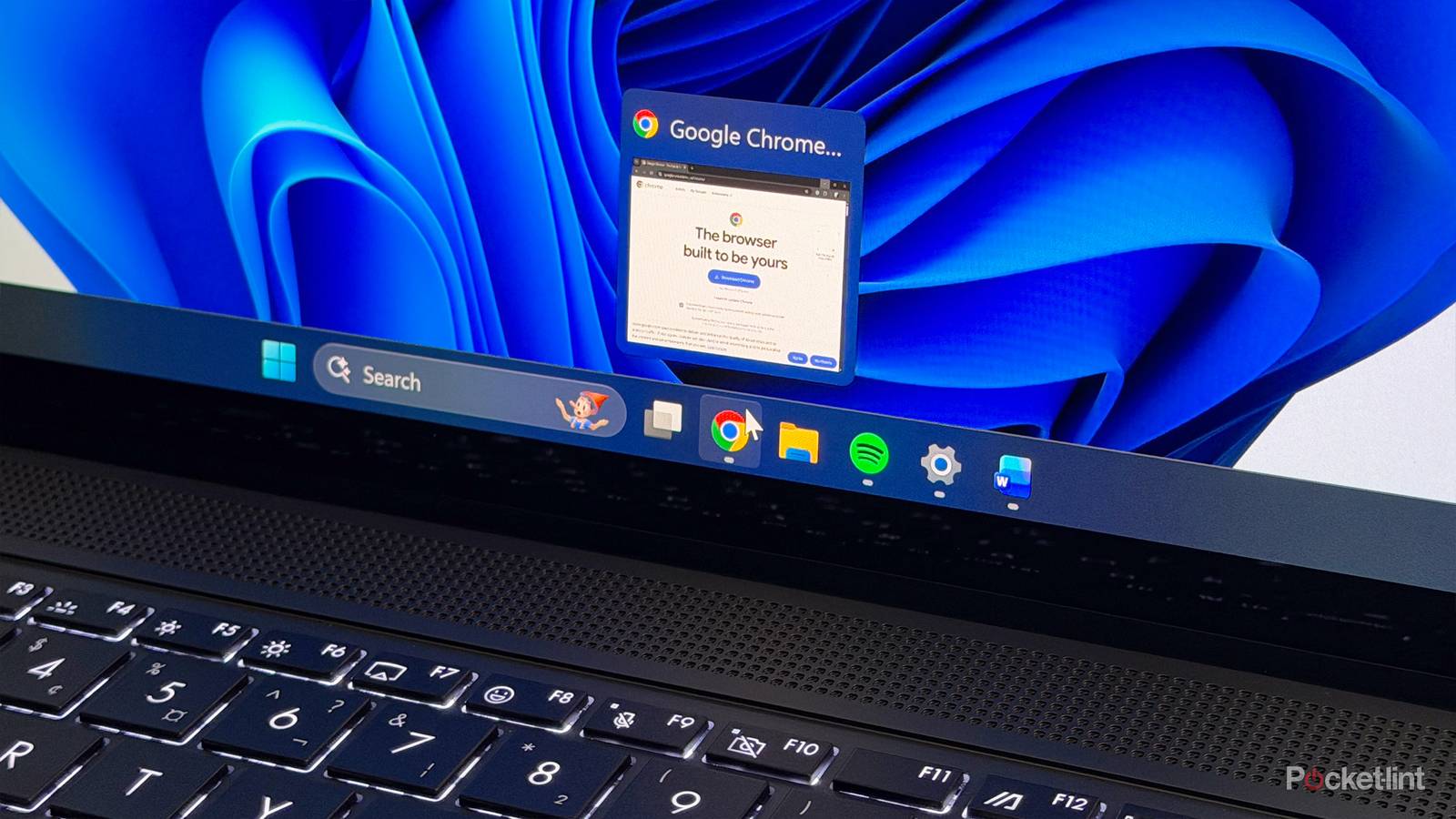
There’s sometimes a bit of hyperbole in tech site headlines, but in this case, it’s completely true. A few months ago, I decided it was high time to purge Google Chrome of many of the extensions I had installed. It wasn’t strictly necessary, but Chrome can be ornery at the best of times, and I like to keep my PC lean and mean. I don’t run any special mods, and when I no longer need files or apps, I normally get rid of them right away if I can. So far, that philosophy has paid off in the form of a stable Windows install
You don’t have to be using Chrome for an extension sweep to be worth your time. There are some common principles in action, whether you’re using Firefox, Safari, or something else. Some browsers are better behaved than others — but by their nature, extensions are complicating your setup. It’s just that some of those complications are, hopefully, useful.
The benefits of scrubbing browser extensions
Privacy, performance, and more

One of the reasons I decided to get rid of most of my extensions was clutter. In Chrome, any browser that doesn’t run automatically is best left in the menu bar for easy access — but the more you add, the shorter your address bar becomes, which can become a legitimate obstacle if you’re trying to edit a long URL or type in a question for Gemini. Admittedly, seeing unused extensions every day was also a splinter in the mind’s eye, as someone who appreciates minimalism.
A more practical reason to remove extensions is memory consumption. While extensions consume very little hard drive space, some of the more active extensions out there can cumulatively add to a browser’s RAM footprint. Even that wouldn’t be significant except that a modern browser with a dozen tabs open can quickly consume several gigabytes of RAM — at its worst, I’ve caught Chrome consuming between 6 and 8GB. That’s a serious problem if you’re on a PC with just 16GB total, and on a 32GB PC like mine, it can still affect gaming performance if I leave the browser running in the background. Anything you can do to reduce your RAM consumption is going to be beneficial.
Speaking of performance, something people often ignore is that extensions take time to load. This won’t be a big deal on a beefy PC, but if your machine is just powerful enough for work, school, or casual browsing and email, there’s no sense forcing your browser to take several seconds to finishing launching when it could be nearly instantaneous. That’s irritating, especially since browsers are the apps we open most frequently. I do expect an app like Photoshop to take time to get ready — but I don’t need it that often, and when I’m done with it, there’s little chance of needing it again five minutes later.
You should be picky before you even install an extension, yet it’s worth remembering that even relatively benign extensions may be collecting anonymized data, or pose a security threat if they or a service they’re linked to are compromised.
For many of you, I imagine, the greatest concerns will be privacy and security. You should be picky before you even install an extension (more on that in a minute), yet it’s worth remembering that even relatively benign extensions may be collecting anonymized data, or pose a security threat if they or a service they’re linked to are compromised. On the first point, as the saying goes: if a product is free to use, chances are, you’re the real product. Chrome itself is intended to hook you into Google services, which helps the company turn a profit if you’re exposed to its ad network or end up subscribing to YouTube Premium or Google One. Some extension makers may be looking to sell your info to marketers, or fingerprint you for their own purposes.
The fewer extensions you have installed, the less data is likely to be flowing outward. Remember also that developers can suddenly switch policies or ownership, so a previously safe ad blocker or coupon extension might end up transformed into something that exploits data without your permission, or even acts as spyware. While neither of those things seem to happen very often, it’s all the more reason to stick to trusted names if you can, and uninstall anything you’re no longer using.
Returning to performance for a moment, extensions can potentially impact page load times by requiring rendering you wouldn’t normally see. In some circumstances, they can break interface elements if a website gets a redesign and an extension maker hasn’t updated to deal with it. My own pet peeve is any extension that foists its own elements on top in way that makes sites harder to use — Adobe Acrobat, for instance, now adds a floating icon to the corner of every webpage, and Pinterest likes to insert itself in front of far too many images. I can’t count the number of times I’ve tried to save a photo or click a website’s own image buttons only to accidentally trigger a Save to Pinterest command. Some companies really do behave as if their app or service is the center of your existence, rather than just a small piece of it.
How strict do you really need to be with extensions?
Let’s not go overboard, here

You don’t necessarily need to go on a rampage. The truth is that popular extensions tend to be (reasonably) well-behaved, and whether popular or not, unpleasant ones usually make themselves known pretty quickly. Some of you probably wouldn’t have nearly the patience with Acrobat and Pinterest that I’ve had — I just value their benefits enough to tolerate their obnoxious aspects.
My experience has led me to some important conclusions though, the first being that I wasn’t being judicious enough choosing extensions in the first place. It’s not enough that one comes recommended, and/or you think it might be handy at some point in the future. Above all, an extension should serve an immediate and frequent purpose that you can’t easily replicate. With Pinterest, for example, it’s not all that hard to to pop a URL into the full website instead. If you don’t make calls or texts through a VoIP service all that much, there’s no sense letting it highlight every seven digits that could be a phone number. If you streamline what’s installed, your browser can feel both snappier and cleaner.
Above all, an extension should serve an immediate and frequent purpose that you can’t easily replicate.
I’ve also been ignoring extensions I should care about, like tracking blockers. Fingerprinting is a real concern, given the existence of data brokers and other companies that won’t think twice about how they feed their bottom line. Also, it’s quite clear at this point that some businesses won’t think twice about collaborating with shady goverment agencies if it keeps them in good stead. It’s hard to function on the internet without sharing at least some data, but the less you share, the better. Avoid sacrificing too much on the altar of convenience.