For years, I’ve used a MacBook Air as my primary work device. Even before Apple switched to its M-series chips, I was using a MacBook Air during college for essays, presentations, and pretty much everything else.
Since moving to the M-series, my MacBook Air M3 has been rock solid for the past two years, with no real lag or performance issues. It has also gained a lot of useful features over the years that have made it an even better work machine.
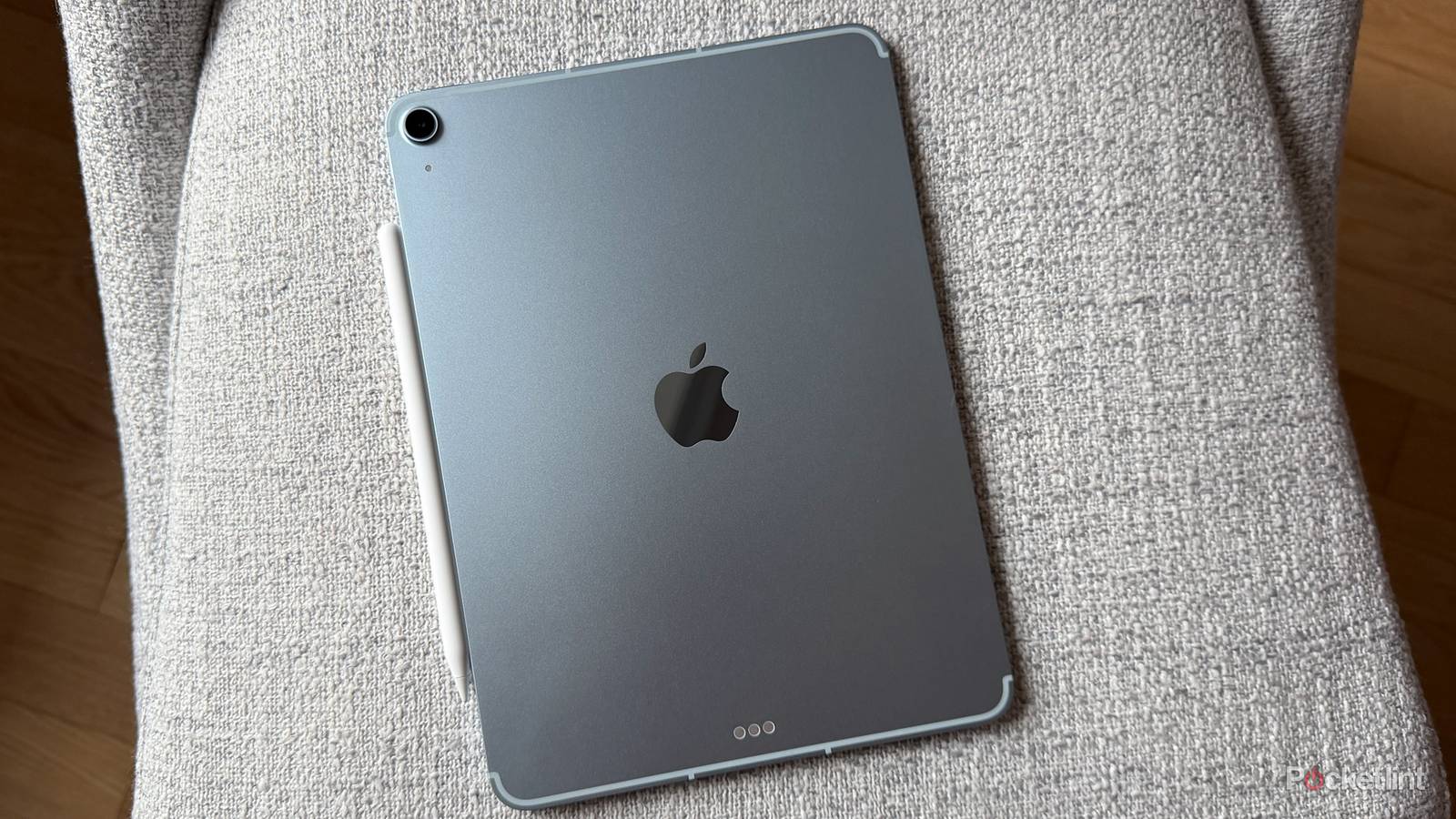
That said, over the last year or so, I’ve realized there are quite a few situations where the iPad simply fits into my workflow better. In fact, for some tasks, I actively prefer using it even when my MacBook is sitting right next to it. Here are five reasons why.

- Brand
-
Apple
- Storage
-
128GB, 256GB, 512GB, 1TB
- CPU
-
M4
- Operating System
-
iPadOS 26
- Ports
-
USB-C
- Display type
-
Liquid retina display
The iPad is easily the best device for taking online meetings
I’ve stopped reaching for my MacBook whenever it’s time for a video call

This might be the biggest one for me. Every week, I attend a lot of online briefings, and while a laptop is still better when I need things like an AI note taker running in the background, I’ve realized the iPad is simply a better device for meetings.
The best part is that I can prop the iPad up almost anywhere: on my desk, kitchen counter, balcony, or pretty much anywhere else in the house. It’s just easier to position than a MacBook, which still feels bulkier because of the keyboard attached to it.
The iPad also delivers a great combination of a good display, solid speakers, and excellent battery life, all of which make it ideal for video calls. Then there are smaller touches like Center Stage, which automatically keeps you in frame during calls.
An iPad is the perfect work companion while traveling
It’s lighter, easier to charge, and fits into almost any workspace

One of the reasons I opted for a MacBook Air in the first place was the fact that it’s the most portable laptop that Apple makes. That said, the iPad still wins when it comes to convenience. It takes up less space in my backpack, fits comfortably on cramped airplane tray tables, and is much easier to use when you’re working on the go.
Plus, the best part is that you can charge an iPad using the same compact power bank I carry for my phone. That’s something I genuinely appreciate compared to MacBooks, which usually require you to use a high-wattage charger.
In fact, for shorter trips, I’ve even started leaving my MacBook at home. As long as I have access to Google Docs, Slack, Gmail, and a browser, I can comfortably get through most of my work from an iPad.
5 apps that made my iPad a true MacBook replacement
I’ve been using my iPad a lot more than MacBook recently, and these five apps are a big reason why.
I don’t really miss my Mac apps anymore
Apps like Final Cut Pro have made the iPad far more capable

One of the biggest reasons I used to avoid using an iPad for serious work was the software. iPadOS, as much as Apple has improved in the past few years, still lags behind when compared to macOS. That’s it. It’s getting much, much better now.
Apple has brought many of its professional apps to iPadOS, including Final Cut Pro and Logic Pro. Plus, most apps I use, including Chrome, Google Docs, Slack, and some photo-editing apps, are available on the iPad as well.
Sure, the iPad isn’t a complete replacement for macOS in every situation. There are still certain workflows that are simply better on a traditional computer, but for most users out there, the gap isn’t as large as it used to be.
Slide Over remains one of my favorite iPad features
It’s perfect for those moments when I need another app quickly

One thing I’ve noticed while working on an iPad is that I rarely need full-blown multitasking. Most of the time, I just need quick access to a second app for a few seconds and then jump back to the app I’m working on.
Maybe I need to ask ChatGPT something, check a Slack message, open a calculator, or check sports scores. These aren’t tasks that require me to completely leave my workflow, but on devices like macOS, where I’m usually working in full-screen view, I have to leave the app.
That’s where iPadOS features, such as Slide Over, come in handy. I can quickly pull up another app, do what I need to do, and get back to work without feeling like I’ve been dragged into a completely different task.
iPadOS 27 makes the iPad feel more like a computer than ever

Apple has spent the last few years slowly making the iPad feel less like a giant iPhone and more like a proper computer, and iPadOS 27 continues that trend.
My favorite addition is the new persistent menu bar. It might sound like a small change, but it makes the iPad feel much more familiar when you’re using a keyboard and trackpad. With iPadOS 27, you can choose to keep the menu bar permanently visible at the top of the screen whenever an app is active.
That makes it much easier to access app controls, especially when you’re multitasking in Stage Manager or using Windowed Apps mode. It’s a small tweak, but it helps make the iPad feel a lot closer to a desktop operating system and a lot less like a blown-up iPhone.
The newest MacBook Air is everything I want in a laptop – almost
The laptop with (almost) no notes.
My MacBook isn’t going anywhere
All things considered, my MacBook isn’t going anywhere. There are still plenty of tasks that are simply better on a traditional computer, most notably the ability to install and use apps that aren’t limited to what’s available on the App Store.
That said, I’ve found myself incorporating the iPad into my workflow more than ever over the past year. And honestly, I can completely understand why some people might prefer working from an iPad instead of a traditional laptop.