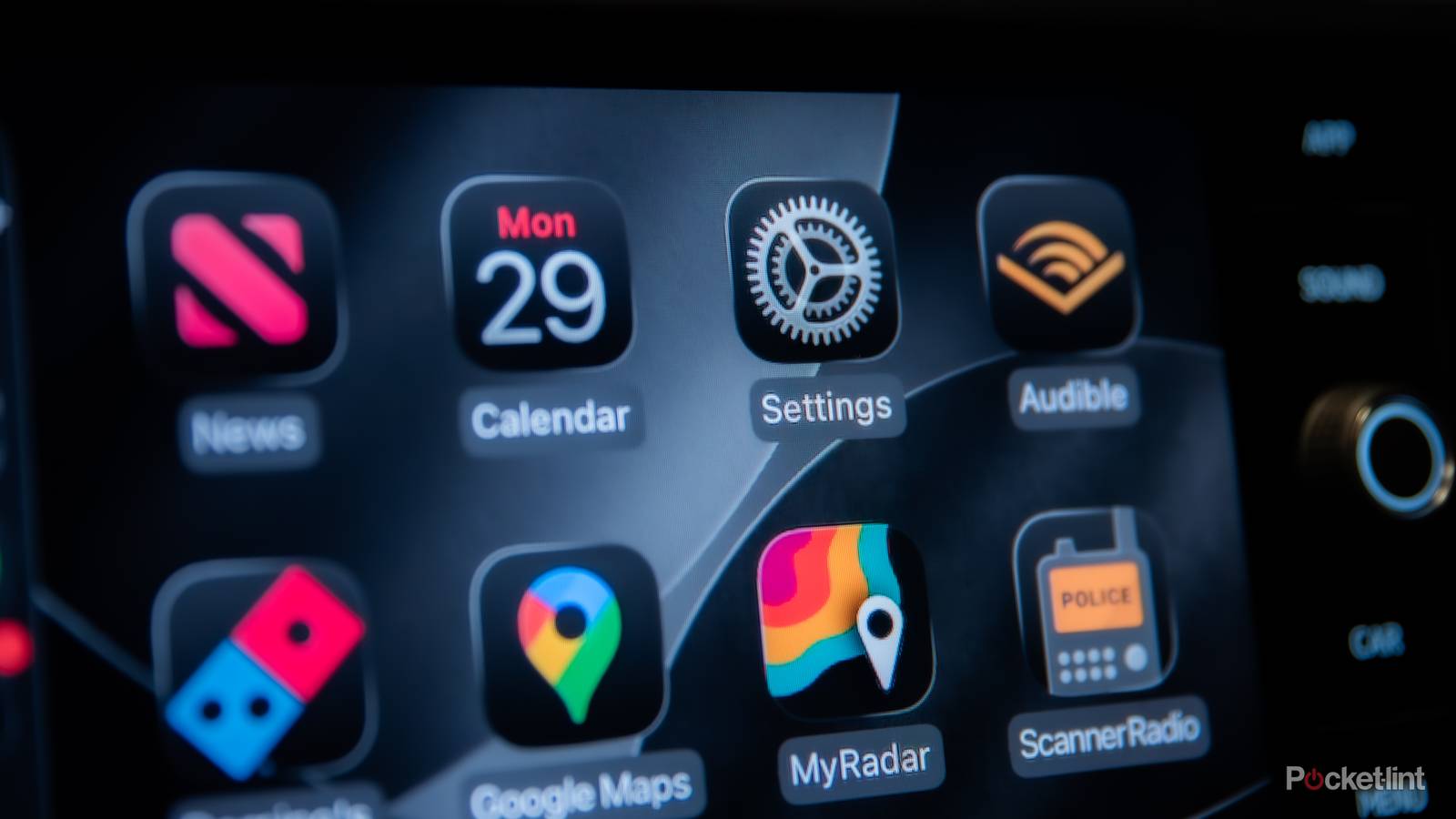
It seems like every piece of technology has its own set of hidden tips and tricks, and your infotainment display is no different. With each interaction you have with your car’s infotainment screen, you spend less time with your entire attention on the road ahead, and that’s where the real danger lies.
There are numerous infotainment software styles and versions, and they usually differ from one manufacturer to the next unless you’re using CarPlay or Android Auto. Even so, there are a few options that just about every system has that you can take advantage of, and they might just be the difference between keeping everything cool on the road and ruining your next trip.
Build a one-tap home screen
The less time you spend looking at your screen, the better

The easiest and best way to avoid spending too much time fiddling with your center display is to design your own perfect home screen. Nearly every infotainment service out there, including CarPlay and Android Auto, will let you customize your main display. It’s important to keep it clear of clutter. Only pin services and apps that you absolutely need, and make sure they’re just one tap away.
The best options here are your most-used apps, like Waze for navigation or Spotify for music. The trick here is to prioritize the apps you use most while driving, rather than while parked. If you’re like me, you might pick an audiobook before you set off and never open your books app again for the rest of the drive. If that’s the case, pin something more useful to the home tab instead. It isn’t one-size-fits-all; it’s about being safer on the road.
Master voice control
It isn’t perfect, but it’s gotten much better

As someone born and raised in the deep south, believe me when I say that I’ve had my fair share of woes with voice control. However, over the last few years, the technology has improved immensely, thanks in large part to machine learning and adaptation. Now, my voice commands work better than ever, but that still doesn’t change the fact that knowing what to use them for is just as much a skill as it is a habit.
Only use voice commands for short, simple tasks, such as navigational input or calling contacts. These are the kind of easy tasks that your infotainment software can process quickly and effectively. However, avoiding more complex tasks is paramount here. You shouldn’t be asking your infotainment system to adjust your climate controls or navigate menus, as it often leads to more frustration and heightened distraction.
Don’t leave it up to your phone’s brain

This is one of the easiest boxes to check on this list, but it’s also one of the least used. I can’t tell you how many of my friends are out there walking around without a favorites contact list or saved address in their maps app of choice. All it takes is a few seconds to update some information, and your voice commands can go from a full sentence to just a few words. “Take me home” is a lot easier to say than “take me to *insert full address here*.”
And if you’re worried about data collection here, I hear you. However, unless you have no subscriptions, pay all your bills in person and in cash, or live completely off the grid outside your car, I promise you, the phone company already knows where you live. Just be glad they don’t send too much mail.
Use the full range of steering controls
There are more than just skip and volume buttons

While the skip and volume buttons are the most-used on just about every vehicle’s steering wheel, they aren’t the only ones by any means. Believe it or not, a lot of thought goes into what controls go on a steering wheel. Obviously, cruise control is the next most-used feature, but on most wheels today, you can activate voice controls, answer calls, and much more, all without even touching your screen.
I even use my center cluster to interact with different menus, from navigation to whatever audio I have playing during my drive. That way, I don’t have to spend any time looking down and to the side at my screen, and my full focus is on the road ahead. If you’re really about maintaining eye contact with the road, this is the safest way to accomplish that.
Turn off what you don’t need
Seriously, more noise just means more distractions

If you don’t need audible notifications like traffic alerts or route suggestions, or even if your native system has a lot of distracting animations, there’s an easy solution: just turn them all off. I haven’t heard a Maps notification in years, and I’m better off for it. Not only is it annoying when a voice notification interrupts your streaming, but it’s also dangerous at times.
Most complaints about infotainment don’t arise from poor design or limited functionality. Instead, they’re often the result of an incredibly simple problem to solve: bad infotainment setup.