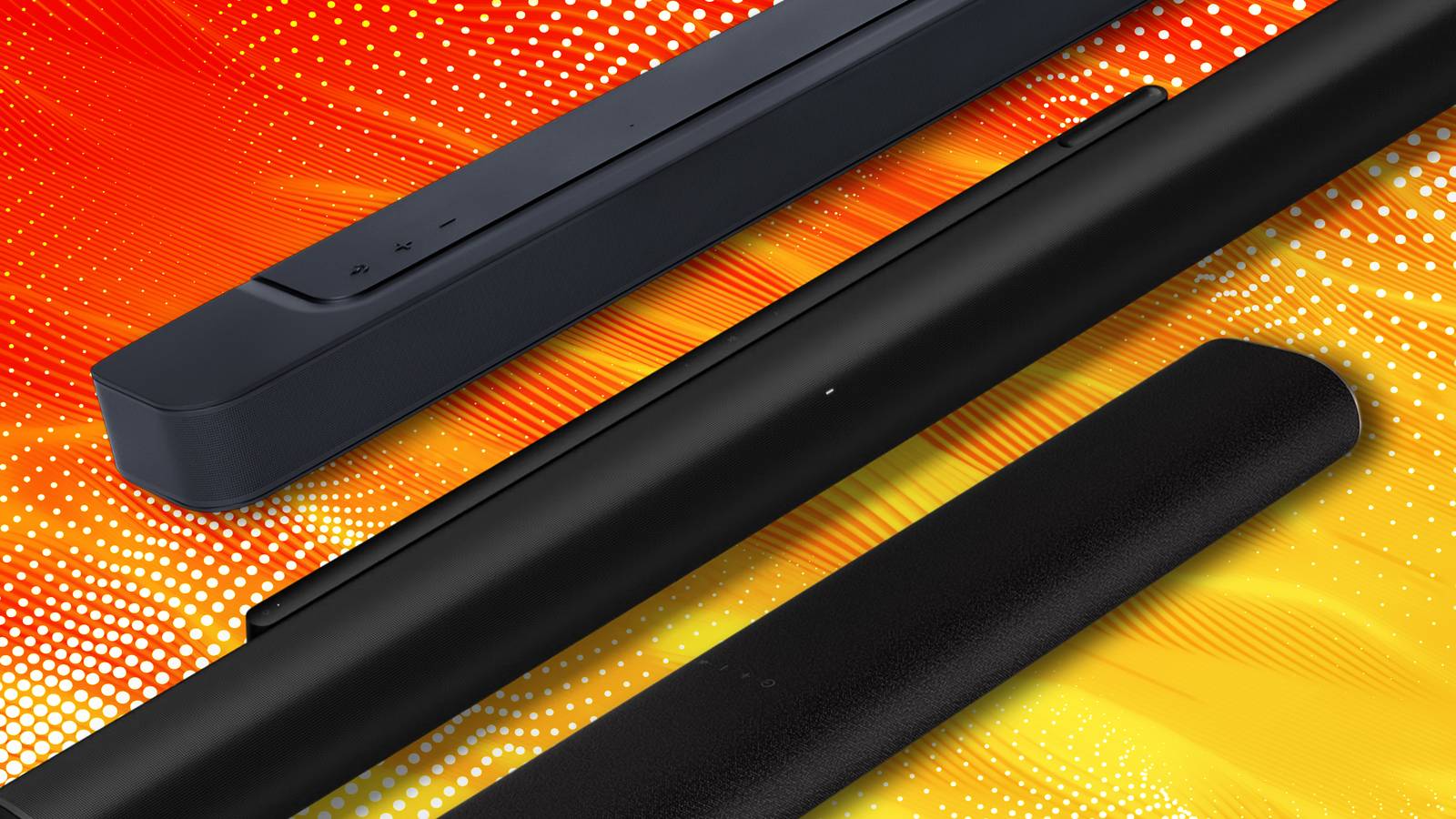
Soundbars are one of the best home theater inventions in recent decades, in my opinion. Some audiophiles might disagree with that, but the fact is that even a halfway decent soundbar tends to be better than a TV’s internal speakers, and not everyone is able or willing to spend as much on their sound as they did on their TV. In 2026, the best soundbars are good enough that even rich shoppers might prefer them for their simplicity and space savings.
It’s possible to go too cheap, however. You shouldn’t just pick the one with the lowest pricetag — if money is tight, you’re probably better off saving up a little to avoid disappointment. Hopefully this list will give you some insight into what to look for in product specs.
Not all cheap soundbars will experience all of these problems simultaneously. Some may even be able to overcome their deficiencies with other features, although you should remain skeptical unless the reviews are good, or you can test them yourself.
No dedicated subwoofer
Keeping things cinematic

The cheapest soundbars are typically 2.0-channel devices. While most of you probably understand what that means, to be clear, that indicates a stereo speaker with left and right channels, but no separate subwoofer for the lowest bass frequencies. Products that do include a subwoofer are marked as x.1-channel devices.
A product that’s both cheap and missing a subwoofer might sound fine for watching the news or late-night comedy, but is liable to be disappointing when it comes to watching movies.
There’s nothing inherently wrong with omitting a dedicated subwoofer. It’s just that to overcome this, a 2.0-channel soundbar has to be equipped with some powerful woofers of its own, usually putting it beyond the budget realm. The Sonos Ray, for example, sounds fantastic — but it retails for upwards of $220. And even then, you’re not going to feel the deep rumble possible with a subwoofer sitting on your floor.
A product that’s both cheap and missing a subwoofer might sound fine for watching the news or late-night comedy, but is liable to be disappointing when it comes to watching movies. Everyone loves a bombastic soundtrack, the roar of a car’s engine, or the thump of an explosion — at least, as long as the subwoofer isn’t cranked so high as to trigger noise complaints.
Distortion, crackling, and muffled dialogue
A splinter in the mind’s ear

The range of soundbar drivers matters a great deal. Range, in this case, refers to the frequencies of tweeters and woofers. If they’re imbalanced or compromised, clarity can suffer, making dialogue harder to understand. Some speakers (and software platforms) offer boost options to get around this — but there’s only so much they can do, and they may affect the rest of the audio mix in a way you don’t like.
Distortion is a consequence of both range and build quality. While most speakers sound fine at quiet volumes, cheap ones aren’t equipped to maintain that fidelity at higher volume levels. Sounds can become muddy, clipped, or soured by unnatural tones. Crackling is unlikely, but could still rear its ugly head if a speaker maker cuts too many corners.
These issues may not matter so much if you keep the volume down and sit close to your TV. In most circumstances, though, it’s worth investing in a soundbar you can appreciate at any volume.
Dependence on Bluetooth
A bridge too far

Bluetooth is excellent in some arenas. Without something like it, wireless earbuds would be impossible, and smartwatches wouldn’t be able to sync with your phone. When it comes to home theater systems, Bluetooth is often a nice perk when you want to listen to music or podcasts without firing up your TV.
You should typically avoid any soundbar that depends on Bluetooth for its TV connection, however. The biggest issue is audio sync. While there are technologies that can minimize Bluetooth latency, like aptX Adaptive, both your TV and your soundbar need to be compatible with them. If that tech is missing, there can be a noticeable delay between visuals and sound, which you’ll have to compensate for with software settings if possible. In any event, Bluetooth is less than ideal for gaming, since any additional lag can impact gameplay.
For some people, the dealkiller is going to be sound quality. Bluetooth not only lacks the bandwidth for lossless audio, but for any form of true, multi-channel surround sound. Instead what you get is virtual surround. That’s perfect for headphones, but really disappointing in a home theater context. You certainly won’t experience 3D audio in the form of Dolby Atmos or DTS:X.
Ultimately, there isn’t even a price advantage these days. It’s easy to find a cheap HDMI-based soundbar, which will not only fix latency and bandwidth issues, but offer support for CEC power and volume controls. I’d actually recommend an optical bar over Bluetooth, despite the absence of CEC.
Little to no expansion support
Thinking about the future

Naturally, if you’re shopping for budget-priced soundbars, you’re probably not too concerned with the ability to add extra satellites or a subwoofer — you’re probably hunting for a one-and-done solution. And that’s perfectly fine. As I mentioned, even rich buyers may prefer to stick to an all-in-one soundbar.
If you do have long-term ambitions, though, cheap soundbars can actually be less cost-effective. That’s because some models don’t have upgrade options at all. When the money rolls in for additional speakers, your only choice may be to replace your bar. “Buy once, cry once” is a saying in many hobbies, and that applies here as well.
What’s tricky is that if you do want something with upgrade options, it may be tough to stay in budget territory, and you’ll have to evaluate the quality of an entire ecosystem, not just one piece. Weak satellites and subwoofers can be a waste in their own right.
Outdated or limited connection options
Unchain your TV’s potential

Though it’s easy to ditch Bluetooth-based soundbars, you still need to be cautious when picking something with HDMI. There’s a surprising number of models that are limited to HDMI 2.0, and by extension, ARC audio. There’s nothing fundamentally wrong with ARC, and you may even be able to find something with Dolby Atmos support. But HDMI 2.0 dates back to 2013, and ARC even earlier, to 2009. They weren’t really engineered with 3D surround in mind, and can’t handle any form of lossless streaming either — so if you want those as options, it’s important to find a soundbar with HDMI 2.1 or later, which incorporates eARC.
ARC wasn’t really engineered with 3D surround in mind, and can’t handle any form of lossless streaming.
For similar reasons, I’d recommend that most people avoid optical soundbars. Worse, optical doesn’t support CEC, so it requires a bundled remote or “training” your primary one on it.
Remember also that the variety of connections matters. If you want to daisy-chain other devices, it’s important that it has enough ports, all of them capable of exploiting those devices’ features. A modern game console like the PlayStation 5 is going to suffer visually if it’s stuck with HDMI 2.0, which can’t handle VRR (variable refresh rates).