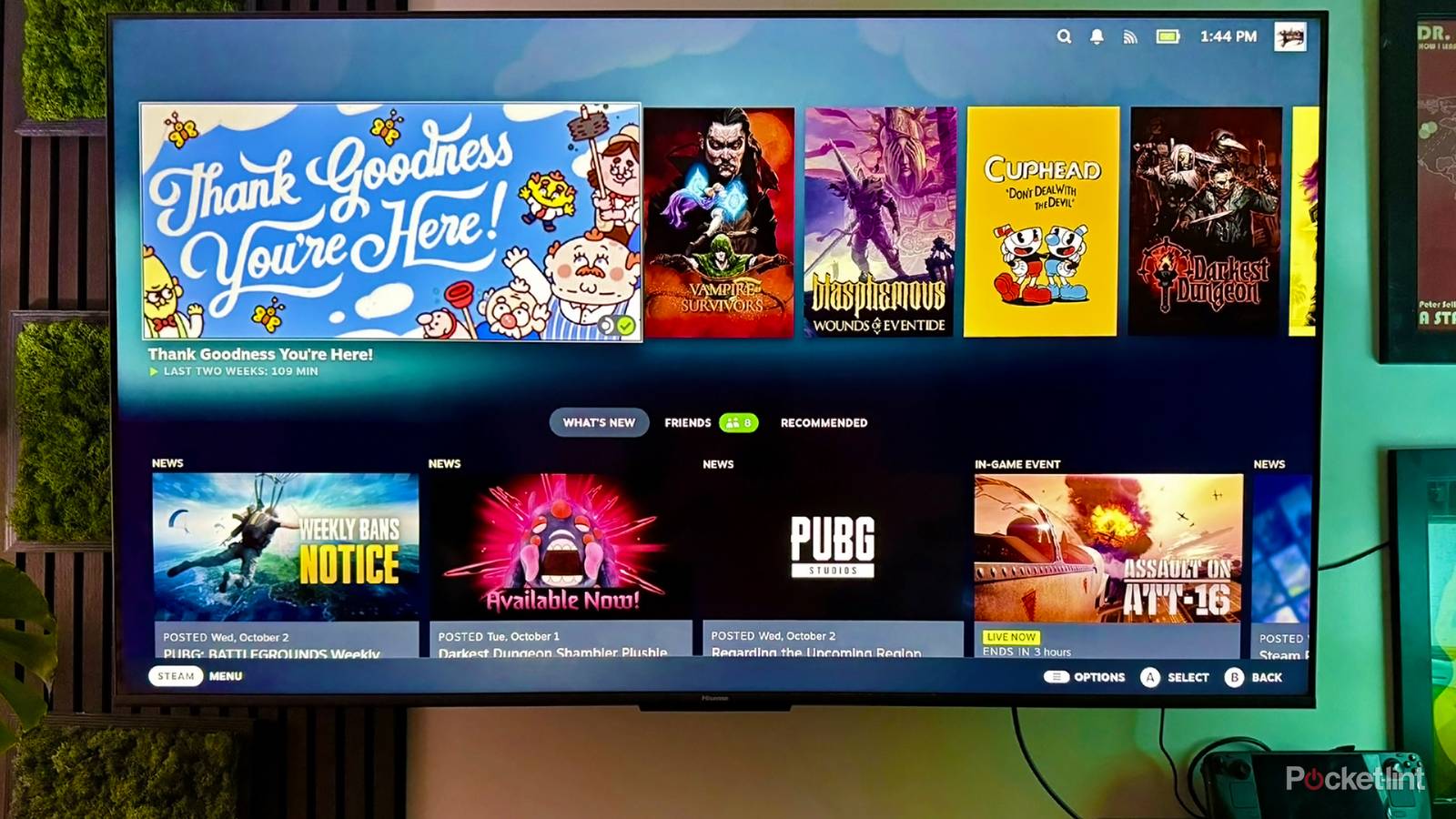
When the first 4K TVs started hitting the market in the 2010s, I remember thinking of them as complete overkill. For years, few movies or shows were available at that resolution, never mind games. 4K translates into nearly 8.3 million pixels for a static image — so for a game running at 60fps, you’re looking at processing over 497 million pixels per second, often tied to complex physics and lighting systems. To this day, many gaming PCs struggle to keep up with 4K at a game’s best detail settings.
I digress. 4K TVs are the norm now, and you can get a 4K version of many entertainment releases. The main exception is content without high-res source material — it’s not like you’re going to extract extra detail out of the tapes The Golden Girls was shot on. The technology is so ubiquitous that it can be tough to find a 1080p TV over 40 inches, and some Hollywood productions are already shooting at 8K or higher, if mostly to give themselves flexibility in post.
Should you really commit to native 4K at all costs? Or even think much about it at all? In my experience, it’s a nice thing to have, but often one of the least important factors in how much you’re going to enjoy your media.
The real-world 4K experience
Don’t believe the hype

For some of you, there may be too many barriers in the way of a true 4K presentation. Your TV is just the start — many streaming services lock 4K behind a “premium” tier that costs substantially more per month, without providing much past that fidelity. You can alternately choose to pay for 4K Blu-rays, rentals, or long-term downloads, but that’s going to become expensive quickly if you want a steady flow of content. Anything you stream is additionally going to require substantial bandwidth to ensure high quality without buffering, ideally around 50Mbps. That might be a fraction of what your ISP provides, but it can be demanding nevertheless if you’re sharing your home, or if your connection is less than reliable.
The overriding issue is the limits of human vision. Your eyes and brain can only perceive a certain pixel density, beyond which there’s no point in increasing it any further. This is why 2010’s iPhone 4 was such a big deal in the smartphone industry. It was the first flagship phone with a display where you couldn’t discern individual pixels, at least if you held it at the right distance.
It’s safe to assume that in the average home, TV viewers are sitting between 5 and 12 feet (about 1.5 to 3.7 meters) away, with 9 to 10 feet (2.7 to 3 meters) being fairly common. To achieve indistinguishable pixels in the 9-10 window, you can actually get away with 720p resolution, so long as the screen isn’t any bigger than 42 inches (according to International Telecommunication Union data). Realistically, of course, most of us aren’t content with a TV that fills so little of our field of view. 1080p enables screen sizes over 50 inches without losing the iPhone effect.
You can tell where I’m headed with this. 4K is a four-fold jump over 1080p, which means you may need a truly huge TV to tell the difference. At 9 to 10 feet, people with excellent vision might start to notice the extra detail on a 65-inch screen. More plausibly, you need to bump that set up to 75 inches or more, which is frequently more than shoppers can afford or fit in their living room. Some people don’t even value immersion that much, no matter their budget — they just want something for watching The Daily Show or playing a few games.
Being someone who both owns a 65-inch TV and has had laser eye surgery, I can attest to these things personally. I will, sometimes, notice a little extra detail if I’m watching something in native 4K, but the impact isn’t dramatic. It’s certainly not worth the cost of premium streaming on its own. Consider that while Netflix charges $9 per month for its 1080p ad-based tier, you have to pay a whopping $27 to get 4K. Given a choice between spending $324 per year or $108, there may be no choice at all, especially with titles being scattered across other platforms demanding similar amounts of cash. With just a handful of 4K subscriptions, you could top the $1,000 mark annually, which makes a Blu-ray collection sound a lot more appealing.
Much of the reason the resolution gap feels so small is upscaling. Any recent TV should do a great job of upscaling 1080p video to 4K, polishing it up in the process. The tech is so good that I regularly forget that most of what I watch isn’t in native resolution, and that’s kind of damning.
Demand value for your money

If there’s something that might justify premium streaming, it’s HDR. At times, there’s no huge leap over SDR (standard dynamic range). With the right TV, the right format, and the right content, however, it can really make images pop by way of stronger highlights and more vibrant colors. It can even rescue shadow detail, although that may still be too dark if you don’t have a high-end TV. That should hopefully be fixed when Dolby Vision 2 and HDR10+ Advanced become widespread, bringing with them better tone mapping.
By “the right format,” I mean at least Vision or HDR10+. Those enable dynamic HDR, which can be adjusted on a scene-by-scene or frame-by-frame basis. Vanilla HDR10 is nice, but uses static metadata, which increases the risk of some scenes having crushed shadows or blown-out highlights. In fact I’m kind of surprised that streaming providers aren’t including it with cheaper plans, although that’s probably because it’s difficult to sell people on the nuances of HDR instead of pushing it as a package deal.
There’s also an argument to be made for Dolby Atmos sound. With compatible speakers and a tasteful audio mix, the effect is no doubt impressive and immersive. Humans are primarily visual creatures though, and I’ve enjoyed plenty of movies with nothing more than a stereo soundbar. Clarity and bass are far higher priorities. Moreover, you need to spend a good chunk of change to maintain performance while bouncing sound around the room, and with many cheap streaming plans still including support for Dolby Digital 5.1, Atmos can begin to feel like a gimmick. Do you really need to hear X-Wings overhead instead of just left and right?
4K is welcome alongside HDR and Atmos, but not quite the revolution we were once promised. It may matter more once projectors and other wall-filling displays become commonplace instead of splurges. Presumably, we’ll get there before Ellen Ripley is sitting in front of a video wall on a space station.

- Brand
-
Apple
- Bluetooth codecs
-
5.0
- Wi-Fi
-
6
- Ethernet
-
Gigabit (128GB model only)