


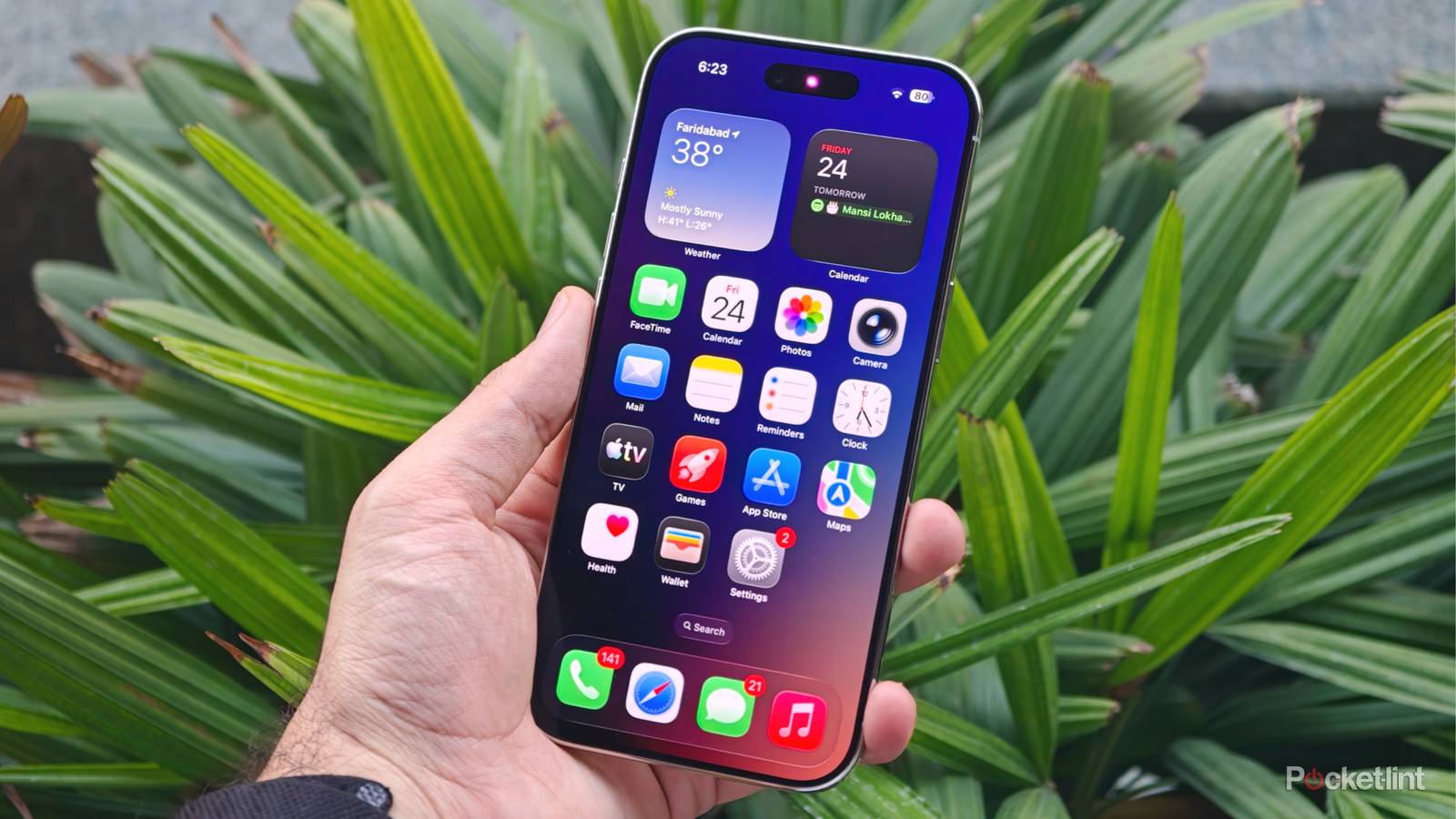
For the last 10 years, the cell phone has been the most technologically evolving piece of equipment we all own. I still remember when the coolest thing my phone could do was play Brick Breaker, and now, I can use it for things that I once thought were silly or made up. I used to carry around one of those massive wallets — you know, the kind your dad had that left an imprint on all his back pockets? It was stuffed with everything from a mountain of business cards to cash, credit cards, and more. It was uncomfortable and actually started to cause some issues with my back.
Eventually, I got smart and made the switch to take just about everything out of that wallet and move it to my phone, and I haven’t looked back. There are some surprising things that your phone can keep track of and do once you really drill out some features, so hopefully this list can help someone like me who simply refused to get rid of the ol’ bifold.
Credit Cards
Tapping the register has never been more convenient

To get the easy stuff out of the way, almost every major credit card company on the market now works seamlessly with Apple Pay or Google Wallet. I’m deeply entrenched in the Apple ecosystem myself, and store every one of my cards, including my debit, on my Apple Wallet and Apple Pay. I pay bills with Apple Pay, set up recurring subscriptions, and plenty more, all without ever having to fish my wallet out of my back pocket and fumble around at the register.
If you only have one or two cards in your wallet, this might not be that big of an issue for you, but as someone with his fair share of credit cards, this switch was game-changing. You don’t realize how quickly those cards stack up in a traditional wallet, and with many companies swapping to metal or thicker cards, they don’t leave much room to flex back there.
Your keys
It’s O.K. to retire those old key rings

With a few smart locks, you probably have 3–4 keys on your current ring that your phone could replace. The only lock in my life that I haven’t taken into the digital age is the lock on my university office door, and that’s just because I don’t physically own the door. There are a million different brands to choose from, but my favorite type uses an NFC tap-to-unlock feature and lets you enter your alarm code as soon as you walk in the door.
Depending on your car, you can even replace your car keys with your phone. Several automotive manufacturers, like BMW, have rolled out digital key features that allow drivers to lock, unlock, and start their car with a compatible smartphone or even smartwatch, and many more are following suit. Before terribly long, the traditional key fob will be a thing of the past, so why not get in on the tech early? If you don’t know whether your car has a digital key option or not, don’t sweat, as Kelley Blue Book has a helpful guide.
Your Camera
A simple app can unlock the best of your phone’s camera

Your phone’s camera is actually much better than you think. As a photographer, I promise I’m not going to dive into the weeds here, but to explain why your phone can replace a point-and-shoot, I have to at least dip my toe in. The color science in your phone’s camera is very rudimentary and, at times, bland. There is, though, an app that lets you unlock your phone camera’s true potential—the Blackmagic Camera app.
Whether you’re on iPhone or Android, this app lets you add specific color controls to your camera. Essentially, it applies a Lookup Table, or LUT, to your images, changing the colors of your final image by mapping input colors to output colors. The recipes give the final product a more cinematic, professional look and can fully replace your “night out” camera, making packing lighter.
Your Business Cards
Picking up clients with the tap of a phone

By now, you’ve probably seen an ad or two for companies like dot. or HiHello, but Blinq is just as strong and caters to a broader market, with a free subscription tier. I personally use it for my own business and have had nothing but great experiences. It also lets me thin out the mountain of business cards I kept in my wallet by scanning their paper cards and turning them into contacts in the Blinq app.
Blinq also lets users create their own business cards within a company profile, and if you’re a solo owner-operator, the free tier can get you by just fine. Together, all these little creature comforts packed into my iPhone let me travel lighter, keep me from constantly patting down my pockets to make sure I have everything, and make my life a little easier.


