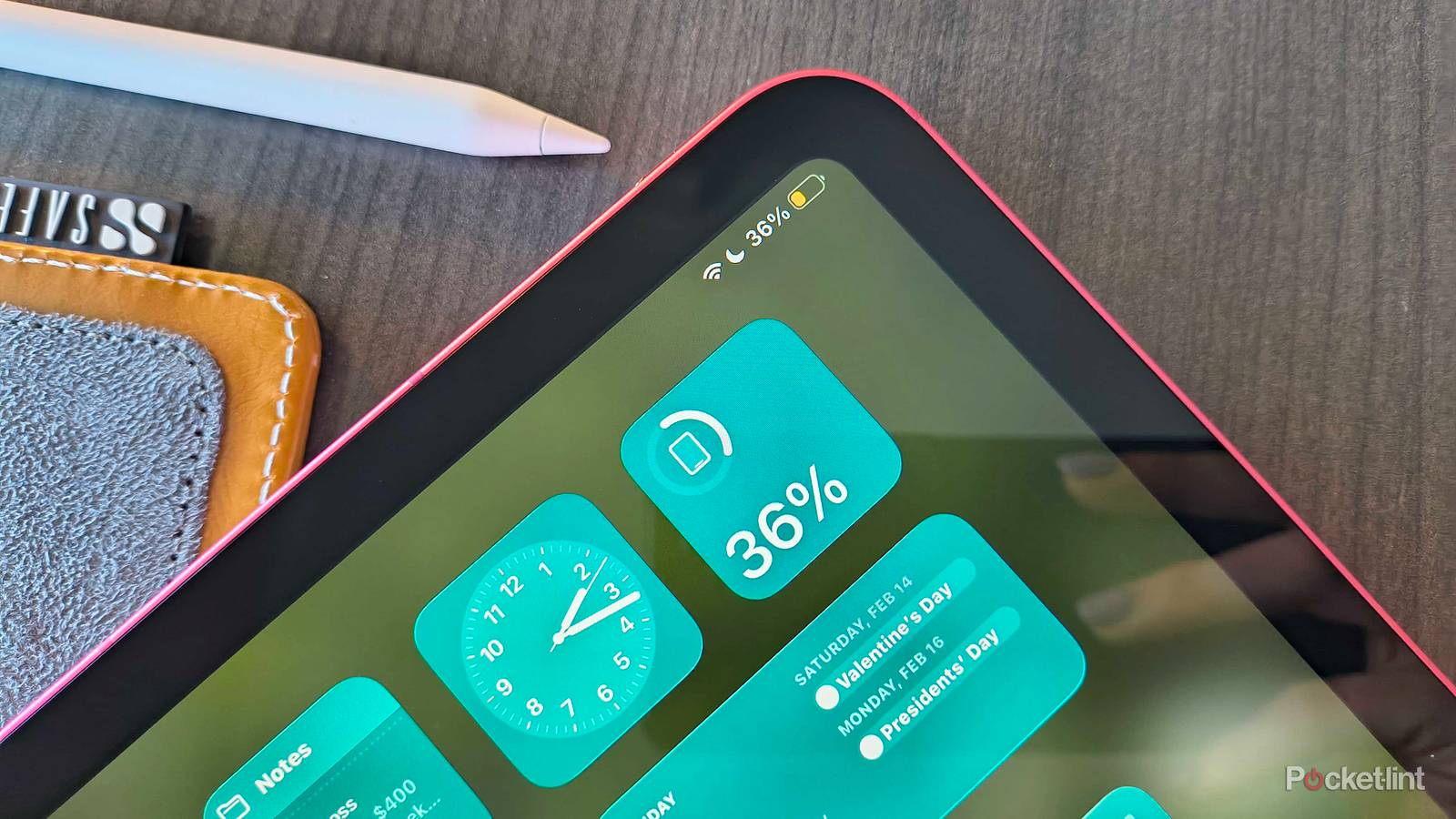
Battery life is a dirty secret of the iPad‘s appeal, I think. As much as people love iPhones, it’s still a miracle when one lasts more than a day. My iPhone 16 Pro sometimes needs midday top-ups, say if I’m headed to the gym, or I need to use it as a hotspot to get writing work done on the road. An iPad runs many of the same apps, yet gets about 10 hours of active use, and lasts for days on standby.
I have occasionally pushed an iPad to its limits, mostly on long-distance flights, when I like binging movies and shows from the gate right through to landing. To keep an iPad chugging, I’ll employ a variety of methods, and software settings are just part of the story.
Turning on Low Power Mode and dialing down brightness
Your best weapons

Once your battery hits 20% or lower, you should turn on Low Power Mode by reflex, assuming you’re not prompted to by iPadOS. The reason for that specific number is that the optimal level for prolonging health is between 20 and 80%. You can toggle Low Power Mode by tapping the battery icon in Control Center, or by going to Settings -> Battery -> Low Power Mode.
Often this will be enough, since the mode triggers several measures simultaneously. Brightness is reduced, background sync is limited or halted, and your device auto-locks in 30 seconds, regardless of your normal settings. When applicable, you’ll also find 5G cellular disabled, and refresh rates dialed down to 60Hz.
Sometimes, though, more extreme tactics are called for. If your iPad is on the verge of dying, consider dropping brightness even further using Control Center. Your iPad’s display is the most power-hungry component after its processor, so reducing brightness to barely readable levels will pay dividends.
Selectively disabling wireless radios
Avoid using Airplane Mode

Wireless radios are probably the third-greatest source of power drain, if not the second in some situations. Under normal circumstances, you’ve got at least two going simultaneously: Wi-Fi and Bluetooth. On cellular iPads, 5G can be a notorious hog, since it’s both high-bandwidth and constantly scanning for available towers.
iPadOS 27 promises to be more efficient with all three connection types. Nevertheless, it’s best to disable one or more radios if you know you’re not going to use them. Note that I said “one or more” — while it’s tempting to use Airplane Mode as a shortcut, that turns off Wi-Fi and cellular while leaving Bluetooth intact. You’ll want some form of internet connection unless you’re consuming offline media, and turning off Bluetooth is an easy win if you don’t have any peripherals connected.
Maybe postpone that X-Files marathon

If you’ve been following my writing, you probably know that I’m obsessed with EUCs. In fact my sleep playlist often starts with videos about them, since even before I started riding, I found them strangely relaxing.
When my iPad is running low, video consumption ends up sharply reduced. It’s just too taxing on the GPU and display. If I need to fall asleep, I’ll switch to music or podcasts, and/or put on a timer that stops playback after an hour. On those long trips I mentioned, a low battery is often the best time to pull out a paper book or my Steam Deck.
Audio is always the most efficient media on an iPad. It doesn’t task your processor or bandwidth that much, and it can keep playing when your screen is dark.
Strategic charging
Don’t get too dependent on backup batteries

A common mistake with devices of all kinds is complacency. This is how people end up running on fumes in the first place — they either forget to check battery percentage until it’s too late, or they overestimate how far they can stretch things. With iPhones and iPads alike, I prefer to leave some breathing room, since you never know when your device is going to switch from being a luxury to a necessity.
The simplest way to deal with this is to think ahead and charge strategically. If your iPad is at 50%, it might survive that next flight — but it’s better to play it safe by charging in the terminal. If you’re the sort who uses their iPad several hours a day, every day, try gauging your longest downtimes and making a habit of midday top-ups. That way, you won’t find yourself scrambling when you end up staying up to 1AM instead of 10PM.
Backup batteries can help in a pinch, but don’t become dependent on them. All lithium-ion batteries have a finite number of 0-100 charge cycles. Leaving your backup plugged in all the time will force you to charge it more often, and render it useless within just a few years.