



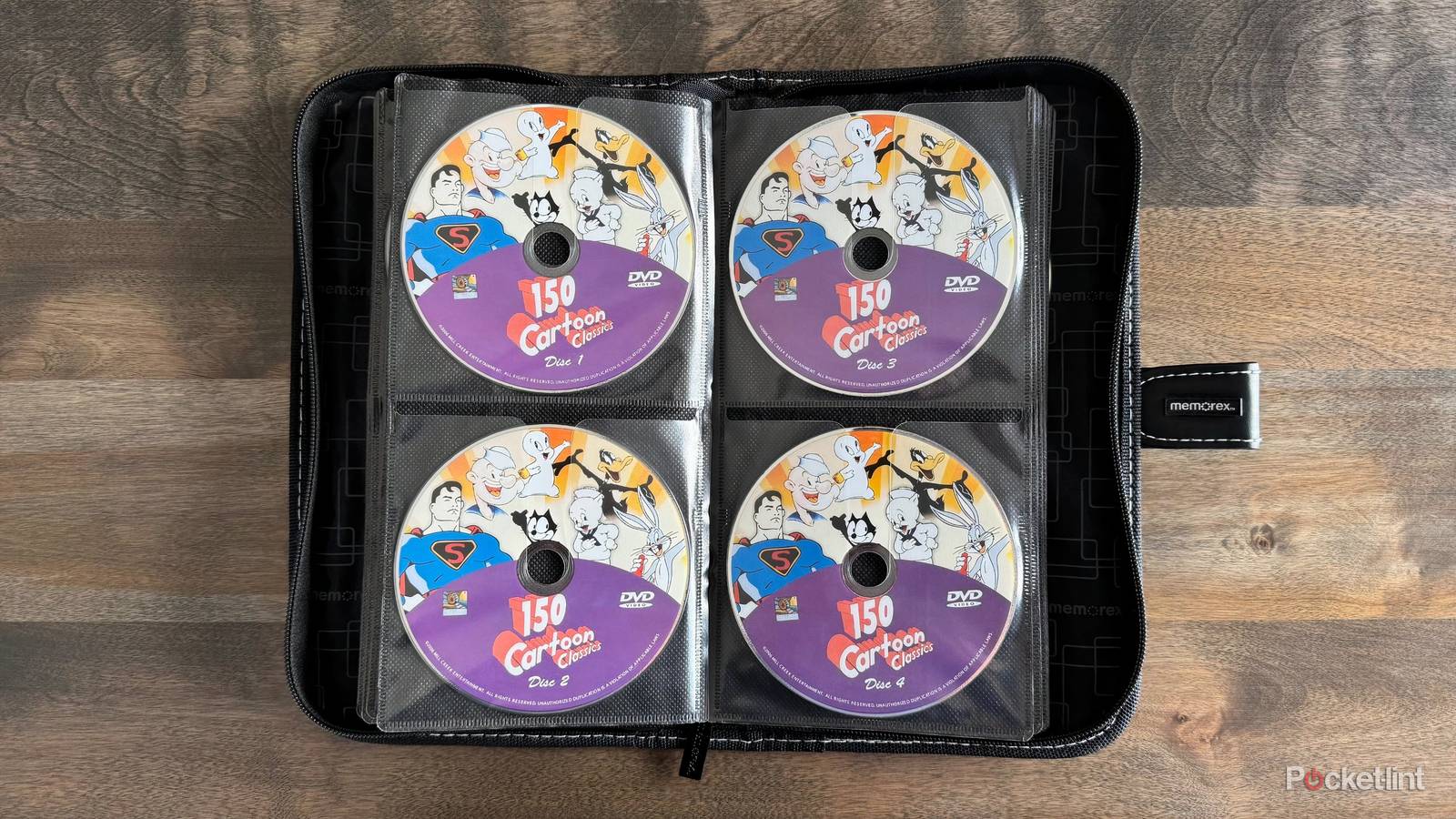
A couple of years back, I switched entirely to optical media for personal data archival purposes. Not long after, I rekindled my joy for physical media, ditching several expensive streaming services in favor of a growing library of DVDs and Blu-ray discs.
There are a variety of reasons why I’ve switched over to optical media, which I’ve touched on before, but the short of it is that I love the nostalgia factor, I prefer physical ownership, I don’t trust flash storage as a preservation medium, and I find collecting discs to be just plain fun.
DVDs and especially modern Blu-ray discs are also surprisingly resilient, being a lot more scratch-proof and impervious to damage than you might remember. Of course, as with any other technology, preserving data on optical discs still requires a level of care and dedication.
Here are three measures I personally take to ensure the long-term efficacy and survival of my various discs. I want my files, photos, and documents (as well as my collection of shows and films) to last now and into the future, and the only way to do so is to stay on top of things as best as possible.
Store your DVDs appropriately
Store in a climate-controlled environment

If stored properly, optical discs of the right make and model can survive not only for decades, but also theoretically for centuries into the future. Of course, as a primary prerequisite for long-term storage of CDs, DVDs, and Blu-rays, you’ll want to make sure they’re stored in a climate-controlled environment.
Optimally, store your discs in a cool, dry, and dark environment, as opposed to a damp or brightly sun-kissed one. This goes a long way in preventing untimely degradation, ensuring your collection stays fit for purpose. As a general rule of thumb, avoid placing discs in sheds or garages, and stick with bedroom closets and drawers.
Handle your DVDs with care
Treat optical discs with the respect they deserve

For better or worse, mainstream optical media formats like DVD weren’t designed around a built-in case or diskette containment system. As such, the main surface containing ones and zeros is exposed, requiring you to handle them with the utmost care.
Now, a surface-level scratch on a modern Blu-ray is unlikely to completely destroy the disc in its entirety, thanks to the superior anti-scratch and anti-fingerprint layer found within the medium. For older CDs and DVDs, scratches and even fingerprints are more of a concern, and so it’s important to avoid touching the readable side except for when cleaning them off using a soft microfiber cloth.
Inspect your DVDs on the regular
Look out for symptoms of disc rot

Disc rot is a phenomenon that afflicts optical discs of all kinds, resulting in the oxidization or corrosion of a disc’s reflective metal layer, or the layer’s separation from the plastic substrate of the disc. The primary symptom of disc rot is discoloration of the readable side of a disc, and it’s a permanent change in state that results in data loss, skipping, freezing, and other errors.
Unfortunately, disc rot can sometimes occur even in ideal storage conditions, and so it’s important to regularly inspect your discs to catch symptoms as they manifest. To reduce the chance of disc rot, avoid touching the discs’ readable side (which transfers oils), and store them in moisture-proof plastic cases. On the bright side, disc rot can’t spread from one disc to the next, and its occurrence can help tip you off early that your other discs are at risk in their current storage location.