

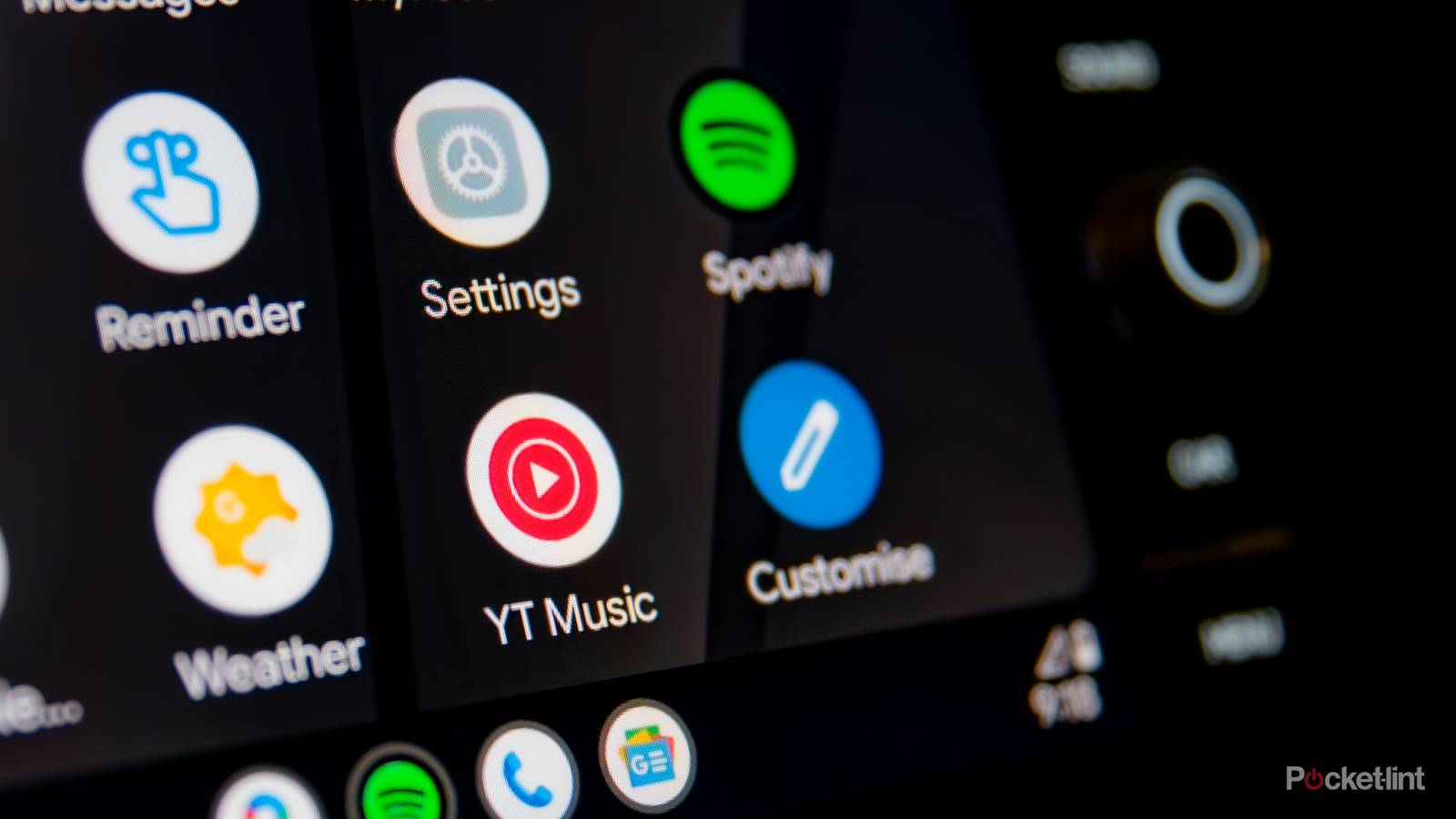
It’s no secret that Android Auto makes driving a lot more convenient by mirroring your phone to your car’s infotainment display, allowing you to use tons of apps safely while driving.
Of course, because driving demands your full attention, Android Auto comes with plenty of safety restrictions, and one of the biggest is that it doesn’t support video playback. That’s why there are still some apps that don’t support Android Auto, with YouTube being one of the biggest holdouts for years now. Recently, though, that’s started to change.
YouTube has quietly started rolling out support for Android Auto, but not quite in the way you might expect. The support was first spotted by users on Reddit and now appears to be rolling out more widely (via 9to5Google), but YouTube’s Android Auto feature set is extremely limited.
For now, the app only works with Android Auto’s media controls and only supports audio playback. This means if you’re playing a video on your phone, you can pause, resume, or skip to the next video directly from the Android Auto home screen while listening.
It’s undeniably useful if you’re listening to something like a podcast or the news while driving — but one of YouTube’s biggest features is missing.

- Developer
-
Google
- Subscription cost
-
No
Video playback is not supported
You also need YouTube Premium

The biggest limitation of YouTube’s Android Auto support is that it doesn’t support video playback. You can technically play any video you want on YouTube, and listen to it just fine through Android Auto, but absolutely no video will appear on your car’s infotainment screen, only the new media controls I mentioned earlier.
Of course, this makes sense for safety reasons, as it would be extremely dangerous if Android Auto started playing YouTube videos on people’s car screens while they’re driving.
It’s also worth noting that YouTube’s Android Auto media controls only work if you have a YouTube Premium subscription, since background play — the feature that lets you play videos while your screen is off — requires having a Premium subscription. However, background play was recently added to YouTube Premium Lite, so you no longer have to pay for the more expensive Premium tier to access it.

So, if you enjoy using YouTube as something to listen to while driving, having media controls right on the Android Auto home screen makes things much safer. Plus, it’s also helpful for videos that aren’t available on YouTube Music, which already has its own dedicated Android Auto app.
One thing I do hope to see in the future, though, is support for video playback while your car is parked. Rightfully so, video will likely never be allowed while the car is in motion due to safety risks and state laws. But when you’re parked, it would be nice to watch something, whether you’re eating, waiting to pick someone up, or charging your car.
At Google I/O last year, Google said video support would be “coming soon” to Android Auto, though it’ll be limited to “compatible cars.” So when it does arrive — potentially through apps like YouTube — it’ll be restricted to select vehicles, and almost certainly only work when the car is parked.