


Everything’s connected to the internet these days, including your TV. You’d have to go way out of your way to not have a smart TV, so there’s a really good chance that you have one. While you don’t have to connect it to the internet if you have a streaming stick, that’s not the reality many people are living in. A lot of people utilize all the features on their smart TV, and it’s how they keep up with their favorite shows on Netflix and Disney+.
What you might not know is that your Wi-Fi connection matters more than you think. Of course, without Wi-Fi, you can’t get online at all, but depending on how your home internet is set up, you might have two different bands to connect to. When I switched over to Fiber internet, I was just given a single network to connect to. Later on, I decided to plug my Xbox 360 in again, and that’s when I noticed it couldn’t connect to my 5G Wi-Fi. I had to split the band into 5GHz and 2.4GHz and connect the 360 to the latter one. As it turns out, a lot of older devices don’t play nicely with 5GHz, but your smart TV should handle it just fine. That doesn’t mean you should use it, though.
Slower speed might be a better pick
Something about the tortoise and the hare

For a while now, you might’ve been hearing that 5G, and by extension, 5GHz, offers the quickest speeds. That’s true, but that’s not always a good thing. As I mentioned, it flat out doesn’t work with my Xbox 360, and there’s a good argument to be made that your TV should be connected to the slower band. Faster speeds are nice and all, but the 2.4GHz band promises a more stable connection. When it comes to streaming shows and movies, I’d prefer stability to speed. It’s not like streaming needs super high speed anyway.
On top of that, where your router is placed matters quite a bit. Due to its instability compared to the 2.4GHz band, 5GHz works the best when you’re closer to the router. This means that if you’re downstairs while your router is upstairs, you might have a better time being on the slower network. In practice, I don’t think you’d really notice the difference in speeds on your TV, but you’d definitely notice buffering.
This isn’t the case for everything, and if you’re downloading large files, the faster speeds are better. For your PS5 or Xbox Series X, you’ll want to be on the 5GHz connection — if it’s stable, of course. The easiest thing to do is just connect to both of your bands and test which one you like better. If you like the 5GHz one better, keep using it. If you find the slower speed to be better, keep on using it. It doesn’t take much time to switch back and forth between your connections, so just cover all your bases.
There’s some good news in finding out your 2.4GHz band is fine. Having lower-priority devices will free up some bandwidth for your faster band. Things like your smart home devices work great on the slower band, and that means they won’t clog up your 5GHz one. If your smart TV has the same performance on 2.4GHz, then consider leaving it there so you can save the quicker speeds for your phone and game consoles.
There’s an answer to this
It comes back to Ethernet

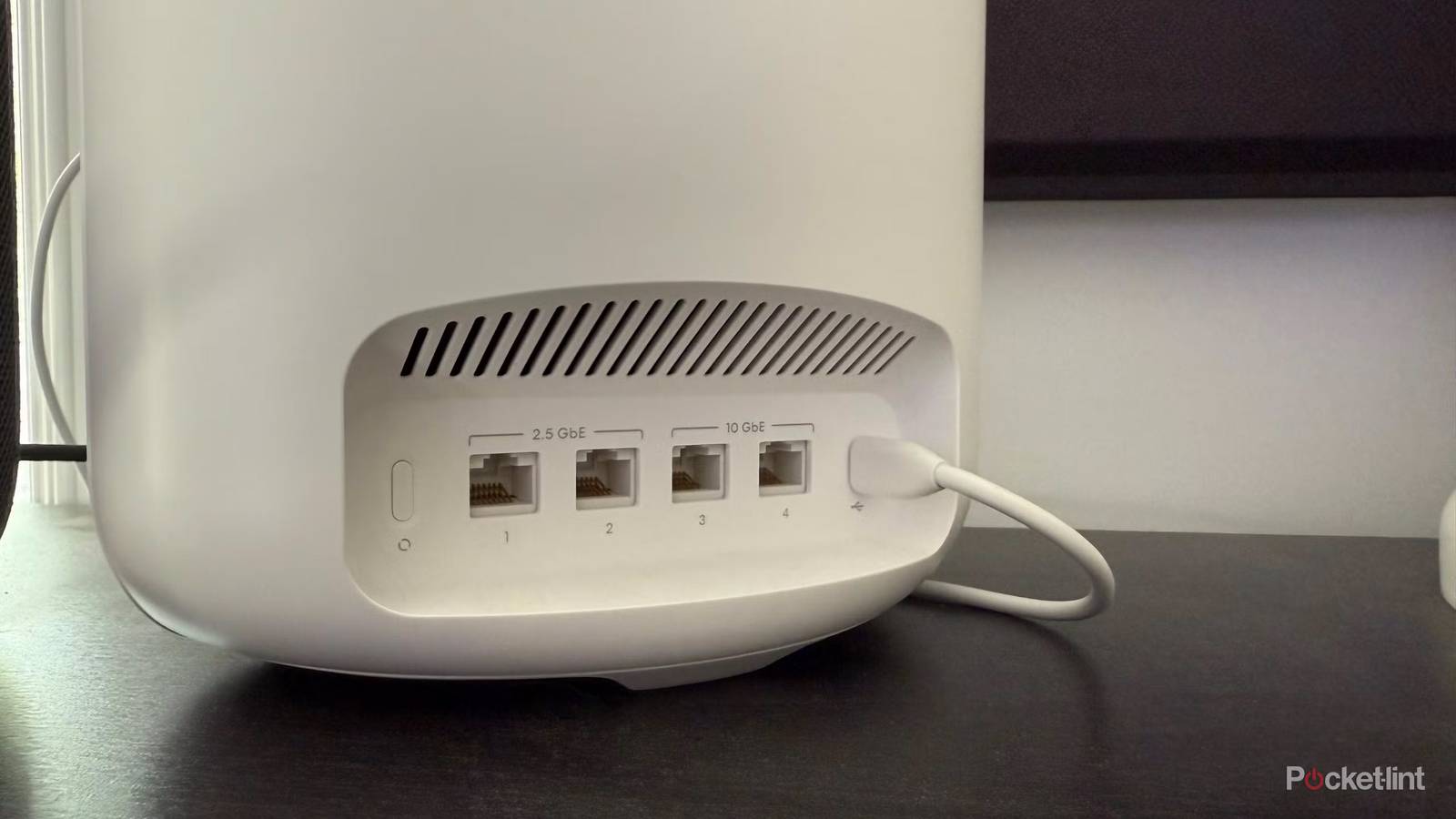
If all this is too much to think about, you can always resort to the tried and true method — plugging in an Ethernet cable. Many people rely on these cables for stable connections, and I admit that it’s the easiest way to guarantee that. Unfortunately, that’s not really an option for my living room TV because I’m not particularly interested in having an Ethernet cable run down my stairs.
You also have to be aware that your TV’s Ethernet port might not give you faster speeds than Wi-Fi. If stability is all you’re looking for, then it’s not anything to worry about. Speaking for myself, I feel that I’ve outgrown the need for Ethernet. I have my PC plugged in since I don’t have Wi-Fi as an option for it, but that’s the only thing I rely on for Ethernet. Everything else in my house runs on Wi-Fi, and I haven’t had any issues whatsoever. Part of that might be the Fiber connection, but I also feel like Wi-Fi has come a long way in the past several years.
Downloads go so fast over Wi-Fi that I don’t even have to worry about having my game consoles plugged in to download 100 GB games. It almost feels like magic, but I love not having to haul my PS5 into another room to plug it into my router anymore.