



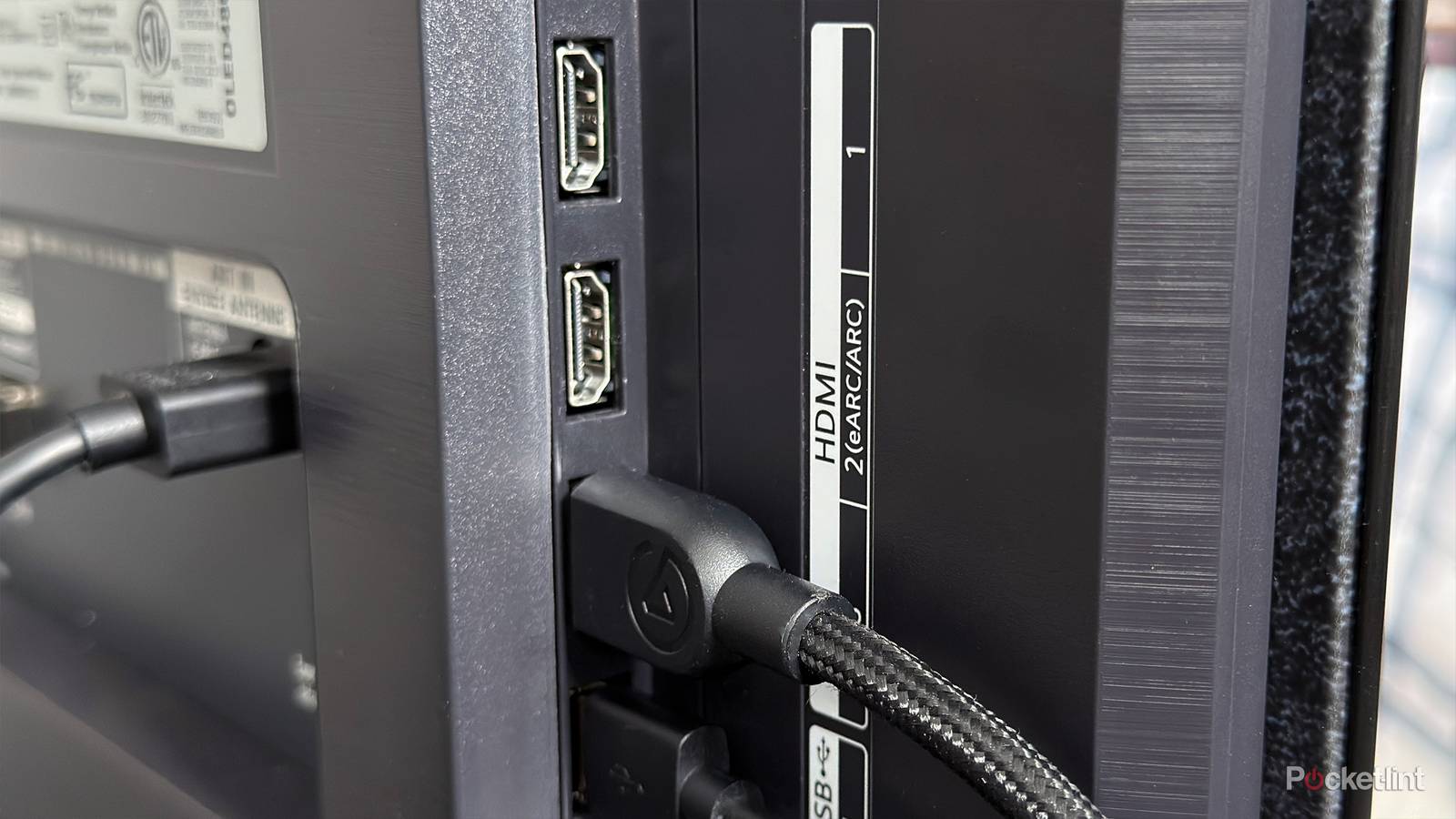
Many modern smart TVs now include an HDMI eARC port, and for sound enthusiasts, it’s arguably the most important port on a TV. eARC stands for “Enhanced Audio Return Channel” and allows a sound device, such as a receiver or soundbar, to receive high-quality, uncompressed audio from your TV, including formats like Dolby Atmos or DTS:X.
Essentially, if you want the most immersive sound experience possible and want your TV to sound as good as it looks, the HDMI eARC port is what delivers it.
That said, while eARC is commonly associated with being best suited for audio devices, that doesn’t mean it’s off-limits to other devices. You might think you can’t plug a Fire TV Stick, Roku, or PS5 into your TV’s HDMI eARC port because it won’t work properly or because it’s not strictly a sound device, but that’s a myth.
eARC can act like any other HDMI port
You can plug any HDMI device you want into it

To be clear, if you have a soundbar or receiver, you’ll 100 percent want to connect it to your TV’s HDMI 2.1 eARC port for the best experience. But if you don’t have one of those, and instead rely on your TV’s speakers or use headphones for audio, that doesn’t mean you can’t use your TV’s HDMI eARC port for something else.
When a device that isn’t a soundbar or receiver is plugged into an eARC port, it still functions as a normal HDMI port, allowing you to connect any device you want, such as a PS5, Switch 2, or Fire TV Stick, and it will work no problem at all. Plus, you’ll still get all the benefits that HDMI 2.1 offers, such as VRR (Variable Refresh Rate) and ALLM (Auto Low Latency Mode).
So, if you’re worried that plugging your PS5 into the eARC port will mess something up or break your TV, don’t be. Think of eARC as a bonus feature on top of an HDMI 2.1 port, not a drawback. Even if you aren’t using the eARC part, the port still handles your console’s video and audio signals perfectly fine.
I use my TV’s HDMI eARC port for my PC
I’ve been gaming at 4K with G-Sync and HDR with zero issues

I’ll admit that, when I first got my LG C5 TV, I avoided using the HDMI 2.1 eARC port. I don’t have a soundbar, and I’d bought into the idea that it was only meant for that. It wasn’t until I wanted to connect my PC to my TV last year — and all my other HDMI ports were already in use — that I finally tried the eARC port.
Lo and behold, my PC has been working flawlessly with it ever since. I’ve been playing at 4K at 120Hz with G-Sync and HDR enabled, and I haven’t encountered any issues over hundreds of hours of gameplay.
On some TVs, the only HDMI 2.1 port is the one labeled eARC. So if you want to get the best performance out of your console or PC, you’ll need to use it
I’ve also tested both my PS5 with VRR and my Switch 2 on my TV’s eARC port, and had zero issues there either. There’s been no performance difference compared to the other HDMI 2.1 ports on my TV that aren’t eARC.
The simple truth is that eARC is there if you need it. If you pick up a soundbar or AV receiver one day, then you’ll absolutely want to use your TV’s eARC port for that. But if you don’t plan to do that, then that eARC port is free rein for whatever HDMI device you want to plug into it.
On some TVs, the only HDMI 2.1 port is the one labeled eARC. So if you want to get the best performance out of your console or PC, you’ll need to use it — and there’s no reason to worry about doing so.