


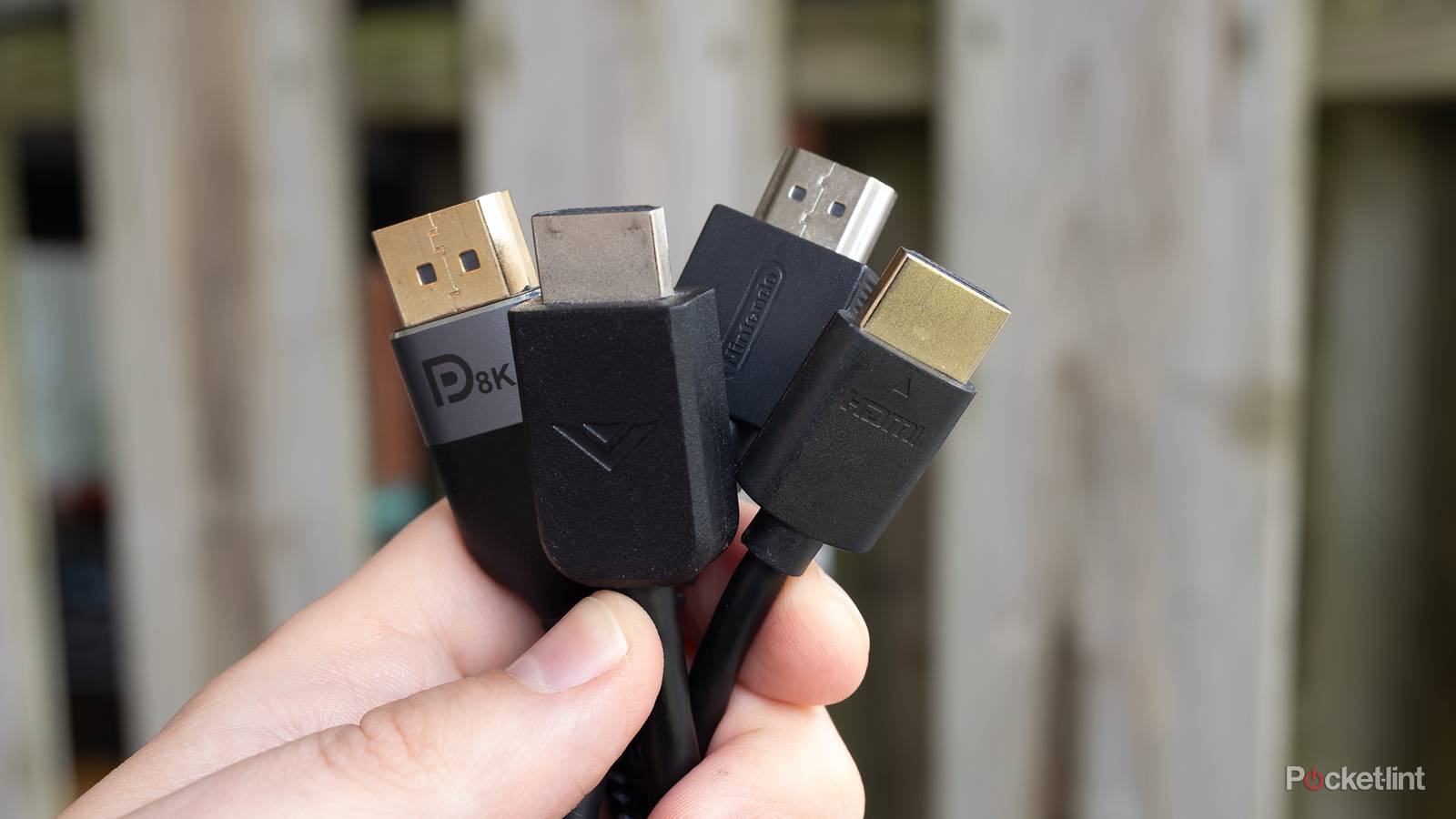
HDMI cables are very important, and your high-end devices should certainly be paired with high-end cables. In this case, that means using HDMI 2.1 cables with things such as your Apple TV 4K and PS5. Before you go out and buy all new cables, let me let you in on a little secret — you can just use what comes with your device. I don’t know about you, but the HDMI cable that came bundled with my PS5 works perfectly fine. It lets me play at 120 FPS, and I have no qualms with the picture or audio. The reason for this is that this is the correct cable to use. If your device comes with an HDMI cable, just use that one.
I know, I know, it sounds crazy. You might be wondering why they sell HDMI 2.1 cables in the stores, since you’ll typically get one included with your devices. It’s a fair question, and I don’t have a good answer for you. I’m somebody with more HDMI cables than I know what to do with.
Don’t make things complicated
It’s not that difficult

Let me keep it very simple for you — if your device comes bundled with an HDMI cable, just use that one. It really is as simple as that, but it gets trickier if you buy something used or something that doesn’t come with a cable. If that happens, you have to track down what HDMI cable is needed for your device. If it’s something new, then the answer is probably an HDMI 2.1 cable.
However, your old Blu-ray player or PS3 doesn’t need to have the newest cable plugged in to get the best performance. For these, you can use just about any old cable you have lying around. If you’re anything like me, you have tons of these lying around thanks to the sheer number of devices you’ve amassed over the years.
What’s nice about the HDMI format is that all of your cables are compatible — for better or worse. Using a 2.1 cable with your older devices isn’t a bad thing, thanks to the backwards compatibility, but it’s bad if you’re using something from those devices with something new. For example, an HDMI 1.4 cable plugged into your PS5 is going to lead to nothing but headaches. You won’t be able to sniff 120 FPS, and considering that’s one of the big selling points of the console, that’s a non-starter for me.
HDMI cables don’t do a great job of explaining what they are on the cable itself unless you already know what the terminology is. What you need to look for if you want a 2.1 cable is something that says Ultra High Speed. There’s a good chance that you already have plenty of these cables, so you shouldn’t have to go out and buy anything new. To avoid all this, this is why I’d just recommend using the cable that came with your device. If you ever have to unplug something, just keep the original cable attached so you don’t lose it.
I think it’s a lot easier to manage if you don’t have a ton of devices. I know I’ve amassed quite a bit of stuff over the years and mixed my HDMI cables up.
If you need a new cable, don’t break the bank
Plenty of cheap options that work great

When you buy used equipment, you won’t always get an HDMI cable with the purchase. I’ve found myself in a similar boat, and if I wanted to get the 2.1 speeds, it meant I had to go out and buy a cable suited for the job. Just a quick look at Amazon and you’ll see a ton of different options available. You don’t have to spend an arm and a leg to get an HDMI cable that gets the job done, and I would actually recommend saving some money if you can.
This means you can stay away from the super-long cables that drive up the price for you. In fact, I don’t think you need to look much further than an Amazon Basics-branded cable, as strange as that might sound. I know it’s dumbing it down about as far as it goes, but for me, an HDMI cable either works or it doesn’t. Yes, some cables might be better performers than others, but I don’t think it matters for the vast majority of people.
A decent HDMI cable can be found for a few dollars, and if you buy one, you should be able to get any of your devices up and running in a matter of seconds. The main thing you should be looking for is whether your cable is HDMI 2.1 or not. You might as well buy the newest format available since it’s compatible with all your devices anyway. You also won’t have to worry about not getting enough performance from your devices if you take this route,too.