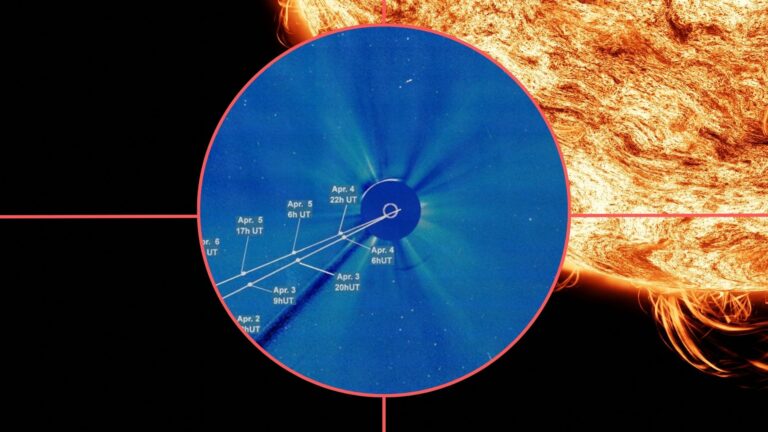


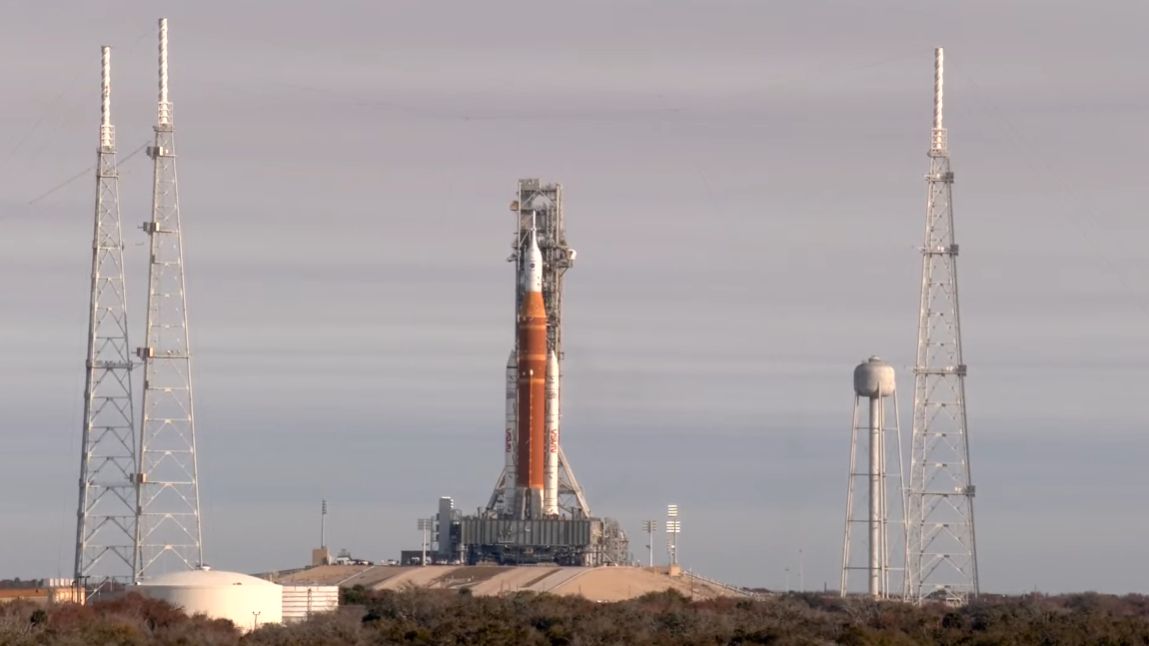
On top of being able to contribute to citizen science efforts to help defend Earth from asteroids, Unistellar is now calling on anyone with a Unistellar smart telescope to help observe the light curve from NASA’s long-awaited Artemis 2 mission during launch and re-entry.
As a manufacturer of some of the best smart telescopes we’ve tested, this isn’t the first time that Unistellar’s citizen science initiatives have observed major launches, with past missions including observations of the Artemis 1 launch and James Webb space telescope (JWST) launch. Results of Unistellar members’ JWST observations were presented in a scientific study, published in Aug. 2022, which provided light curve data on JWST from launch through to its final destination. This is a chance to observe a historical NASA moon mission and potentially contribute data to a scientific study, even if you have no formal background in astronomy.
Article continues below
We have tested the whole Unistellar range, from the fully automatic Odyssey to the more expert eVscope 2 and eQuinox 2 models. We have used them to observe a range of night sky objects, including galaxies, star clusters and the moon, even from a city center with light pollution. These telescopes are perfect for go-to observation of night sky objects alongside easy astrophotography and the ability to contribute to citizen science missions. If you have clear skies on the evening of Apr. 1 and access to any of the Unistellar telescope range, then you may be able to help contribute to observation of the Artemis II launch.
“As Artemis 2 approaches the moon, this event offers a unique opportunity to deepen our understanding of the mission and its trajectory,” said Dr. Franck Marchis, senior planetary astronomer at the SETI Institute and co-founder of Unistellar. “Coordinated observations can provide valuable insights that complement professional data. By capturing this moment, amateur astronomers can play a meaningful role by contributing observations that help refine tracking, improve mission analysis, and strengthen collaboration between the public and the scientific community.”

Things to do before the launch

- Find a location from which to conduct your observation, preferably somewhere with a higher elevation or a clear horizon.
- Check on how clear the skies will be to see if observation is possible.
- Practice by pointing your telescope at the moon, fine-tuning focus (on eVscope 2 and eQuinox 2 models) and exposure, so that when launch happens, you are ready for observing Artemis 2.
How do I observe the Artemis 2 launch with a Unistellar telescope?

- Connect your Unistellar telescope to the Unistellar App. App store / Google Play store
- Sign up for an account on the Unistellar app with valid email address.
- Go to the Unistellar ephemeris page and select Artemis 2 (Artemis II in app) as your target, then enter the date, time and location of your planned observation (if a grayed-out eye symbol appears, the target isn’t visible yet). Click generate and you will receive a link back to your app.
- Reconnect your telescope and click GoTo, confirm the settings and the right ascension (RA) and declination (Dec) should be entered in the app for you. Click save and when the telescope has finished moving, you can begin the observation by clicking the record button.
- The telescope will slew to the rocket in real time. If the target disappears, check the ephemeris page again to see when it will be visible again.
- In a few days you will be invited to join the official Slack community but this is not essential for observation and recording beforehand.