


So much of life revolves around cables these days, especially if you get excited about new devices as much as I do. I have numerous game consoles, several streaming devices, and TVs — which means I have more HDMI cables than I know what to do with. HDMI cables are enough of an issue for me, and now I have USB cables piling up. USB-C finally replaced my older Micro-USB and Mini-USB cables. It now feels like USB-C and HDMI are on a level playing field thanks to the universal compatibility offered by their ports.
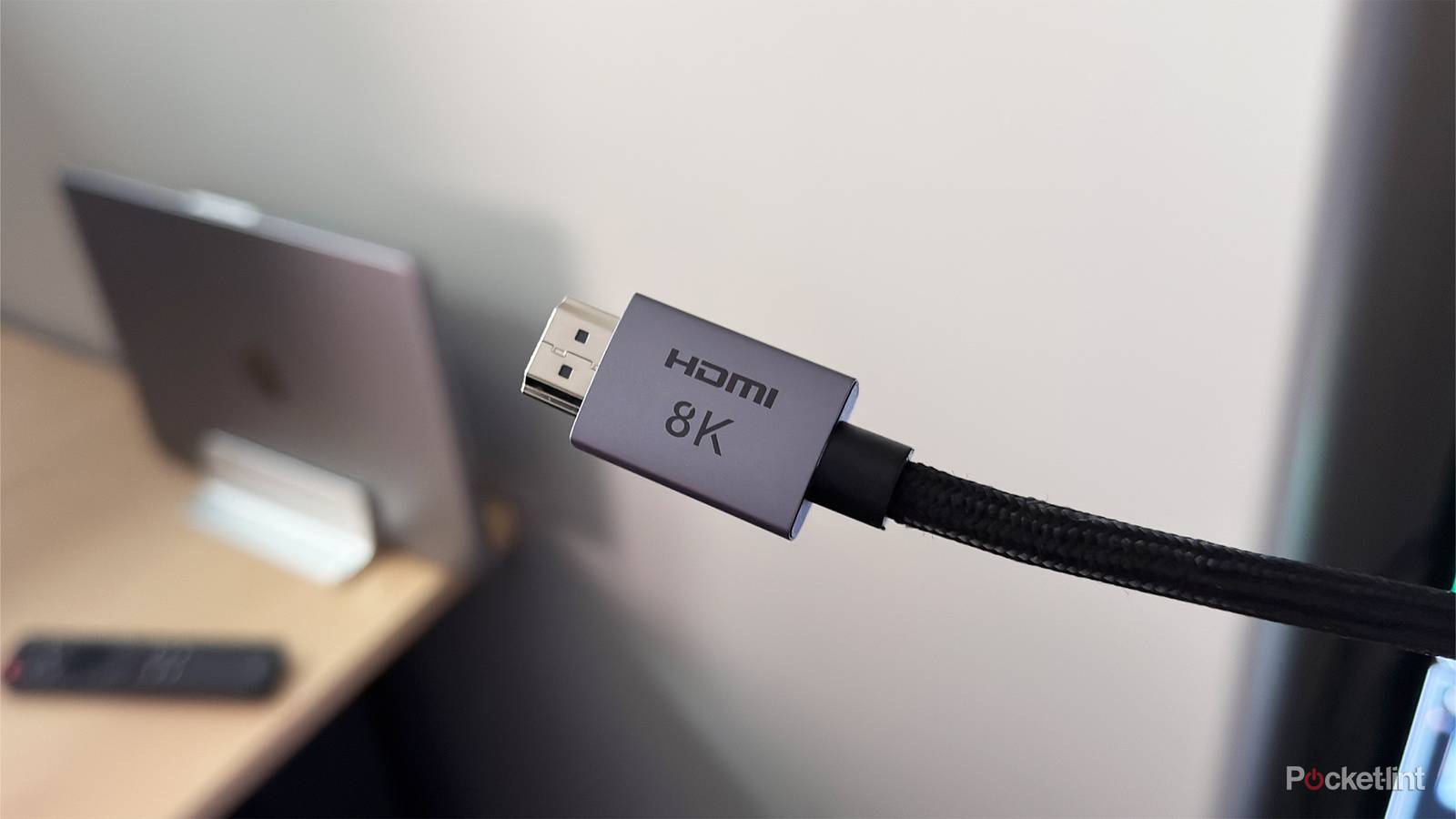
HDMI 2.1 is currently the fastest cable you can get your hands on, and it’s recommended to pair one with your latest devices. It’s the only way your PS5 can experience VRR and 120 FPS, so it’s very important to use it if you have one. USB-C cables also come in all sorts of different speeds. The Thunderbolt cables are the fastest ones available, but unlike HDMI, I don’t think most people would benefit from having one. There’s nothing wrong with using a Thunderbolt cable or high-speed USB-C cable if you have one, but it’s overkill for most situations. While USB-C and HDMI have a lot in common, I think this is where they differ the most.
Speed isn’t as vital for USB-C
HDMI needs it more

USB-C cables, like HDMI, come in many different forms. If you’re an early adopter of the HDTV, you probably have many HDMI cables from the past two decades. What you might not know is that your old cables are much slower than your modern 2.1 cables. They mostly look the same, but your 1.4 cable won’t give you nearly the performance you need to get the most from your PS5.
USB-C cables, on the other hand, don’t need the fastest speeds to complete daily tasks. Most of my USB-C cables are used to charge my devices, and that means any high-speed cable would go to waste for me. Thunderbolt cables have their place, and a key area where the average person can see some value is transferring data from their phone to a computer. Things move a lot quicker over a USB-C Thunderbolt cable.
If you have a laptop with a Thunderbolt 4 port, you can also add a dock that offers plenty of versatility. Charging multiple devices, connecting an additional monitor, and even getting an Ethernet cable is a breeze with something like this. It’s definitely something to be applauded that a single cable can do all of these things now. It used to be a nightmare of mixing and matching cables and accessories to do what is so easy nowadays. However, I have to reiterate that most people aren’t diving in this deep.
Charging a phone doesn’t need a lot of power, and the basic cable that you find in a store or on Amazon will suffice. You could use a faster cable without any concerns because your phone will just get the power it needs and call it a day. As long as my phone is fast-charging, I’m not all that concerned about what cable I’m using. To be clear, I think this is a good thing because I think HDMI has become far too confusing for the average person. When it comes to your phone’s USB port, the cable you’re using either charges your phone or doesn’t. There’s really not much more you can ask of it other than Fast Charging, and it’s easy to see if that’s working. For other devices I have, like USB-powered fans, having a high-speed cable isn’t nearly as important as having one with the correct power.
HDMI, on the other hand, is a tad more confusing, and I think it’s going to continue being a big issue. Your TV has several different ports, and until HDMI 2.1 ports become the standard instead of mixing and matching 2.0 ports with 2.1, it’s going to be tough to explain the difference.
HDMI is getting more confusing
USB-C mostly makes sense

USB-C is plug-and-play for most devices, and it won’t take long to figure out if something is incompatible. Also, as I said before, you only need the fastest speed cables for niche cases, so most people will get by just fine with any old cable. HDMI cables work a lot like that, but you can leave performance on the table without even knowing it.
Audio is a big one, as these older 1.4 cables don’t have as much bandwidth as a 2.1 cable does. You run the risk of compressing your audio, and your TV won’t exactly warn you about this. Fortunately, your console will let you know if you don’t have the correct cable plugged in. A major selling point of the PS5 and Xbox Series X is 120 FPS and VRR support, things that are only possible with an HDMI 2.1 cable. There’s a screen on each of those consoles that tells you if you don’t have support for either, so it’s not like you could carry on like nothing’s happening.
HDMI has made it so you basically have to make sure you have the quickest cable available to get the best performance, and that’s not necessarily the case with a USB-C cable. You don’t need a Thunderbolt cable to charge your phone, but you need an HDMI 2.1 cable for your PS5. A Thunderbolt cable is identifiable by the lightning bolt symbol on the cable, much like a 2.1 cable can be found by looking for the words “Ultra High-Speed” on it. The downside is that neither of these things is really obvious unless you already know that information beforehand. Although I would argue the lightning bolt is a lot more straightforward.
There’s so much to be aware of with HDMI outside of just the cable. Your TV is packed with ports that might not all be 2.1 ones. This means that the port you plug your cable into matters a lot, and it’s very easy to mess up if you don’t know what you’re doing. Thankfully, your ports should be labeled, and if you have a modern 4K display, it means you should have at least 2.0 or higher ports. That’s not even considering the eARC port, which is a modified 2.1 port. This specific port is meant for your audio equipment, so while it works, it won’t reach its full potential without a soundbar or audio receiver plugged in. When you look at it like this, I’d love the simplicity of USB-C. Thankfully, I know what to look for in both my HDMI and USB-C cables. I just have to hope the average person knows what they’re looking for as well.