



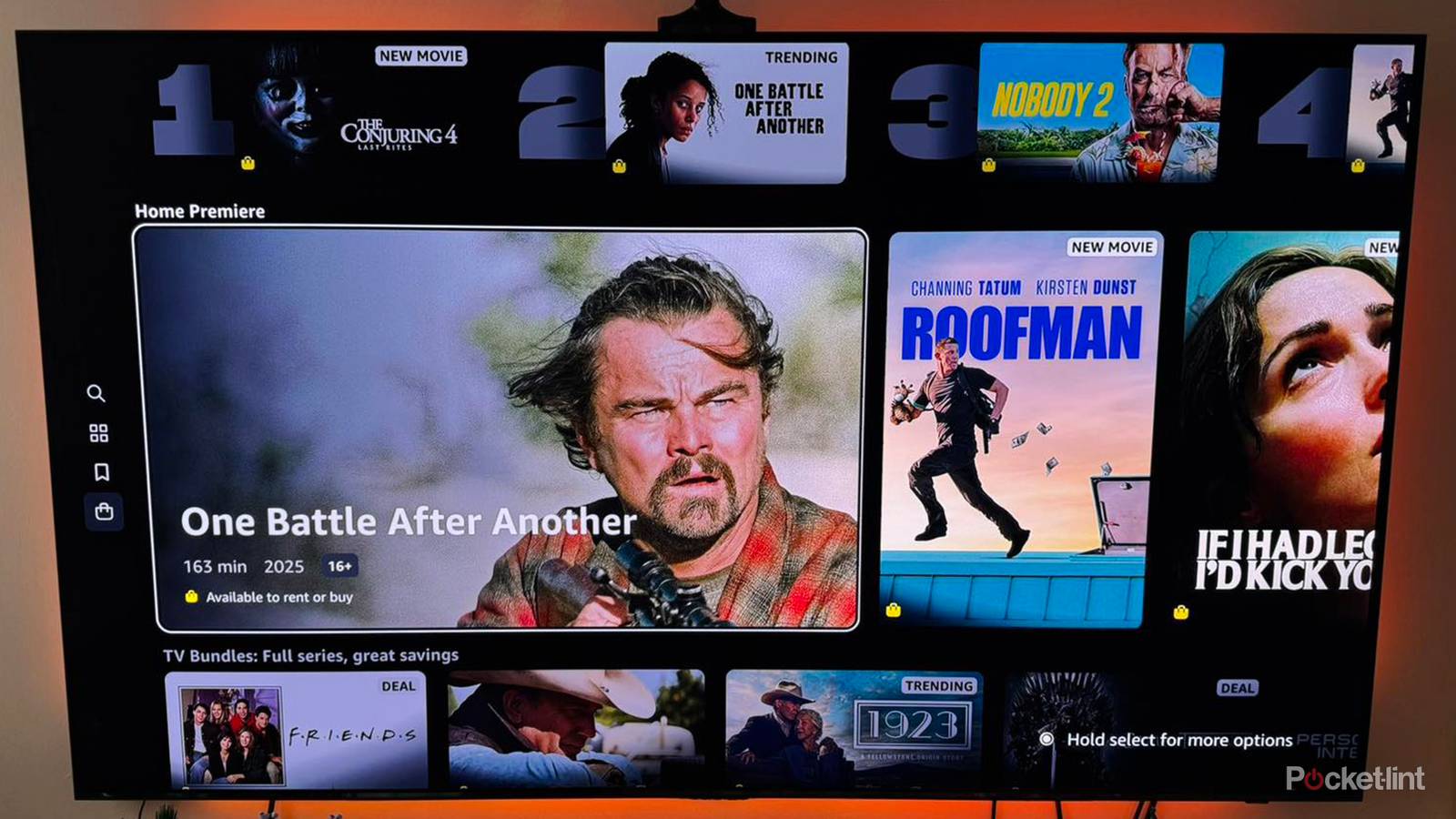
Smart TVs are packed with features, and if you’re somebody who likes to dig through the settings when you set something up, then you might end up being overwhelmed. One of the first things I do after plugging in a TV is tweak settings for the room I’m in. I recently did this with an Amazon Fire TV, and there is a setting included with that TV that caught my attention.
Deep into the settings is something called Auto-Brightness, and on the surface, it sounds like an excellent feature. The way it works is your TV automatically adjusts the brightness depending on the conditions of the room. For example, if you have the sun coming through your window, the TV would increase its brightness to help combat that. It’s a really nice feature for people who need something like that, and I know firsthand how difficult it is to fight off glares. However, I think this feature adds quite a few downsides. I would even go as far as saying it’s not something worth using if you care about your picture quality.
I don’t recommend Auto-Brightness
It does more harm than good

Being able to see what’s on your screen is great. I don’t want to argue that. What I will argue is that having adaptive brightness can become very distracting. Just put yourself in the shoes of somebody watching something on a cloudy day. Your TV will start with a lower brightness, but when the sun comes out, it’ll automatically raise the brightness. This ends up creating an image that can change quite drastically over the course of watching a movie, and that would be highly distracting for me.
I’d much rather have a uniform brightness throughout my movie, and that’s why I like to manually tweak the picture settings myself before watching something. A lot of this is on the viewer, however. You can fight glare yourself by getting blackout curtains or just making sure your TV is away from a window. Sometimes, you don’t have much choice in the matter, but this is why it’s very important to make sure your TV goes in a place that makes it easy to watch. Auto-brightness exists for situations where you can’t avoid that glare, and I’m grateful for that. I’d still much rather try to eliminate glare myself before relying on something software-related.
This mode has several different names depending on your TV brand.
There are some movies where this wouldn’t be as much of a problem, but I couldn’t imagine watching something like Dune and having the brightness change on me during it. Some scenes are meant to be dark, so having an overly washed-out picture isn’t ideal. Not everybody is as sensitive to changes like this as I am, and if you’re not bothered by an ever-shifting brightness, don’t let me stop you from having this mode turned on. It’s a big help to people who don’t want to spend time tweaking things themselves. A lot of the fun I get from new technology is digging into the settings, but I know I’m in the minority there. It’s good that TVs are launching with features like this, but they’re just not for me.
It makes sense in some scenarios
My news doesn’t have to look good

There are many times when I’m watching something on TV where the brightness isn’t all that important to me. I think of just about anything on cable as an example. Watching sports or news broadcasts isn’t a situation where I value picture quality above all else, so having adaptive brightness enabled for that isn’t a bad thing. You’re not going to find me manually messing with brightness settings while watching a basketball game, so that’s a big thumbs up for auto-brightness.
I would even go as far as saying it’s not something worth using if you care about your picture quality.
Basically, any time I’m not watching a movie, I’d say it’s a good feature to leave on. If you’re in a room where you can easily control the lighting, I’d recommend adjusting the brightness yourself, since you can guarantee a uniform picture that way. My spare bedroom stays dark all day, so that’s a TV I’d never want to use with automatic brightness settings. My living room TV doesn’t fare as well, since I don’t have wall-to-wall curtain coverage on my windows, so the sun can become quite distracting during the day.
At the end of the day, it’s really up to you. If you think adaptive brightness looks good, then go ahead and use it. I know picture quality isn’t always on people’s minds. If that was the case, I don’t think we’d be getting people mounting TVs above fireplaces, for example. I can’t fight all of these battles at once, so I just want people to do what feels right for them. I would argue that auto brightness functionality is relatively harmless compared to some of the other smart TV features. Yes, I’m looking at you, motion smoothing, but I digress.