



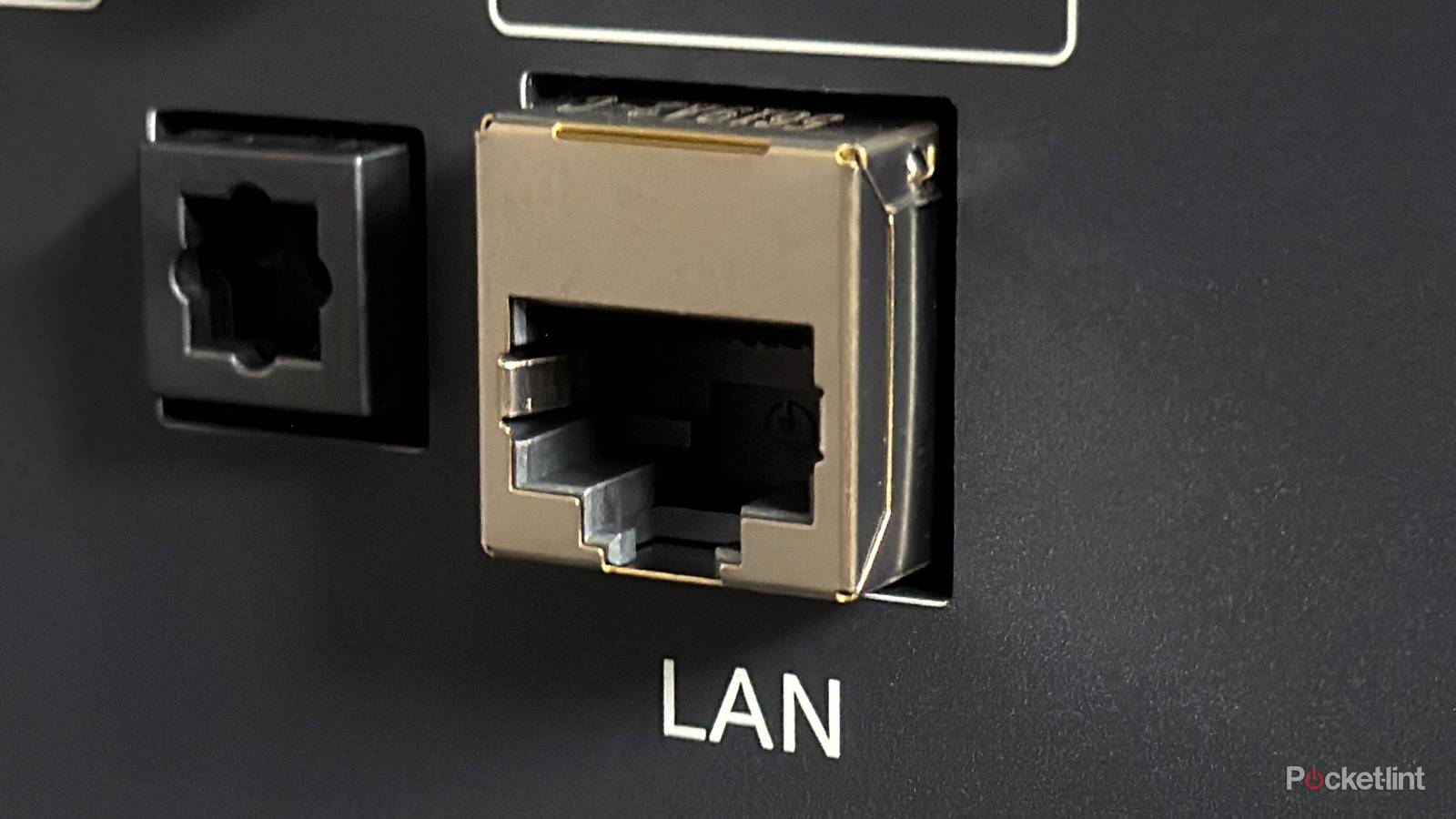
For a long time, I was under the impression that using Ethernet instead of Wi-Fi whenever possible was always the smartest move. After all, wired connections are usually more stable, reliable, and faster than Wi-Fi. But I’ve come to realize that’s only partially true.
You see, looking around my home, there are plenty of devices with Ethernet ports — my smart TV, my Roku Ultra, even my Fire TV Stick (with an adapter). Yet despite all those options, there’s really only one device I actually connect to Ethernet, and it all comes down to how fast these ports really are.
Just like HDMI ports, not all Ethernet ports are created equal. Some are much more powerful than others, and in my home, only one device truly benefits from the single Ethernet cable I painstakingly wired through the walls — that’s my PC.
Using Ethernet on my PC rather than my TV just makes sense
My smart TV’s Ethernet is just too slow

I built my PC two years ago, and it’s equipped with an Asus AM5 motherboard that has a 2.5 Gigabit Ethernet port (2.5GbE). That means it can deliver speeds up to 2.5 Gbps, which is 2.5 times faster than standard Gigabit Ethernet.
Because of that, using Ethernet on my PC is actually worthwhile. Whether I’m downloading or playing games, watching videos, or working, the wired connection isn’t just faster than the Wi-Fi 6E my PC supports, it’s also more reliable, since Ethernet is generally more stable and offers lower latency than Wi-Fi.
However, as I mentioned earlier, not all Ethernet ports are created equal, and while I would never use my PC without Ethernet, I can’t say the same for my smart TV.
…the Ethernet port on my PC is 25 times faster than the one on my smart TV.
While almost every smart TV comes with an Ethernet port, very few are actually worth using. The thing is, most smart TVs have a 10/100 Ethernet port, capped at 100 Mbps, which is far slower than Gigabit Ethernet’s 1,000 Mbps (1 Gbps) or 2.5 Gigabit Ethernet’s 2,500 Mbps (2.5 Gbps). To put that into perspective, that means the Ethernet port on my PC is 25 times faster than the one on my smart TV.
The truth is, on most smart TVs, Wi-Fi actually performs better than the Ethernet port, simply because it’s faster. For example, my LG C5 TV with Wi-Fi 6E can reach speeds of up to 300 Mbps on my network, far exceeding the 100 Mbps limit of its Ethernet port. Sure, Ethernet tends to be more stable and less vulnerable to interference, but in my experience, streaming over Wi-Fi on my TV has been completely fine, and I don’t see a reason to run another Ethernet cable through my wall or buy an Ethernet switch just to connect an Ethernet cable to a 10/100 Ethernet port that’s not really offering any benefits.
What other devices is it worth using Ethernet on?
Consoles and some streamers have fast Ethernet ports

While I only use Ethernet with my PC, simply because it makes the most sense for my needs, there are tons of other devices I recommend using Ethernet with if you’re able to, since they have Gigabit Ethernet ports that can take advantage of faster speeds than Wi-Fi.
In the gaming world, the PS5, Xbox Series X, and the Switch 2’s dock all have Gigabit Ethernet ports, so for downloading and playing games online, Ethernet is the fastest and most reliable option.
Overall, my rule for Ethernet is pretty simple: if a device supports Gigabit Ethernet or faster, it’s worth plugging in.
When it comes to streaming devices, things get a little trickier. Devices like the Apple TV 4K (Ethernet model), Google TV Streamer, and Nvidia Shield come with Gigabit Ethernet ports, so plugging them in can actually give you the fastest possible streaming speeds.
On the other hand, devices like the Roku Ultra and Fire TV Cube have 10/100 Ethernet ports, just like most smart TVs. In those cases, I usually skip using Ethernet, since, as I outlined earlier, Wi-Fi is not only faster but also more convenient.
Overall, my rule for Ethernet is pretty simple: if a device supports Gigabit Ethernet or faster, it’s worth plugging in. But if it’s stuck at 100 Mbps because of a 10/100 Ethernet port, as most smart TVs and some streaming devices have, I usually stick with Wi-Fi. In my case, my PC has the fastest Ethernet port in my house and is the device I rely on most, so I keep it connected at all times.