



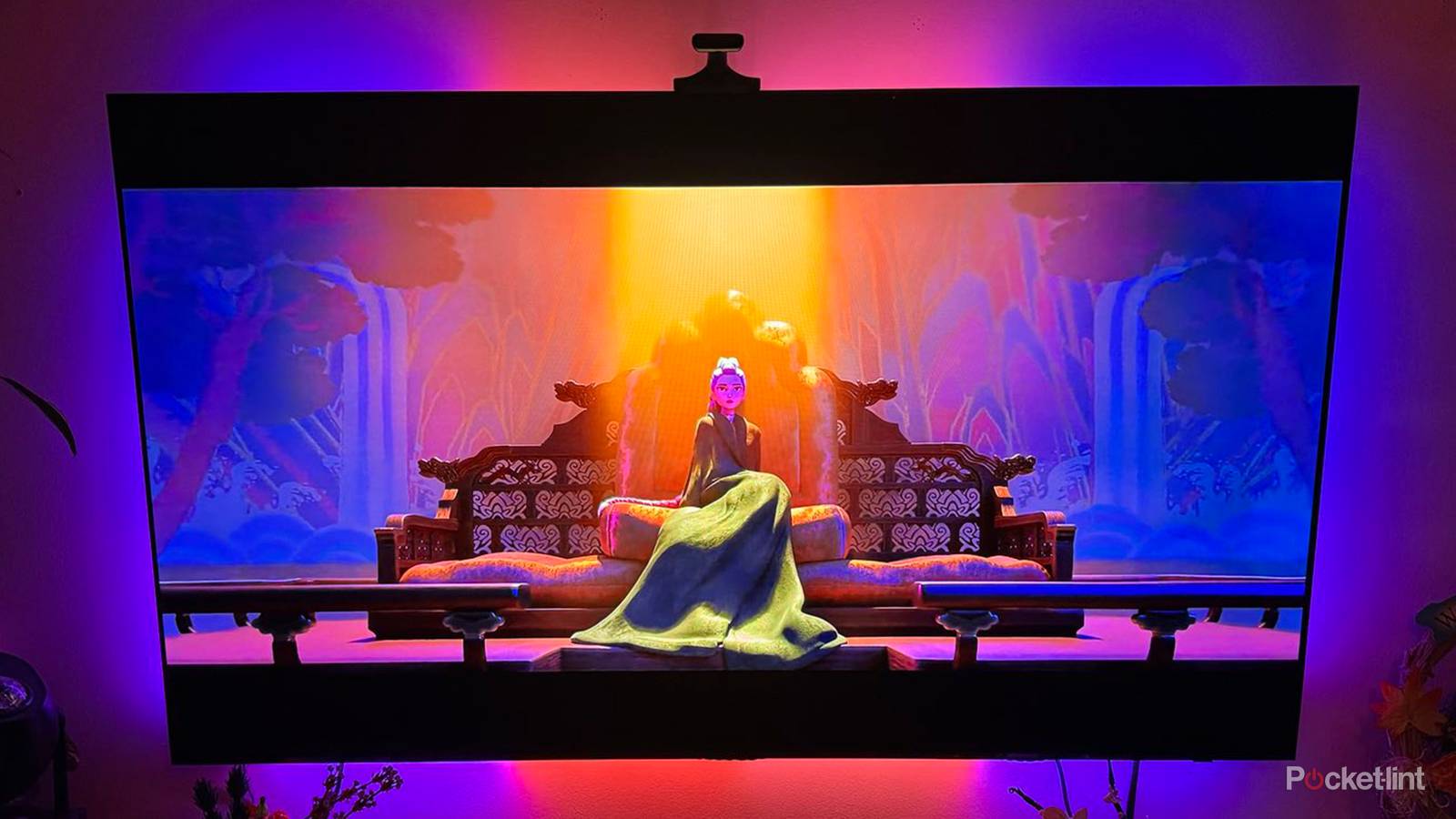
A variety of factors play into whether you can truly enjoy movies and TV shows at home the exact way they were intended to be seen. The quality and capability of your smart TV, the means by which you watch entertainment, and how that title was produced and mastered all play a hand in the final experience.
To strive closer to fidelity, it’s helpful to understand color grading, a process that influences the visual palette of what you’re watching. Appreciating what is done, and also knowing what is not done, before a piece of media hits your screen can be vital to how you enjoy it; it can at least set appropriate expectations. Here’s what you should know about color grading and how it affects your viewing at home.
What is color grading in film and TV?
Specific visuals enhance the entertainment experience

Color grading is a post-production process that defines how a show or movie is meant to look. It’s a set of specifications that come together to create an intended image. Those settings are many, including color saturation, contrast, brightness, hue, and color balance. Color grading is what makes some films visually distinct, and others more familiar.
Color grading can be understood as the visual intent by filmmakers, but that doesn’t mean everyone will be able to see that intent when viewing at home. There are a couple of stops along the way that will influence what you see as the end result. The quality of color grading is important, as well as available formats. A title may be mastered for specific formats, like SDR, HDR10, or Dolby Vision. Depending on the studio or service, there may be one or more masters of a specific title, and if your TV doesn’t cater to one of those formats, the end product will be altered to some degree.
Mastering, which locks in the technical and creative components of a film or show, and remastering, which creates new versions from an original, can influence your visual experience. If they are done poorly, or not aligned with what your TV is capable of showing, you may find issues with color, contrast, and brightness.
Color grading delivery method is important
Physical media and streaming influence quality

The way in which you enjoy entertainment can have an effect on its quality. Generally, streaming is less reliable and of poorer quality than physical media. Additionally, a wired internet connection is more stable and reliable than Wi-Fi.
Streaming services compress files to deliver them to your TV, and that compression process can alter how the media looks. For example, because Netflix is a global company, it aims to create a standard of quality for its titles, and that involves a lot of compression so that it can be accessed around the world and by various devices. Netflix aims to have a consistent look for its global audience, which is why live-action Netflix originals aren’t particularly colorful or unique-looking. And despite having so many different styles of content from around the world, the Netflix process ultimately leads to some titles looking rather dull. As a result, its originals are sometimes criticized as bland or visually boring.
There will always be quality concerns when you’re streaming, especially with less popular or free apps. Be mindful when you’re streaming, or even casting, about how compression will influence the final product. Physical media will provide you with the best quality.
Be mindful of potential color grading problems
Blurring, shadowing, and over-saturation are common issues

A lot of complaints about the visual experience of certain shows and movies come down to issues around color grading, both in terms of original intent and the delivery method. Perhaps the best example was a much-anticipated episode of Game of Thrones that many viewers complained was way too dark. That happened because it was shot with precise, professional equipment suited to filming in dark environments. It looked great to those making it.
However, to fully enjoy it at home, a viewer would have to have a capable smart TV, watch a quality copy of the episode, and preferably watch it with a stable, wired connection in a dark room. If you stream the episode on a weak Wi-Fi network to your laptop, then you are not going to get the experience that was intended. It becomes too hard to see what’s going on.
You’ll see the effects elsewhere, too. If there is too much shadowing on screen when there should be detail, if you see too many grays, or if skin tones appear artificial or waxy, there is likely a problem with the color grading pipeline. Finding the root cause can be tricky, but it’s helpful to first set up your TV for success.
Know how to use your smart TV settings
Avoid employing software adjustments

As a consumer, you still have some power to wield when it comes to your viewing experience, although it will depend on what your TV can do, and how good it is at doing those things. The best place to start is with your picture settings. If you have Filmmaker Mode, employ that; it strips away any extra processing and adheres as best possible to the initial vision of the title. Failing that, seek out presets that keep a cinematic or natural element to the visuals; avoid dynamic or vivid settings that will increase color saturation.
You can then look at additional processes that alter color, brightness, and contrast through the TV’s software. The words ‘enhance,’ ‘boost,’ or ‘smooth’ should give you pause. These all indicate software that alters what you’re seeing to fit a specific vision, though not the vision of the filmmaker.
Lastly, look at the color temperature setting. While there may be some personal preferences that come into play, if you’re seeking out a faithful recreation of the source material, you’ll want to opt for a warm temperature. Professional video standard leans towards the warmer side; while cool tones may be more engaging at first, it won’t lead to a realistic viewing and may drastically alter what you’re watching.
Color grading can be somewhat arcane. However, you don’t need to be a technical professional to appreciate its effects and understand how to enhance fidelity when watching at home.