


What I really like about streaming sticks is not just their affordability, but also how easy they are to set up. In particular, with Amazon’s Fire TV Sticks and Roku’s Streaming Sticks, all you have to do is plug the stick into your TV’s HDMI port, connect it to power, and follow the straightforward on-screen instructions to set it up. Then, boom, within minutes of unboxing, you can be streaming.
That said, there is one small difference in the setup between an Amazon Fire TV Stick and a Roku Streaming Stick — and while it won’t matter to everyone, it’s still worth pointing out. Amazon includes a free HDMI extender in the box with all of its Fire TV Sticks, while Roku doesn’t.
If you’re not familiar with what an HDMI extender does, it’s a short cable that sits between your streaming stick and your TV’s HDMI port. The extender plugs into your TV’s HDMI port, with the streaming stick connecting to the other end, creating a bit of space between your TV and the device. So if your TV’s HDMI port is awkward to reach or too close to other ports to plug the stick in directly, the extra room the extender creates makes the stick easier to access — and in some cases, it can even improve its performance thanks to better airflow.
However, while Roku doesn’t include a free HDMI extender in the box when you buy one of its streaming sticks — like the Roku Streaming Stick or Roku Streaming Stick Plus — that doesn’t mean you can’t still get one for free. Instead of including it with every device, Roku offers HDMI extenders at no extra cost to users who need them (via Cord Cutter News). All you have to do is request one, and Roku will mail it out to you free of charge.
How to get a free HDMI extender from Roku
You just need to fill out a short online form

Luckily, applying for a free HDMI extender from Roku is simple and requires only filling out a short online form. It’s worth noting that you will need to own a Roku Streaming Stick to qualify for the free HDMI extender. With that in mind, before you get started with the form, you will need to find your Roku’s serial number. There are a few ways to find it.
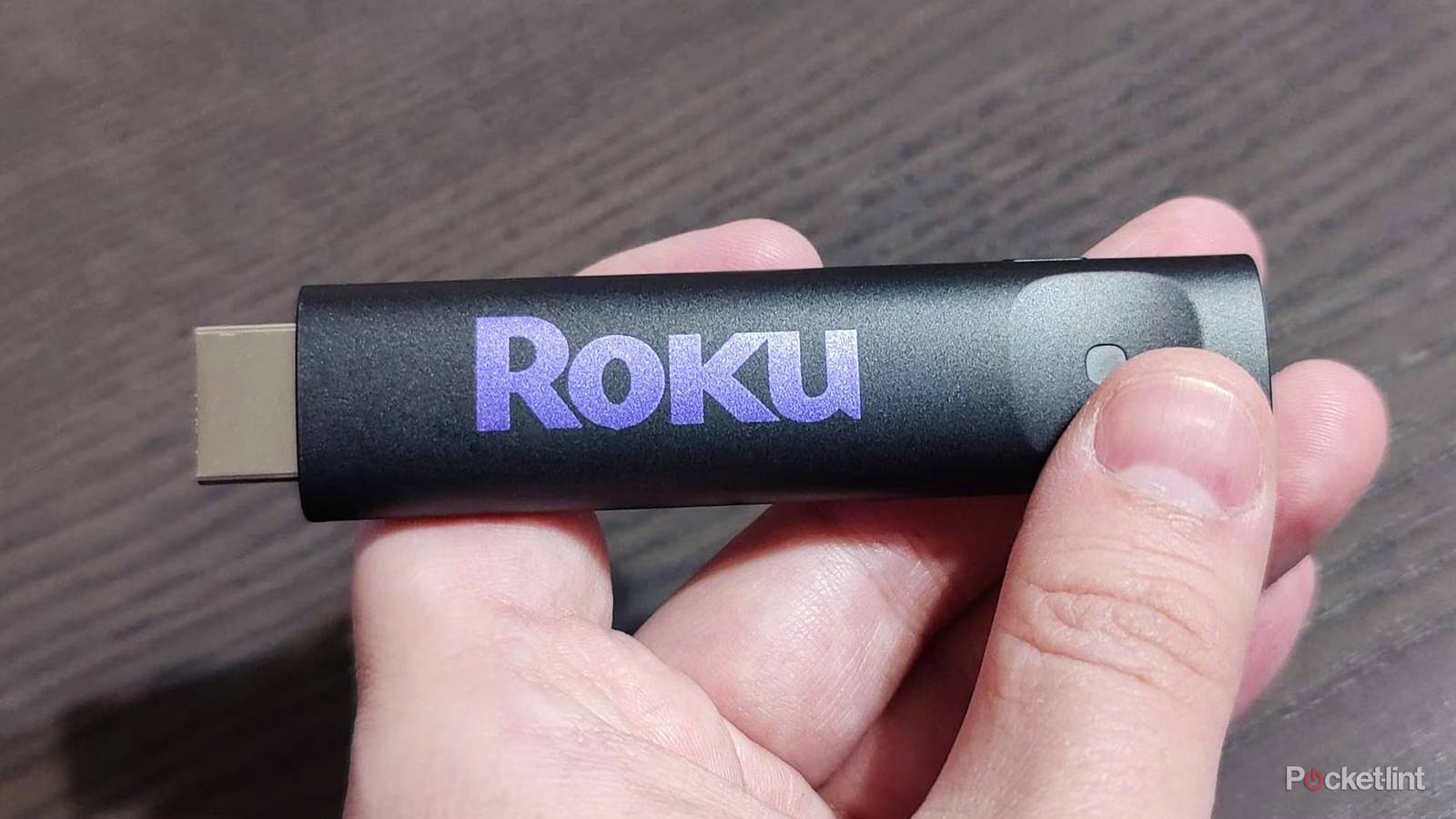
The easiest way is to check the back of your Roku Streaming Stick, where the serial number is usually labeled “SN:” (as seen in the image above).
Alternatively, if you use the Roku mobile app, you can go to the Devices page, tap the three dots next to your streaming stick, and select View System Info to find the serial number. Or, you can find it directly on your TV by going to the Roku home screen and selecting Settings > System > About. From there, you’ll see the serial number listed below the model name.
Now that you have your serial number, head to https://my.roku.com/hdmi. Then, simply fill out the form on Roku’s site that asks for your shipping details and your device’s serial number, and Roku will mail you an HDMI extender free of charge.
Roku’s approach is different from Amazon’s
For better or worse

Roku’s approach to HDMI extenders is noticeably different from Amazon’s. The upside for Roku is that it cuts costs and is more environmentally friendly by not including an HDMI extender in the box of all its streaming sticks. The downside, of course, is that if someone does end up needing one, they’re now stuck waiting for it to be mailed to them.
To be fair to Roku, its latest streaming sticks are pretty slim, so most people likely won’t run into issues where it doesn’t fit and would need an HDMI extender in the first place. That said, as someone who regularly uses a Fire TV Stick 4K Max, I use the free HDMI extender that came with it simply because it makes the device easier to reach, so I can see how it would be useful if Roku included it in the box, as it gives people the option whether they want to use it or not.
All in all, if you have a Roku Streaming Stick and want an HDMI extender, Roku makes it fairly easy to request one and have it shipped to you for free. Though it is admittedly less convenient than Amazon’s approach, where an HDMI extender simply comes in the box with every Fire TV Stick. If you already know you’ll need an HDMI extender, you might be better off with a Fire TV Stick than a Roku. But if you don’t care about having one — or know you won’t need it — then this really isn’t a big deal to request one for free instead of getting it in the box.