


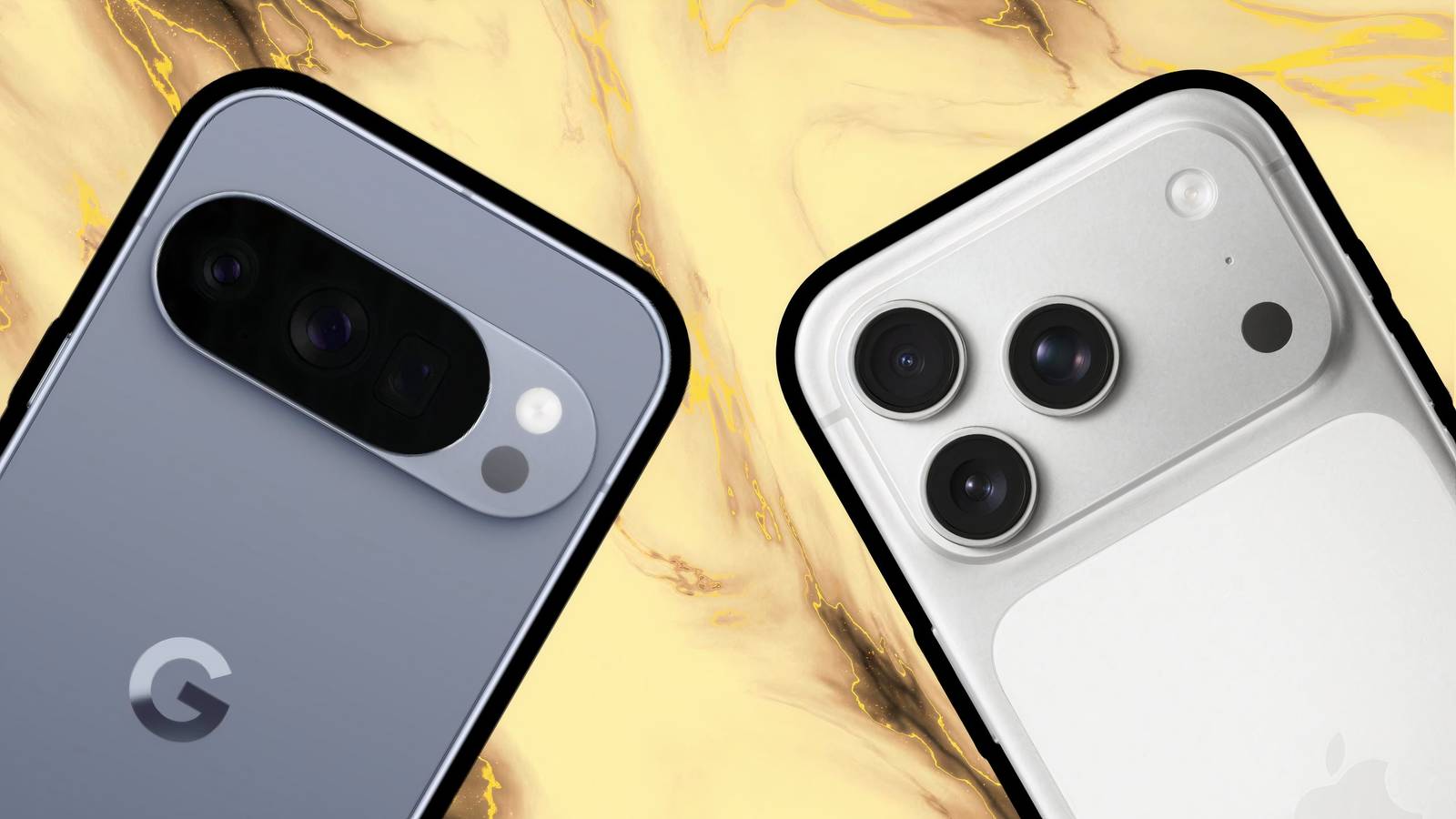
Despite Apple’s iPhone line benefiting from a near decade-long head start over the Google Pixel line, the latter handset brand offers some very clear advantages over the former in the realm of pocketable computing. Even without taking Google’s industry-leading Gemini AI prowess into account, the Pixel, in my eyes, just does certain base-level things better than the iPhone.
From a hardware perspective, modern flagship Pixels and iPhones are largely comparable, with similar specifications, equally premium build qualities, and even design language elements that borrow heavily from one another. While it’s true that the Pixel’s Tensor processor line isn’t quite as capable as its iPhone A series counterpart, the Pixel makes up for this deficiency by offering what is, at the end of the day, a far more flexible end-user experience.
With this in mind, here are three ways in which I feel my Google Pixel 10 outranks even the latest and greatest iPhone model out on the market — and, yes, software plays an undeniably decisive role in shaping my opinions on the matter.
It lets me install apps from wherever I please
Google’s walled garden is at least (somewhat) malleable

Right from the beginning, I’ve always valued Android’s approach to third-party applications. While the platform does offer modern security measures like app isolation, security screening, and, of course, the Google Play Store itself, it also plays host to third-party app stores and allows for sideloading (re: installing apps from outside of app marketplaces).
Now, there has been some recent controversy over Google’s attempts to regulate app sideloading via new notarization methods, which is an alarming development in my eyes, but it’s still a far cry from the truly walled garden approach Apple takes with the iPhone. On iOS, there’s no option to allow app installations from outside the App Store, and, much to my dismay, the company has all but quashed the once-thriving jailbreaking scene.
It’s worth mentioning that in certain markets, including the European Union’s European Economic Area (EEA), Japan, and Brazil (via MLex), Apple has been or is in the process of being compelled by law to open up the iPhone’s ecosystem to third-party app stores and alternative app distribution methods. This is great news for those living within those jurisdictions, but, as someone who is based in North America, I simply don’t get access to the likes of AltStore PAL. On Android, meanwhile, I can install F-Droid and be on my merry way.
It’s a full-blown PC in disguise
I can leverage mobile compute right from the comfort of my desktop

As of the recently-released Android 16 Quarterly Platform Release 3 (QPR3), which launched right alongside the March Pixel Drop, owners of Pixel 8 series devices and newer are able to plug their handsets into an external monitor to unlock a traditional desktop interface — no strings attached. When paired with USB or Bluetooth peripherals like mice, keyboards, trackpads, speakers, and webcams, the average Pixel phone is suddenly able to transform into a full-blown pocket PC.
Of course, other Android phones have supported desktop modes for quite some time, complete with overlapping windows, a taskbar, and all the other staples of PC computing, but now the feature is baked right into the core of the Android Open Source Project (AOSP), which is a major step in the right direction. Even with a (relatively) weak Tensor G5 chipset, my Pixel 10’s overall compute still rivals that of high-end laptops from only a few years ago, and so it only makes sense to put that number crunching to use for stationary productivity.
Over on the iPhone side of the aisle, Apple has yet to unlock a similar desktop mode on its premium handsets. All the pieces are already in place, including high-bandwidth USB Type-C on Pro iPhone models, a scalable user interface vis-à-vis iPadOS, and blazing-fast A series processors, but, at least at the time of writing, even an iPad mini can’t tap into its full potential when plugged into a secondary display.
It embraces my personality
Google’s Expressive take on Android has truly won me over

I was initially skeptical when Google unveiled its major Material 3 Expressive redesign of Android, but I’ve since come to genuinely love the look and feel of this new software design. The playful animations, the subtle blur effects, the minimalistic interface design, and the automatic wallpaper-based theming and color accenting all come together in a way that feels fresh, modern, and, well, Expressive.
I’m a big fan of just how much an impact my wallpaper has across the entire Android 16 interface, with a palet of primary and secondary colors bleeding onto surfaces throughout the entire operating system. This alone makes everything look so much more lively and personal, and it makes picking up my Pixel 10 an absolute delight.
Of course, Apple hasn’t been standing still either. The company has been busy refining its new Liquid Glass design language, which now features primarily across all of iOS. I’m far from a Liquid Glass hater, but I also feel that it doesn’t do quite enough to measure up to Google’s Material 3 Expressive in terms of infusing delight into its respective platform. I’d love to see color tinting be added to the iOS experience in particular, as it’s something I just can’t get enough of on my Pixel.