



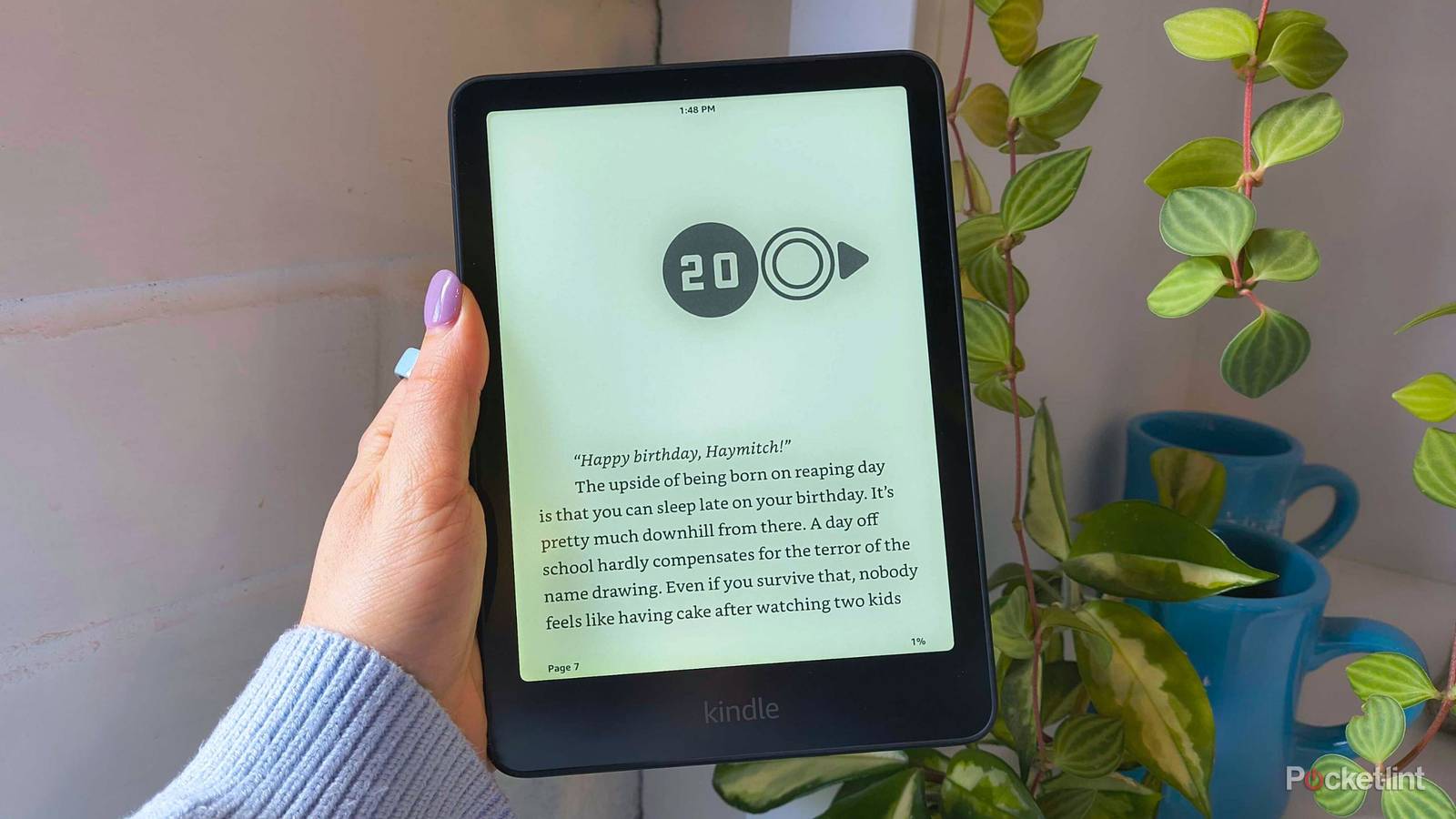
E-readers are a staple in every bookworm’s tech stack for two main reasons: convenience and comfort.
There isn’t a bag or purse that could comfortably store all the novels I want to take to a coffee shop (unless you’re living in the Dr. Seuss universe), so toting digital books around inside a thin tablet is the only option. But then again, I’ll still use my e-reader in the comfort of my own home. Why? E Ink display technology tricks my eyes into thinking that I’m reading a real book.
E Ink displays are what make e-readers from Amazon, Boox, reMarkable, and other reputable brands so appealing. Staring at a screen for hours hurts your eyes, can cause headaches, or even mess with your sleep schedule if you’re reading late at night. E-readers with E Ink displays don’t carry those consequences, but they do have one slight drawback that’s haunted my Kindle for some time: page ghosting.

- Storage
-
16GB
- Screen Size
-
6-inch E Ink (300ppi)
- Connections
-
USB-C
- Battery
-
Up to 6 weeks
Amazon’s base-level Kindle ships with 16GB of storage, a 6-inch E Ink display, and a ruggedized exterior shell that can withstand the elements.
What is page ghosting?
It’s not a bug

If you see faint text residues in the white space on your Kindle screen after you turn the page, that’s called page ghosting. It happens because E Ink screens rely on the physical movement of tiny ink particles to create text on screen. The ‘shadow’ of text sometimes remains because some particles might not have fully regrouped or returned to their original spot yet.
E Ink screens weren’t designed for quick motions, including fast refreshes. So it’s not a bug, but rather a subtle side effect of enjoying the paper-like display tech.
Page ghosting is very common on digital notebooks like Kindle Scribes and reMarkables, and I notice it most often on my 2022 Kindle Scribe. However, sometimes I’ll see a ghost or two on my Kindle Paperwhite while I’m reading, which can get distracting quickly. Luckily, there’s a way to reduce the likelihood of it happening by changing one specific setting.
How to get rid of page ghosting on Kindle
Other e-readers might have similar features

There’s a Kindle setting that can effectively get rid of ghosting on your e-reader called “Page refresh.” Enabling it will make your e-reader force a full, complete refresh every time you turn the page. Think about it like shaking a messy Etch-a-Sketch, but a lot faster.
Here’s how to enable Page refresh:
- From your Kindle’s home screen, tap the stop-light menu in the upper-right-hand corner.
- Choose Settings.
- Tap Home and Library.
- Choose Reading options.
- Toggle on Page refresh.
Now, you’ll notice a black flash every time you turn the page or enter another screen. This is the Kindle doing the full refresh. It will eat at your battery life a little bit, but it’s a fair trade-off to eliminate ghosts. If you leave it off, your Kindle will perform the full refresh every few pages by default.