


Summary
- Financial budgeting can be a pain, but it’s something we all have to worry about sooner or later.
- Thankfully, there are several excellent mobile apps available that can help streamline the process.
- Here are five apps in particular that have helped me save money in the past.
Financial budgeting — it’s something we all have to worry about sooner or later, and it can sometimes prove to be a massive chore. Thankfully, these days there are a number of smartphone applications available that can streamline the process to a significant degree, while offering up advanced breakdowns of data, useful graphs, and more.
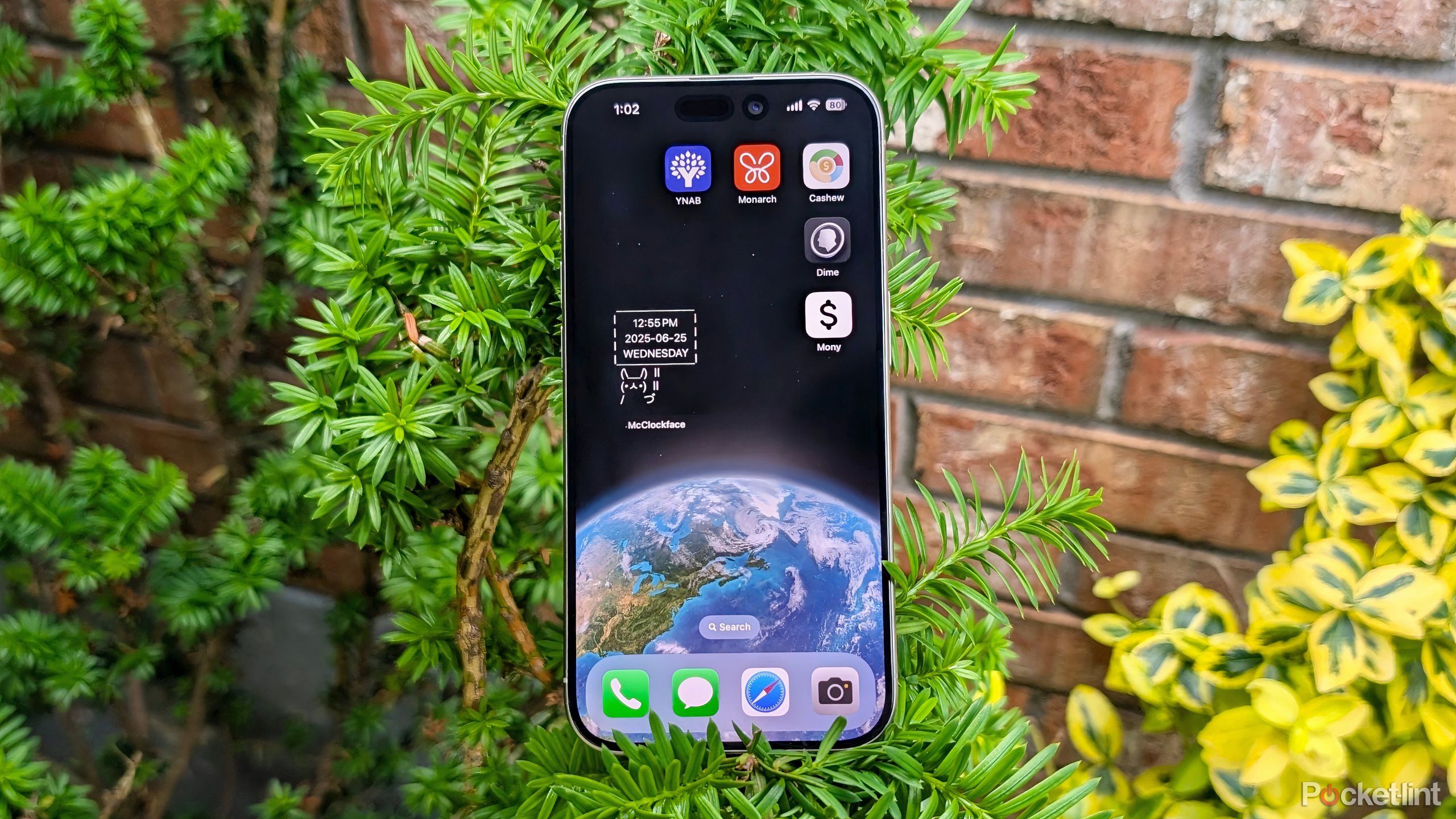
The Apple App Store and the Google Play Store are filled with financial tracking apps, some of which are more powerful and refined than others. Here are five apps in particular that I’ve personally tested out, and that have helped me save money in my day-to-day life.

Related
3 apps I use to track my Android’s performance
I rely on these 3 top-tier Android apps to keep myself up to date on hardware specifications, performance, and other critical device details.
1
YNAB
An excellent cash management tool


- Developer
-
YNAB
- Subscription cost
-
$15 monthly
YNAB, which stands for You Need A Budget, is a popular money budgeting app that offers expense-tracking tools, loan planning, and more.
YNAB, which stands for You Need A Budget, is a popular personal expense tracking and budgeting app for mobile devices. The app offers several powerful tools, including a loan planner, an interest-saver calculator, six-person budget sharing, expense tracking, spending targets, and much more. YNAB costs $15 per month, and offers a one-month free trial for new users. The developer promises in-built privacy protection, no in-app ads, and no third-party product pitching. The app itself features a streamlined interface with well-organized and categorized user metrics.

Related
These 4 apps help me navigate the subscription service era
Are you suffering from subscription fatigue? These personal finance apps help you wrestle back control of your recurring payment fees.
2
Monarch
Track and manage your expenses with ease

Monarch is another popular personal budget and money-tracking app. With a clean and clutter-free user interface, the app provides several indispensable tools, including tracking of spending habits, bill management, expense visualization via graphs, collaboration tools for multi-person households, and more. Monarch requires a monthly or annual membership fee, while offering a seven-day free trial for new users. The developer boasts bank-level security of all financial credentials, with a no-ad user experience and no third-party product upsells.

Related
5 apps I use to get news before it hits social media
Doomscrolling purgatory begone: consider switching over to one of these helpful social media-free news apps instead.
3
Cashew
Budgeting with a range of powerful insights

Cashew is an expense budget tracker app that pools all your transactions into a single location, while making it easy to create a personal budget, set a monthly spending cap, view insights in pie and bar graph forms, convert between currencies with up-to-date exchange rates, and more. The app itself features a well-crafted UI design with pleasant and inviting visuals, and data is well organized within the interface. Cashew is free to download and install from the Apple App Store and the Google Play Store, but a Pro subscription is required to unlock the full breadth of app features and capabilities. Regardless of whether you spring for the free or paid tier of the service, you’ll be getting an ad-free experience.

Related
I use these 5 aesthetically pleasing apps to keep life beautiful
Curating a set of aesthetically pleasing iPhone apps can go a long way in elevating your environment’s digital ambiance.
4
Dime
Expense tracking in an aesthetic package

Dime is a free and open-source expense tracker and budgeting tool built exclusively for the iPhone. Out of all the options out there, this one takes the cake when it comes to visuals: it’s built with iOS design guidelines in mind, which makes its interface look and feel native to the iPhone. Aside from its slick appearance, Dime offers a broad range of features, including reoccurring expense tracking, custom expense reminders, expense categorization tools, biometric authentication for daa protection, iCloud data syncing, and dedicated home screen and lock screen widgets. According to the developer, Dime will be one-hundred-percent free forever, with no advertisements or paywalls. As an open-source piece of software, its source code can be found over on GitHub.

Related
5 apps that keep me sane in our current nightmare world
The world is an unpredictable place, but these 5 iPhone apps help keep me grounded and at ease.
5
Mony
Control and monitor your spending without hassle

Mony is a well-known cross-platform budget and expense tracker app that helps you set financial goals, monitor the flow of personal expenditure, and set budget limits. With several pre-defined transaction categories to choose from, the app makes inputting data a simple and streamlined process. Once data has been plugged in, insights can be visualized via automatically generated reports and breakdowns. The app features a relatively minimalistic and clutter-free user interface, which I appreciate, and there are ads or upsells to worry about. Mony is free to download and install, though a paid Pro edition is also available in yearly, weekly, or one-time-purchase forms. This Pro version unlocks advanced tracking tools that aren’t available in the base app experience.

Related
I need these totally 90s apps back on my PC immediately
We’ve waited long enough, Microsoft: Windows Movie Maker and MSN Messenger deserve a Windows 11 repatriation.