



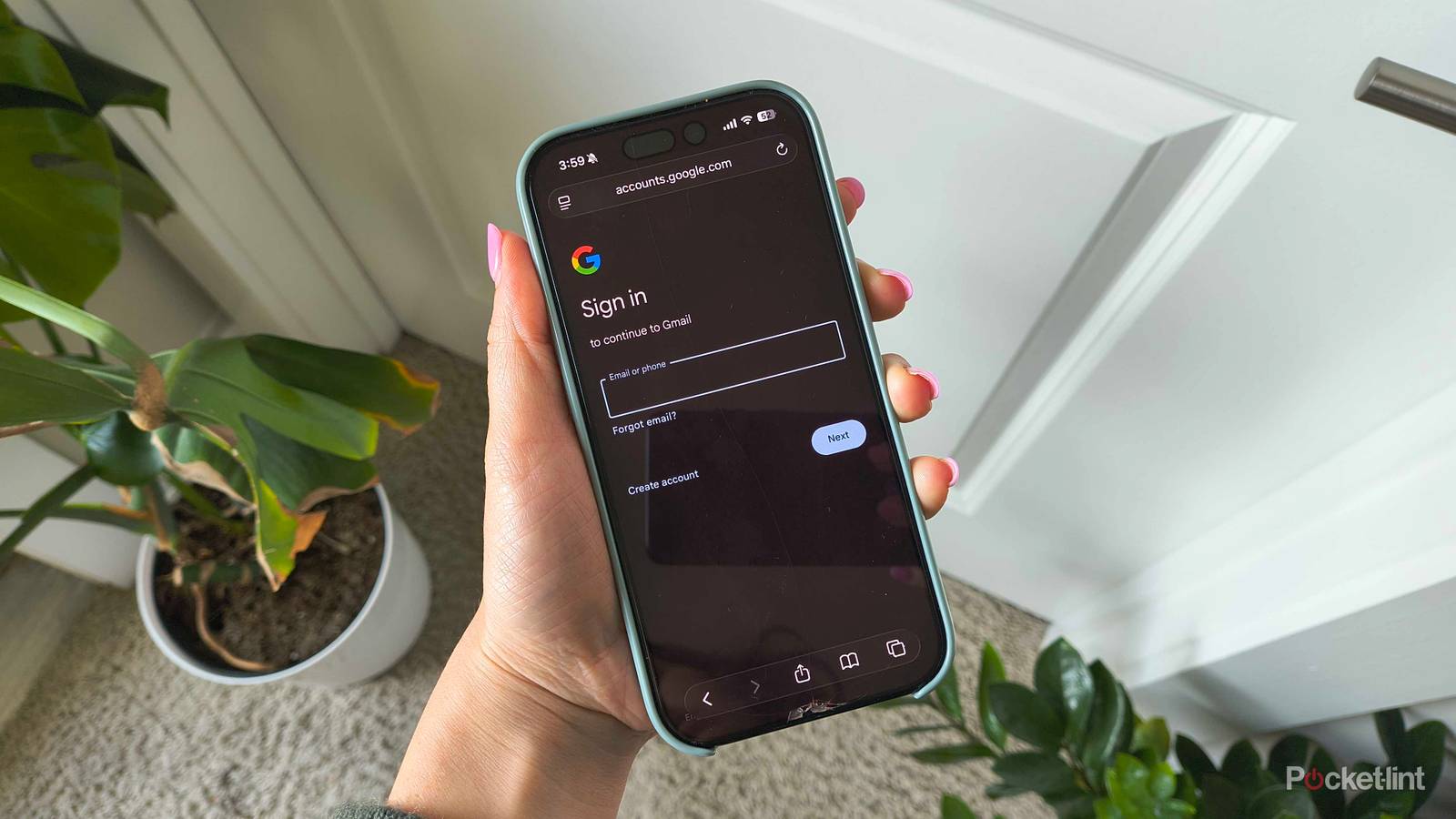
Remember when email usernames used to be fun? Well, if you’re still rocking something like justinbiebersbiggestfan@gmail.com in the big year of 2026, I have spectacular news for you. Google promised at the beginning of the year that it would soon let users change their Gmail usernames, and the feature has finally rolled out to all users in the US as of March 31.
It seems too good to be true, but as long as you keep a few minor caveats in mind, it isn’t. There are a few limitations that keep you from changing your handle too many times, as well as a few logistical details to know so you don’t miss any important emails headed to your inbox. Here’s how to change your Gmail username and all the conditions that come with it.
How to change your Gmail username
And what it does to your inbox

Time for a new digital identity. Any Gmail user in the US can change their username without having to start over with a brand-new account. Here’s how:
- Log into the Gmail app on your phone.
- Go to Settings (tap the three-line menu in the top-left corner and scroll down to find it).
- Tap your name under Account.
- Choose Your info, privacy and security.
- Tap Personal info.
- Click Email.
- Tap into Google Account Email.
- Once you verify that it’s you, you can click Change Google Account email.
This will allow you to change the username of the cringey Gmail account you’ve been stuck with for years. However, there are a couple of important things to note. Per Google, changing your username won’t affect your existing data, and your previous one will stay connected to your new one as an alias. So, even if people send messages to your old address, they’ll be redirected to your new username so you don’t miss anything important.
You can also use your old username to sign into your account. The old and new handles essentially become one, so even if you strictly give out your new email moving forward. However, there are two other major caveats: You can only change your username once every 12 months, and only three times in the account’s lifetime — so choose wisely!