


QLED smart TVs are popular, affordable models that are big on color and brightness. These types of TVs, which involve a backlight and a color filter, come in a range of sizes and styles from every major manufacturer.
Buying a new TV is quite exciting, especially when you spend time finding the exact right one for your entertainment needs. However, all good things must come to an end. Here’s how to tell when it’s time to ditch your QLED and upgrade to a new one.
Persistent and distracting screen issues
Image degradation is a major sign

Perhaps the most obvious indication you need a new QLED TV involves noticeable issues with the screen. This could include dead pixels, errant lines, flickering, or ghosting on screen. Anything that seems off or distracting with the image means it’s time to invest in a new TV. With such issues, there really isn’t any worthwhile way to fix them.
The lifespan of a QLED smart TV will depend on a variety of factors, including frequency of use. Keep it running smoothly by regularly physically cleaning the screen, clearing the cache, and keeping it updated with the latest security patches.
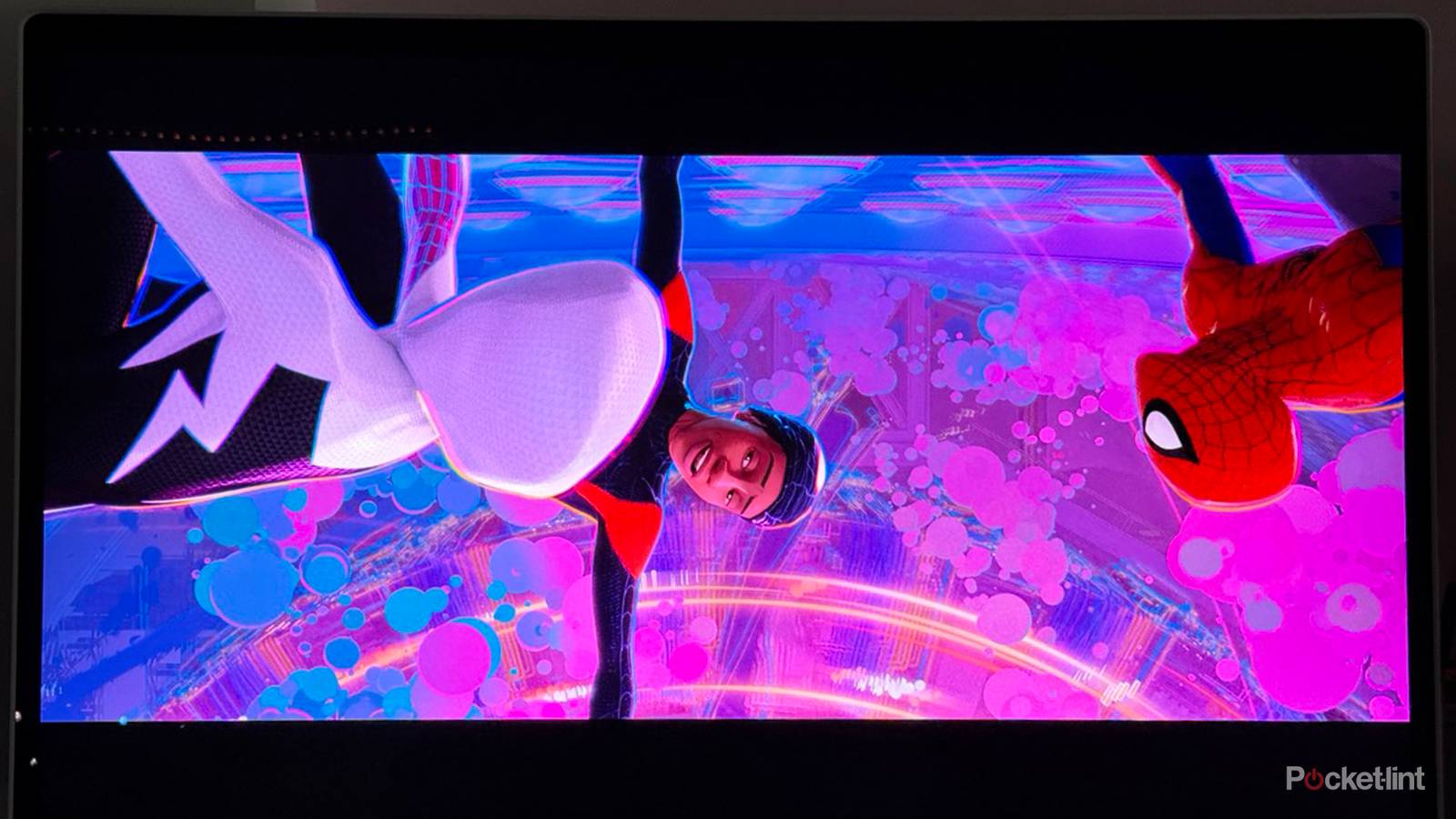
You’ll want to pay attention to brightness and color accuracy, as these two components are among the selling points of most QLED models. Noticeable dimming or uneven coloring indicate your TV is failing.
Consider tech and feature support
Your QLED TV should be compatible with your devices

Your TV likely isn’t used only for watching cable. You’re likely using an operating system to enjoy streaming apps and platforms, and you may even be connecting a soundbar, gaming console, or Blu-ray player to your TV. And because you may be interested in using a variety of other devices, you’ll want to make sure that your TV is capable of getting the most out of them.
For example, you may have a brand-new PS5, but you need to make sure your QLED TV can support it with an HDMI 2.1 port. That’s how you can enjoy gaming features like ALLM and VRR, among others. Similarly, your soundbar should be connected to an eARC port. And if your streaming subscriptions allow you to enjoy Dolby Vision or HDR10+, then you’ll want to make sure your TV can optimize that; otherwise.
Essentially, make sure that everything you are connecting to your TV can be supported by your TV. If your TV’s features are dated, then you may want to upgrade.
Connectivity issues are present
Wi-Fi and HDMI need to work smoothly

If you start noticing issues with Wi-Fi, Bluetooth, or HDMI connections, you may need a new QLED TV. Because you’re likely streaming so much media, you’ll want to make sure your TV’s Wi-Fi capabilities remain fast and strong. Issues around it may involve your Wi-Fi struggling to reconnect in a timely manner, noticeable persistent buffering, or random dropping out.
Such erratic behavior can be the result of wear and tear over time to your TV’s hardware. Heat stress, power supply issues, or even frequent movement can result in Wi-Fi problems. Just be sure to check out your router before investing in a new TV; sometimes there are other issues influencing your TV’s streaming problems. There may be wear and tear to your HDMI issues, although that’s likely not as uncommon unless you are frequently plugging and unplugging cords.
Your smart TV is getting on in age
Consider a new investment after five years

When you start to hit the four- or five-year mark with your QLED TV, it’s worth considering an upgrade. Your TV might still be running well enough, but it’s likely not going to serve you best as a central source of entertainment.
That’s because over that amount of time, technology is going to change rapidly. Each year, manufacturers are revealing a new lineup that continues to advance the TV landscape, with features that strive for fidelity, immersion, and convenience. In the first year or two after you’ve bought a TV, you might not see big differences in what’s newly available. Once you start to hit three or four years, however, those differences, particularly when it comes to speed, power, brightness, and fidelity, will become more prominent.
Basically, you’re going to be left behind, which is an issue if you enjoy the newest movies, shows, and video games. Those new releases are going to outpace your TV. There’s also the issue of value. With so much competition in the smart TV industry, a new TV isn’t going to be a huge investment, and the one you’re currently using isn’t likely to have much value on the resale market.
What tends to happen is that you’re likely to think your TV looks pretty good because you’re so used to seeing it. But it’s worth exploring new models in person to compare what you have with what’s now possible. The differences may be jarring, and you may wonder what you’ve been missing out on while holding on to your aging TV.
Double-check a few things before you buy
Make sure you know the source of problems

It’s important to make sure you’re making this decision for the right reasons. Just because you’re having problems watching TV doesn’t necessarily mean it’s the TV itself that is causing problems. A slow OS may mean your cache needs to be cleared; problems with Wi-Fi may be solved with a new router or a wired LAN connection.
Issues with connected devices may be due to your HDMI cables; make sure you’re using the latest model. And lastly, double check all your settings. If the image doesn’t look right to you, you may want to change your brightness, contrast, or sharpness, and find a combination of settings that best fit what you’re watching.