


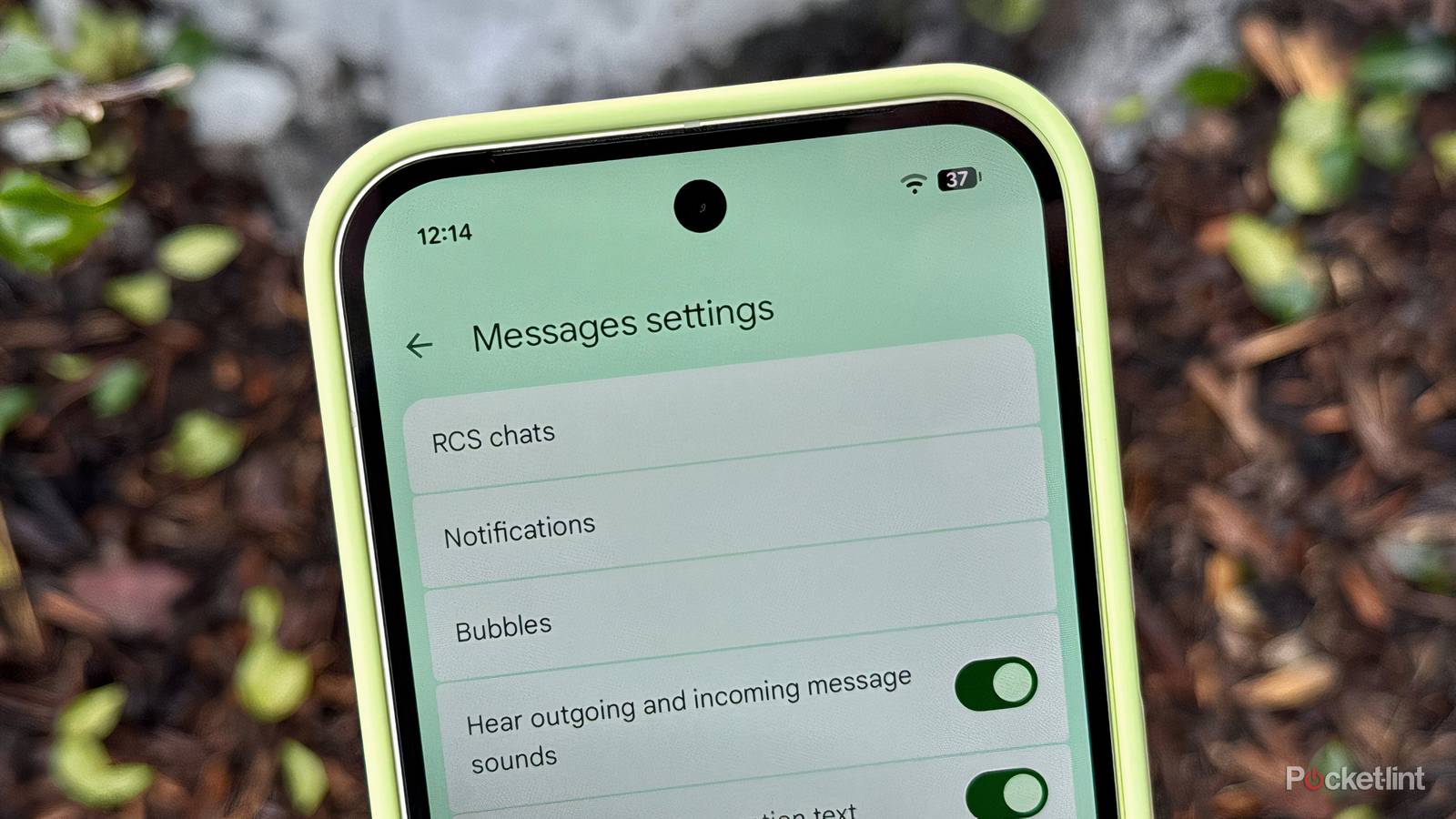
Google is prepping the release of a small-yet-appreciated change in how Smart Replies work inside the Google Messages application for Android. A new toggle within settings will soon allow you to switch between the existing Tap to Send and an updated Tap to Draft behavior, the latter of which reduces the likelihood of accidentally sending off AI replies without express approval.
When enabled, Smart Replies uses artificial intelligence to surface contextually appropriate responses to text messages within the Google Messages application and within incoming message notifications. Tap to Send, which has long been the standard flow for the feature, immediately sends the AI message when tapped on. Tap to Draft, by contrast, will place the generated message right into the reply field, allowing you to make edits before sending it off to the recipient.
We’ve known for some time now that Google has been working on this new Tap to Edit feature within Smart Replies, based on an APK teardown from the folks over at 9to5Google. Most recently, the feature has begun to roll out more broadly to beta testers running version 20260303_00_RC00 of the Google Messages application. According to 9to5Google, the feature is not yet available in the stable channel, meaning it still requires access to the beta build of Messages to function.
Smart Replies done right
The quality-of-life Google Messages upgrade I’ve been waiting for

Conceptually, I’m a fan of Smart Replies. It offers a quick and convenient way to fire off short replies to incoming messages without having to peck away at a virtual keyboard all the time. By virtue of its on-device AI algorithms, the feature is also safe and privacy-forward, which is a major plus.
That being said, I’ve always kept Smart Replies toggled off within Google Messages on my Pixel 10, out of fear that I’ll accidentally tap on a Smart Reply and send it to someone without meaning to. In truth, this exact scenario has played out for me before, and it’s always just a little bit embarrassing whenever it occurs.
Now, with Tap to Draft on its way, I’m excited to give Smart Replies another go.
Now, with Tap to Draft on its way, I’m excited to give Smart Replies another go. The ability to fine-tine an AI response (or decide against sending it altogether) makes the feature a lot more approachable from my perspective, and it feels like the sort of implementation of the feature that should’ve been there right from the start.
It’s unclear exactly when Tap to Draft will hit stability within Google Messages, though I reckon it’ll make its way to devices more broadly sometime in the coming weeks. The new addition may require a server-side update in addition to an over-the-air (OTA) update to the Messages app itself, and so its deployment may very well take some time to commence.