


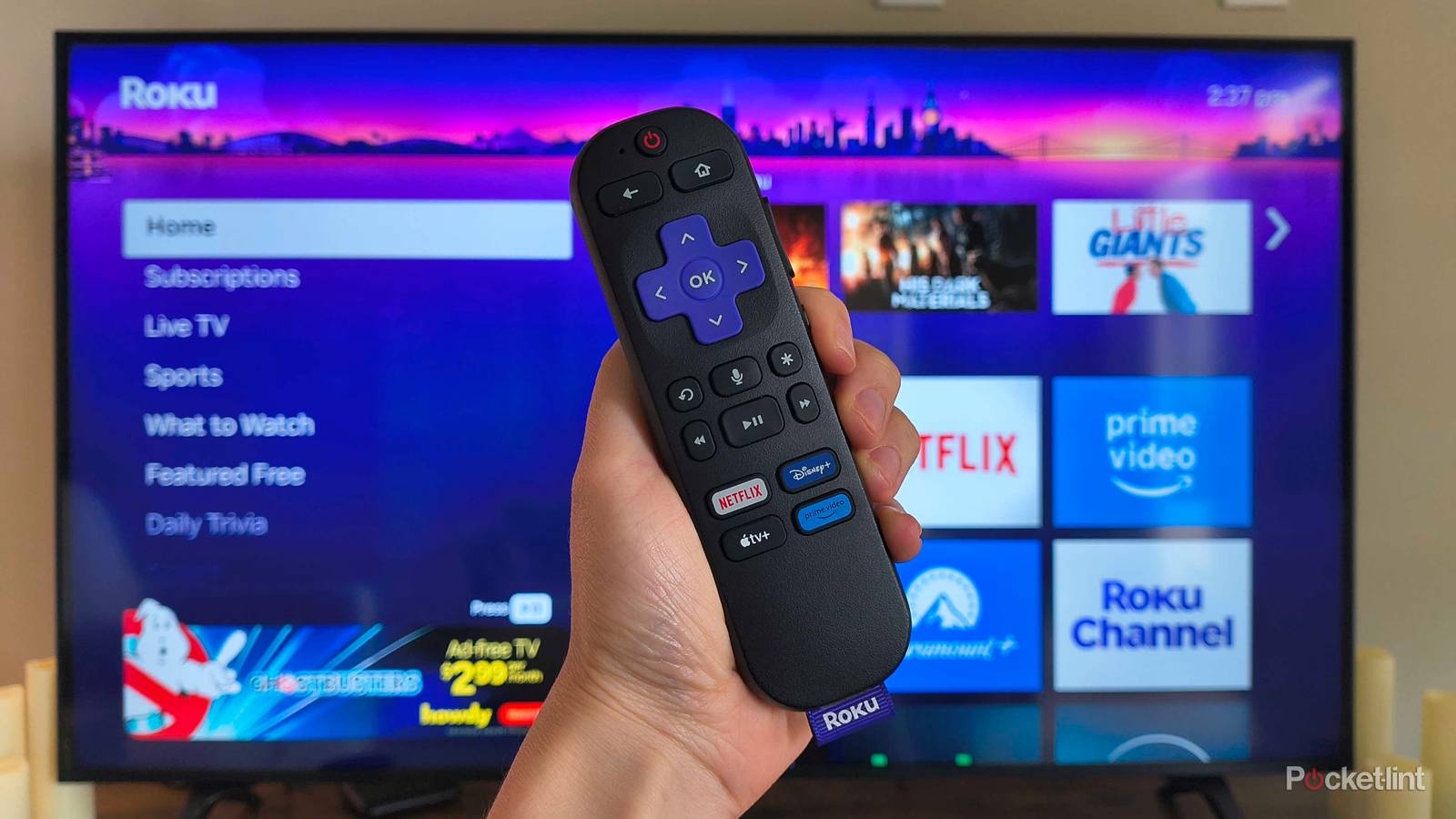
Roku remotes might make navigation on your TV easy, but they also have a special talent for getting lost. The little living room drivers have a knack for hiding under pillows, between couch cushions, and even within that labyrinth you call a throw blanket. I often send my Roku remote flying across the room when I shake mine out to find it — but Roku has a better solution.
They might be sneaky, but Roku has a handy feature to quickly end the game of hide-and-seek. If you have the right device, you can use a built-in “remote finder” to play a chime on the remote to locate it (which is much better than putting your Roku remote on a leash). So which Roku devices have it, and how do you enable it?


4/5
- Dimensions
-
4.9 x 5.0 x 1.0 inches
- Connective Technology
-
Bluetooth® streaming, 802.11ax dual-band MIMO Wi-Fi 6 (2.4 GHz / 5 GHz), 10/100 Base-T Ethernet
- Brand
-
Roku
- Audio outputs
-
Digital stereo over HDMI, DTS Digital Surround pass through over HDMI, Dolby Atmos decode via HDMI (with compatible speakers)
Does my Roku remote have the lost remote finder?
Not every model can do it

Only select Roku remotes have the built-in speakers necessary to make the chime sound that helps you find your remote. However, if your remote has a built-in speaker (like the Enhanced Voice Remote or second-edition Roku Voice Remote Pro), the feature should be supported.
If you aren’t sure which model you have, flip your remote over and look for the small speaker holes on the back. If you see them, there are three ways you can trigger the lost remote finder — here’s how.
The 3 ways to enable lost remote finder
Using the Roku mobile app

The mobile app is the easiest way to trigger the lost remote finder. Assuming it’s already downloaded to your phone, you can open it and enable the lost remote finder by tapping Devices in the navigation bar, choosing your Roku device, and tapping the three dots beside the missing remote. From that menu, tap Ping Remote, and the chime should begin.
You can also use the Roku app to navigate your TV’s menus to make the remote chime that way. Inside the app, open the Remote icon from the navigation bar > press Home (house icon) > Settings > Remotes & devices > Remotes > choose your remote > Find remote.
The best part about using the app is that, if you’re in the middle of an intense show, you can use the mobile app as a remote substitute until you have a few free minutes to find it.

With a hands-free voice command
Let’s say you have a first- or second-edition Roku Voice Remote Pro — you can also start a lost remote finder session by saying “Hey Roku, where’s my remote?” out loud. Handy, right?
As usual, there are a few catches. Firstly, you have to turn on hands-free voice before your remote is misplaced. Otherwise, there’s no way for your remote to hear you. Then, you must ensure that the room is quiet and there is little to no background noise that could interfere. If you’re running into problems, chances are you didn’t enable hands-free or the room is simply too loud.

Via the device itself
If you have a streaming player (like the Roku Ultra), some of them have an actual button to trigger the lost remote finder. The button is located either on the top or side of the device, which you can press to trigger the chime and start your warmer/colder game.
But Roku TV users aren’t left out, either. If you have a Roku Pro Series TV, you can press the Find My Remote button on the right side of the TV above the power button to trigger the chime.
If you have a different Roku TV, it might have physical control buttons you can use to enable the remote finder session instead. Use these controls (whether it’s multiple buttons or even a joystick) to navigate to the Inputs menu where you’ll see Find Remote. Select it, and listen for the chime.
When you trigger the lost remote finder, the chime will play for one minute. Once you find it, you can press any button to stop it. Be warned: if the remote’s batteries are dead, too low, or the remote itself is outside the wireless network for some reason, the sound will not play.