
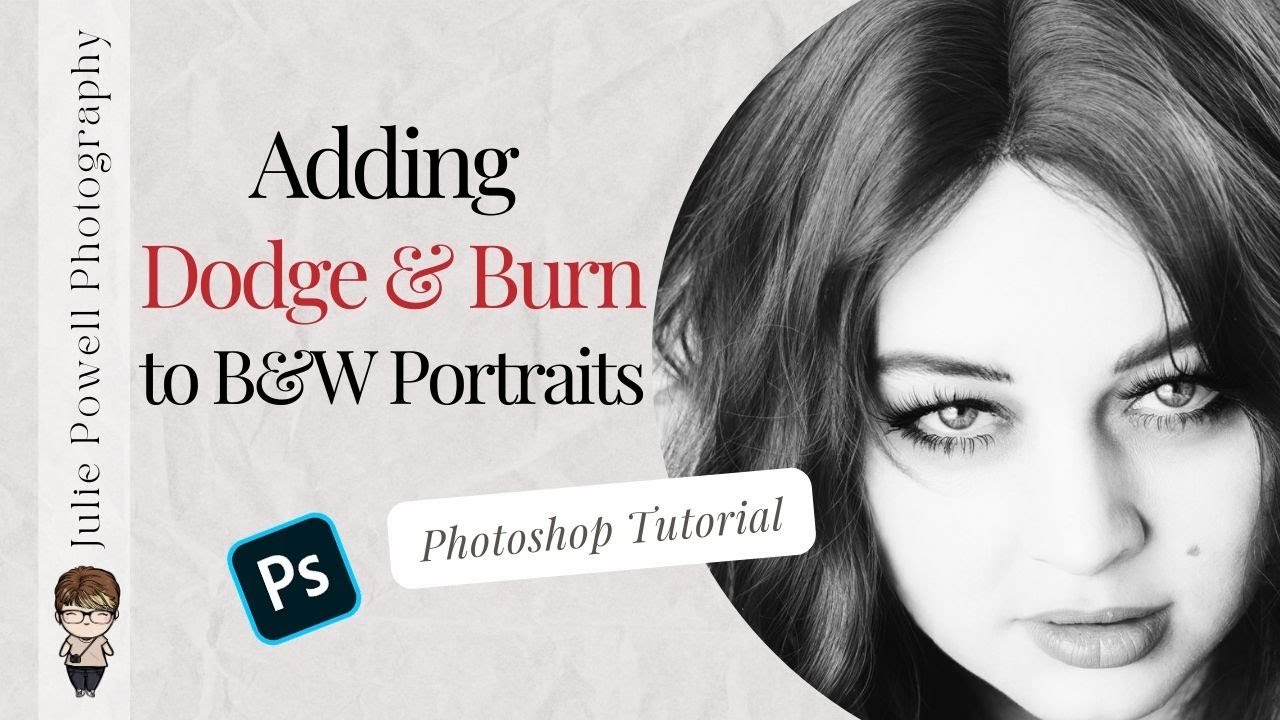
In this Photoshop tutorial for photographers, I’m going to show you how to add subtle but powerful dodge and burn to black and white images to bring back depth, contrast, and drama after conversion. If you’ve ever turned a colour photo into black and white and felt disappointed by how flat or lifeless it looked, this video is for you. Using a simple, non-destructive dodge and burn method with Curves layers, I’ll walk you through how to shape light, enhance shadows and highlights, and add impact without harsh edits or scary tools. You’ll see how this technique works beautifully alongside black and white presets, how to refine skin tones, add punch to eyes, and control contrast with precision, all while keeping your workflow flexible and beginner-friendly. This step-by-step Photoshop dodge and burn workflow is ideal for portraits, fine art photography, and anyone wanting stronger black and white images without overdoing it.