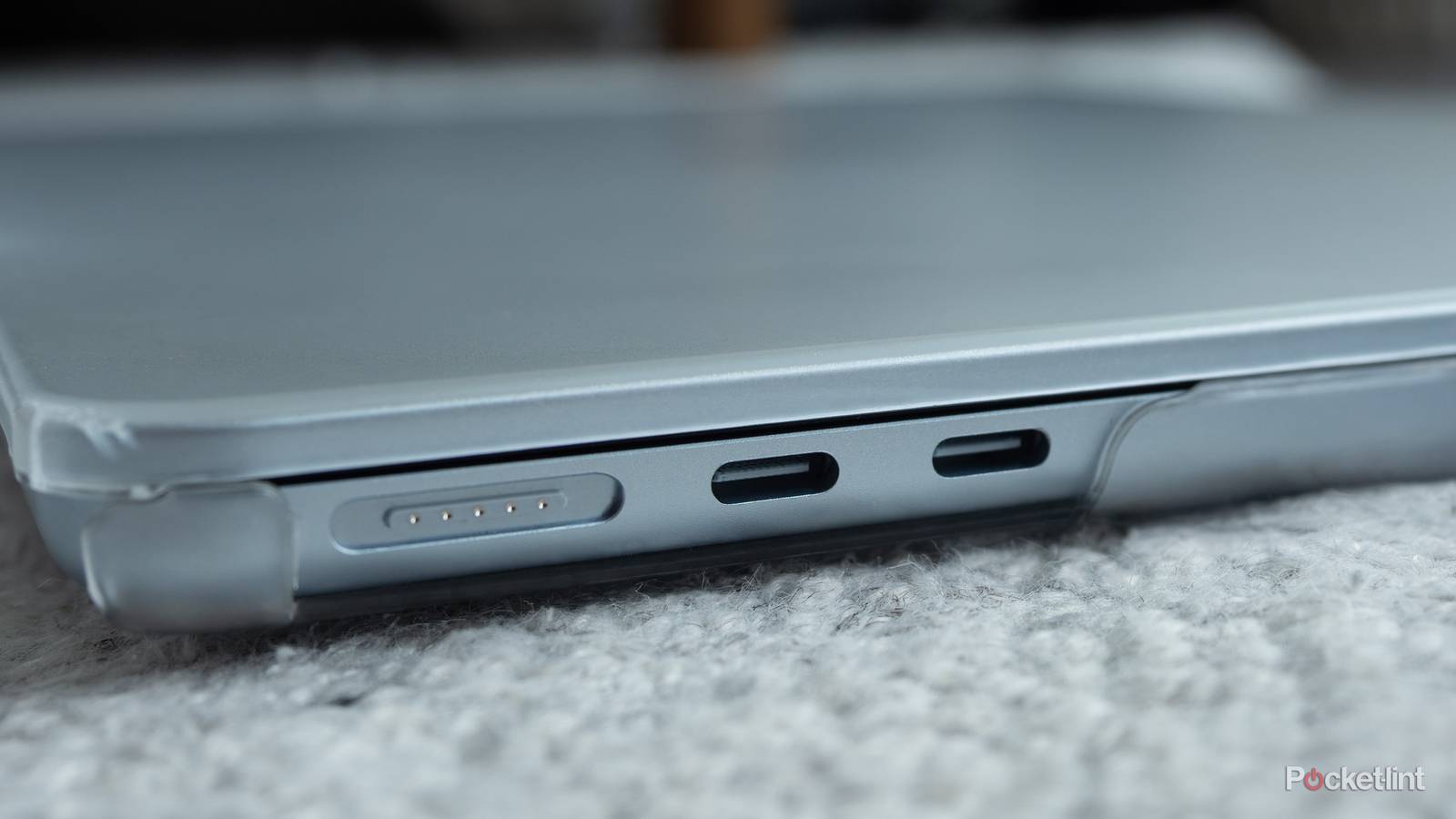
I’m a huge fan of USB-C, but it’s not really anything to do with the cables themselves. It’s more to do with the fact that it finally feels like we’re on a unified platform. I no longer need to have a different cable to charge my phone and game controller — the same cable can be used for both of these things. It’s so nice not have to look at the cable I pick up anymore. I just know it’s going to work with my device, and I really don’t want to go back to a world where that’s not the case.
However, that doesn’t mean there aren’t some problems I want addressed. I suppose it’s not a problem, per se, but it’s something that is definitely an issue with people not in the know. What I’m talking about is the cables having different powers and speeds. My Chromebook uses a USB-C charger, which is great news, but that’s where some issues arise. I can use this same cable to charge my phone, and despite the higher power provided, it does it safely. On the other hand, my phone charger won’t do the same for my laptop. On the surface, they look like the same cable, so you’d be forgiven thinking they could do the same thing. For some people, it’s obvious, but others might not see it that way. I think this is the same trap that HDMI has fallen into, and now it looks like USB-C is going into it as well.
HDMI and USB-C are on the same road
Just have to do some research

What you might not fully realize is that USB-C is simply a connector, and the underlying USB generation is what’s powering it — the same as HDMI. This means you could have a slow USB-B cable charging your devices without even knowing. I mean, you should get an idea that your cable isn’t up to snuff after seeing it charge things slower compared to one of your newer ones, but many people don’t pay attention to that. I usually charge my phone overnight, so it taking an hour or eight doesn’t matter much to me.
For the fastest speeds, you can get a Thunderbolt USB-C cable, and those are typically identified by a lightning bolt on the cable. Of course, that’s only if you know that information beforehand. Like HDMI, these cables will work with all of your devices that have the port, but you’ll get varying degrees of performance.
This is the exact same position that HDMI finds itself in. HDMI has been the standard for a few decades now, and while many of those old ports held on, we’ve pretty much given way to HDMI being the standard-bearer. Since HDMI is completely forward-compatible, much like USB-C, we have the same basic problem. Your cable that came bundled with your PS3 works with your PS5. You’ll still get audio and picture, but you won’t get the same performance. This old HDMI cable won’t be able to give your PS5 the 120 FPS mode, and you need to upgrade to a 2.1 cable for that.
The burden is lightened a little if you just stick with the cable that came bundled with your device. That’s pretty easy to do with your HDMI ones since they don’t get moved around, but USB-C cables are a little trickier. These are very portable, and if you need to charge your phone in another room, it’s easy to unplug it and take it there. If you happen to leave it in there and don’t have a charger in your living room, you might use a slower cable. It’s very easy to get mixed up, and I think that’s a bad thing going forward.
It’s tough on the average person
No easy answer here

Having all the cables look exactly the same is a blessing and a curse. I love not having to worry about compatibility, but it becomes a problem when I can’t get the same features. The answer is to just get rid of all my older cables and replace them with the highest performing ones. That makes sense for people who have the extra money to spare, but I don’t think replacing cables is high up on anybody’s list of priorities.
It’s up to you to know the speeds of all of your cables, and that does mean learning what the words and symbols actually mean. For example, an HDMI cable labeled as Ultra High-Speed is an HDMI 2.1 cable, and that means it’s your best performing one that’s available at the time of this writing. Similarly, that bolt of lightning on your USB-C cable means it’s the speediest option available. It’s easy to get overwhelmed by this stuff, especially since all these cables largely look the same. Back in the day, you knew you needed a new cable because it couldn’t plug into your phone anymore. That’s no longer the case, so now you need to know the difference between a bunch of cables that look the same. It’s easier said than done. HDMI has managed to navigate this for decades, so if USB-C sticks around for a while, we might see something similar.