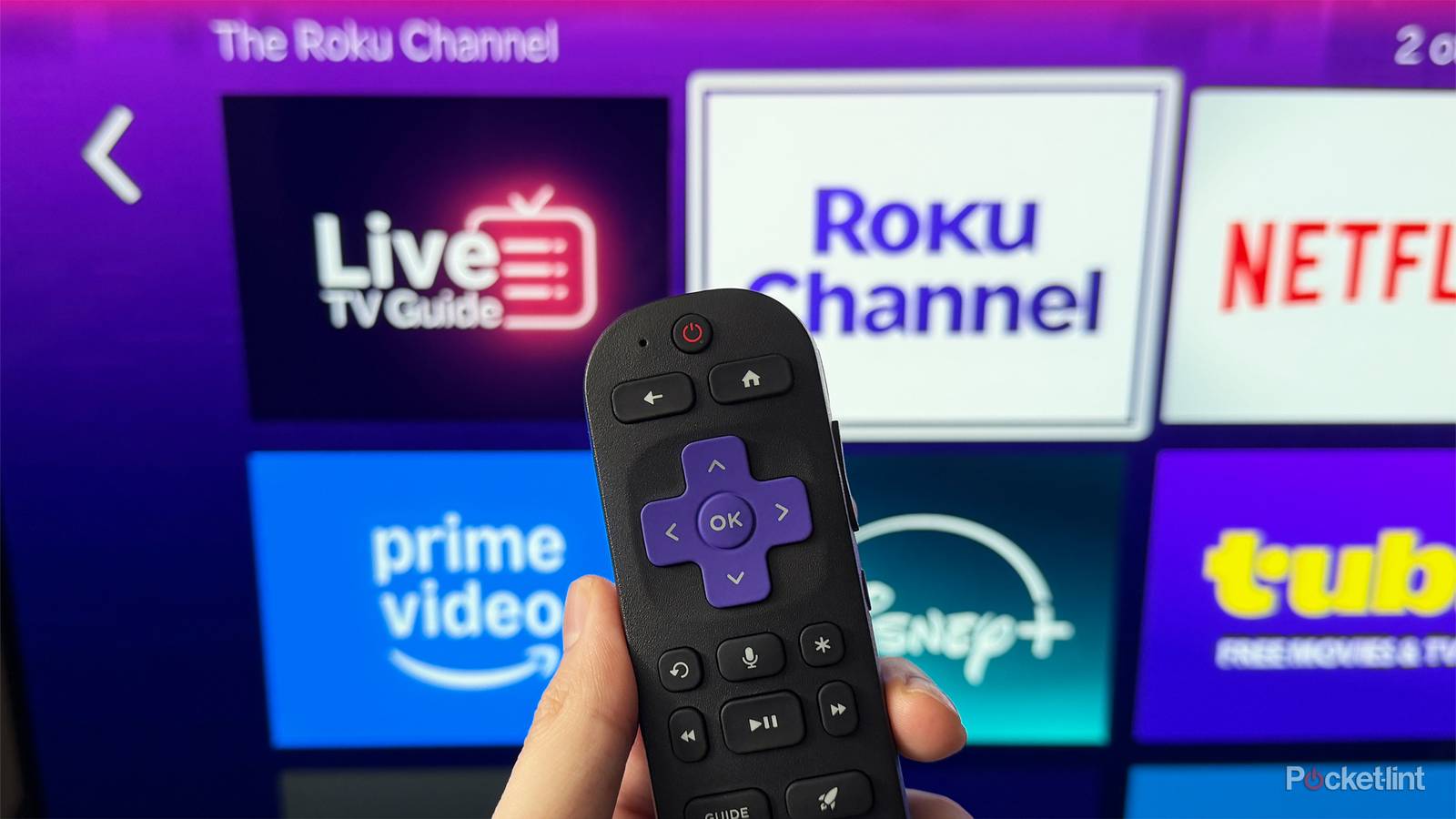
I’ve said it before, and I’ll say it again: one thing I have to give Roku a lot of credit for is how often it updates The Roku Channel, its free streaming service. Every month, new shows and movies are added that you can watch entirely for free. So if you’ve grown tired of rising streaming costs, it’s a great place to find something to watch without paying a monthly fee.
That said, a big part of The Roku Channel is its lineup of FAST (free ad-supported television) channels integrated into the live TV guide. It provides an experience similar to cable, and The Roku Channel has more than 500 FAST channels. But now, thanks to these latest additions, that list of free channels just got even longer.
Roku has recently expanded The Roku Channel again, this time adding 16 new free channels to its lineup (via Cord Cutter News). This latest batch of channels includes a mix of sports, animation, comedy, and outdoor content, with highlights such as Life with Derek, Inspector Gadget, Nat Geo Animals, and Scripps Sports. You can check out all 16 of the new channels below:
- DP World Tour
- Flo Racing 24/7
- Game and Fish
- Grizzly and the Lemmings
- Inspector Gadget
- Jail en Español
- Life with Derek
- MotoGP Channel
- National Geographic Animals
- National Geographic History
- National Geographic Travel
- Roku Moods Nature
- Scripps Sports
- Shark Tank Latino
- Vive Kanal D Drama
- Salem News Channel

- Brand
-
Roku
- Operating System
-
Roku OS
- Downloadable Apps
-
Thousands
A slim plug and play streaming stick that includes 4K/HDR support and includes a voice remote.
How to quickly find all these channels and more
Roku’s Live TV guide includes a search feature to help find channels

If you want to check out any of the channels mentioned above, luckily, they’re easy to find on The Roku Channel. On your Roku TV or streaming device, head to the home screen and navigate to the Live TV tab. You’ll see a box you can click to open the Live TV Guide.
Once the guide is open, you can browse all the free channels Roku offers. On the left-hand side, you can filter by different categories to narrow things down. If you’re looking for the newest additions, the easiest way to find them is to use the search feature (as shown in the image above). In the search bar, just type in the channel you’re looking for, and it should pop up so you can start watching it.

To make it easier to find channels you like in the future, I recommend favoriting them, so they pop up in the Favorites category in the live TV guide. To favorite a channel, hover over it in the live TV guide, and press the star (*) button on your Roku remote. Then select “Favorite this channel” in the list of options that pops up.
While The Roku Channel is accessible on Roku TVs and streaming devices like the Roku Streaming Stick Plus and Roku Ultra, if you don’t have a Roku device, you can also download The Roku Channel app on Fire TV devices, Samsung Smart TVs, and iOS and Android mobile devices.
To find more free streaming content, I also use several other FAST apps, including Plex, Tubi, and Pluto TV. If you’re looking to reduce the number of paid streaming services you have, these are worthwhile alternatives with hundreds of free movies and shows to watch.