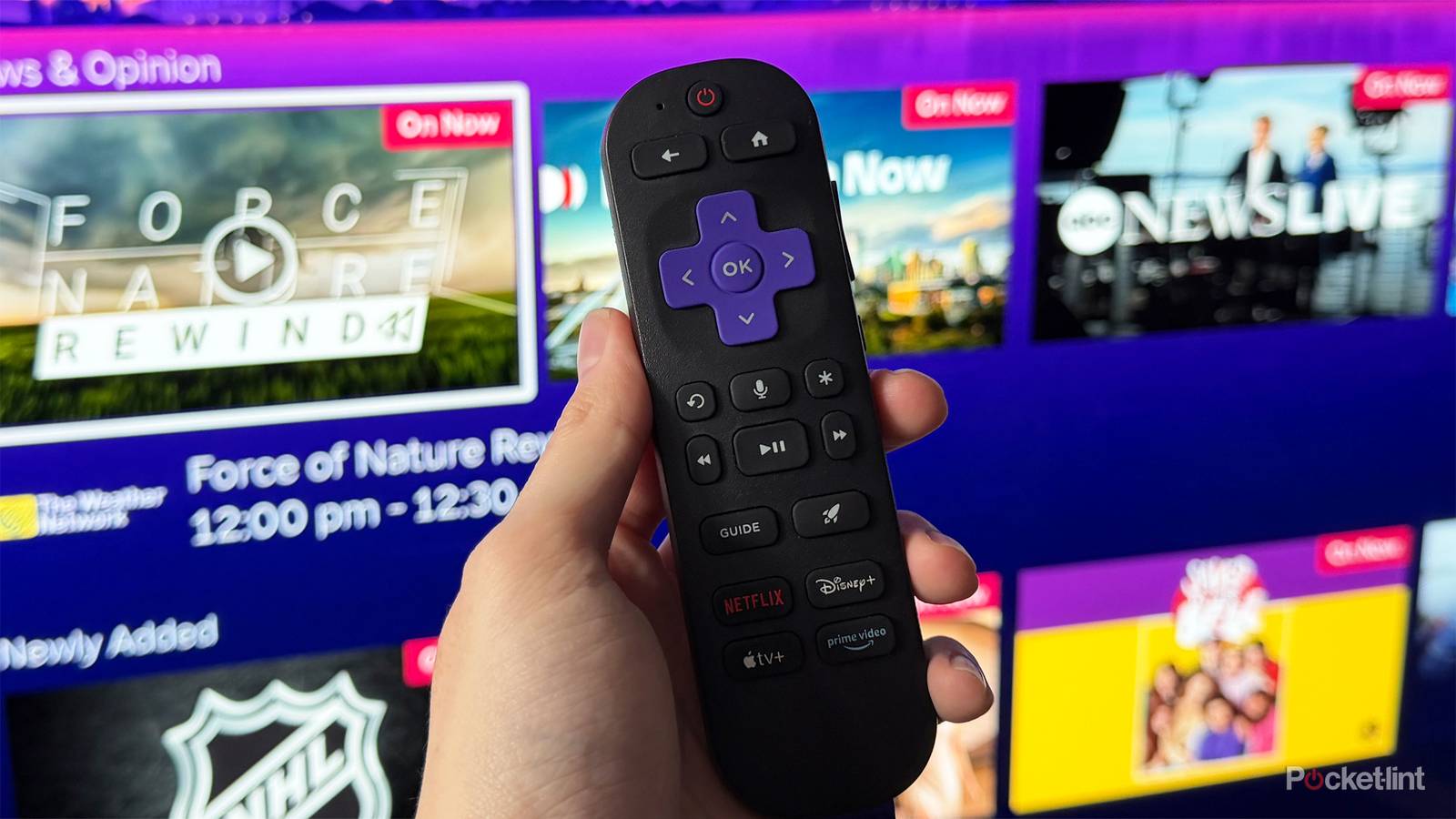
Although the latest Roku update brought important upgrades to its free live TV guide, such as adding a search bar to easily find channels and a new local news category, it unfortunately appears to have broken a major feature on Roku TVs: antenna channels.
Like most smart TVs, Roku TVs have a coaxial port that lets you connect an HDTV antenna to watch free over-the-air (OTA) channels, such as those from ABC, CBS, Fox, and NBC.
When you hook up an HDTV antenna to a Roku TV, these OTA channels are added to the live TV guide, where you can also find Roku’s FAST (free ad-supported TV) channels. However, with the latest Roku update, this functionality is broken when there is no internet connection.
This means that if you have an HDTV antenna connected to your Roku TV and you don’t have internet access, OTA channels will not appear in the live TV guide, and the screen will simply go blank (via Cord Cutter News). But the moment you connect to the internet again, they will then reappear. Before Roku updated its TVs recently, OTA channels from an HDTV antenna appeared regardless of whether you had internet or not.

- Dimensions
-
11.7″ x 8.3″
- Connectivity Technology
-
Coaxial Cable
- Brand
-
Best Buy Essentials
- Weight
-
0.6 pounds
Roku is working on a fix
HDTV antennas can get you free local live TV for as low as $20

Fortunately, this issue is just a bug, and not permanent. Roku has already confirmed to Cord Cutters News that the issue was unintentional, caused by recent platform updates.
Roku is already working on a fix, and the company says an update should roll out in the coming weeks to restore HDTV antenna functionality on Roku TVs without needing an internet connection.
And while the issue with Roku TVs might seem minor — since internet access is usually easy to come by — it matters more than you might think. During extended outages or severe weather, when your internet is down but your TV is still running (say, on a generator), OTA channels can be a lifeline — not just for entertainment but for staying informed with local news and emergency updates. So, with that in mind, hopefully, Roku can get this resolved sooner rather than later.
If you’ve never used an HDTV antenna with your TV before, it may be worth a shot, especially if you want free local channels without paying for cable. You can pick one up for as little as $20, plug it into your TV via a coaxial cable, and start watching OTA broadcasts in your area for free.
Most affordable HDTV antennas are designed for indoor use: you just place them near your TV inside, and you get a solid broadcast range.
It’s also worth noting that an HDTV antenna — like the Best Buy Essentials HDTV Antenna we’ve covered here on Pocket-lint — doesn’t go on your roof either. Most affordable HDTV antennas are designed for indoor use: you just place them near your TV inside, and you get a solid broadcast range. The Best Buy HDTV antenna we looked at costs $20 and covers up to 35 miles, but other, more expensive indoor antennas can reach up to 60 miles.
Once you’ve actually connected an HDTV antenna to the back of your Roku TV, go to Settings > TV inputs > Live TV > Set up input to begin setting up the antenna, and any available channels will appear in the live TV guide. Overall, it’s a pretty simple process. However, due to the current bug affecting Roku TVs, you’ll need an internet connection for OTA channels to show up until Roku fixes it to work offline again.