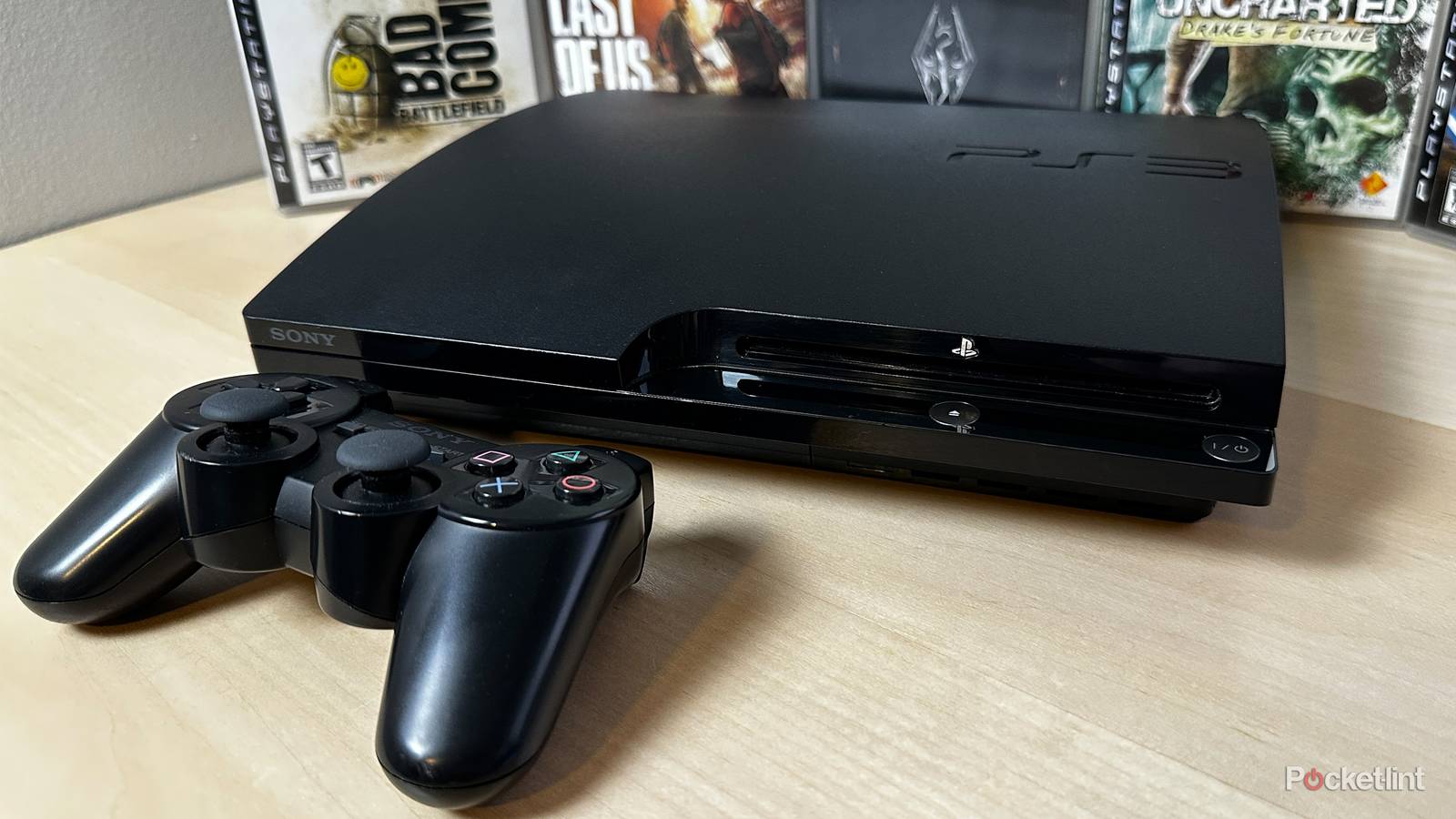
The PlayStation 3 (PS3) is hitting a pretty big milestone this year: it’s turning 20.
Yes, somehow it’s almost been two decades since the console first launched. And if reading that makes you feel old and gives you the same PS3-era flashbacks I’m getting while writing this, here’s a fun twist: despite its age, Sony just pushed out a brand-new system update for it. So if you’ve got an old PS3 collecting dust somewhere, this might be the perfect excuse to fire it back up.
Before you get too excited, though, this isn’t some surprise feature-packed update. The new PS3 firmware, software update 4.93, doesn’t add anything new, but it does keep the console running smoothly and, more importantly, updates its Blu-ray functionality.
Sony’s patch notes are pretty light on specifics, simply saying the update “improves system performance.” The more important bit is that if you want your PS3 to keep playing Blu-ray discs, you’ll need to install the latest update to renew the system’s Blu-ray encryption key. Without it, you could run into issues playing movies or even certain games on your PS3.
Additionally, it’s worth noting that a quieter reason for this update is likely for security reasons as well, as Sony probably used it to patch any new exploits or jailbreaks that may have surfaced for the PS3.
How to update your PS3
The new update requires 200 MB of free disc space

Fortunately, updating your PS3 is pretty simple. Before you get started, it’s important to note that the update requires at least 200 MB of disc space on your PS3’s hard drive. So if your PS3’s hard drive is quite full from all those games you played back in the day, you might need to delete a game or an app to free up some space. Additionally, your PS3 will need to be connected to the internet.
Once you’ve got enough free space and your PS3 is connected to the internet again, go to Settings > System Update on your PS3’s home screen. Then just select the Update via Internet option.
Your PS3 will then begin installing the update, and when it’s done, your system will restart, and you’ll have the new update installed.
Alternatively, if you’d rather update your PS3 manually (or it can’t connect to the internet anymore), you can download the update file from PlayStation’s website and save it on an empty USB drive formatted as FAT32. Then, plug it into your PS3, and when you choose System Update, instead of selecting Update via Internet, pick Update via Storage Media and follow the on-screen instructions. You can find the full details on how to do this from Sony here.

While this update isn’t anything too surprising, as Sony has released an annual maintenance update for the PS3 like this for quite a while now, it’s nice to see the PS3 still get some attention nearly 20 years after its launch, and long after it’s been succeeded by the PS4 and PS5.
I bought a PS3 last year and have been playing it quite a bit lately, so I installed this update to keep everything running smoothly and haven’t had any issues since. I recently finished Metal Gear Solid 4: Guns of the Patriots and have been working through Medal of Honor: Airborne, with Star Wars: The Force Unleashed next on my list of PS3 games to play.
I’ve covered the PS3 quite a bit here on Pocket-lint, including how to easily buy PS3 games in 2026, and the different ways you can play PS3 games nowadays.