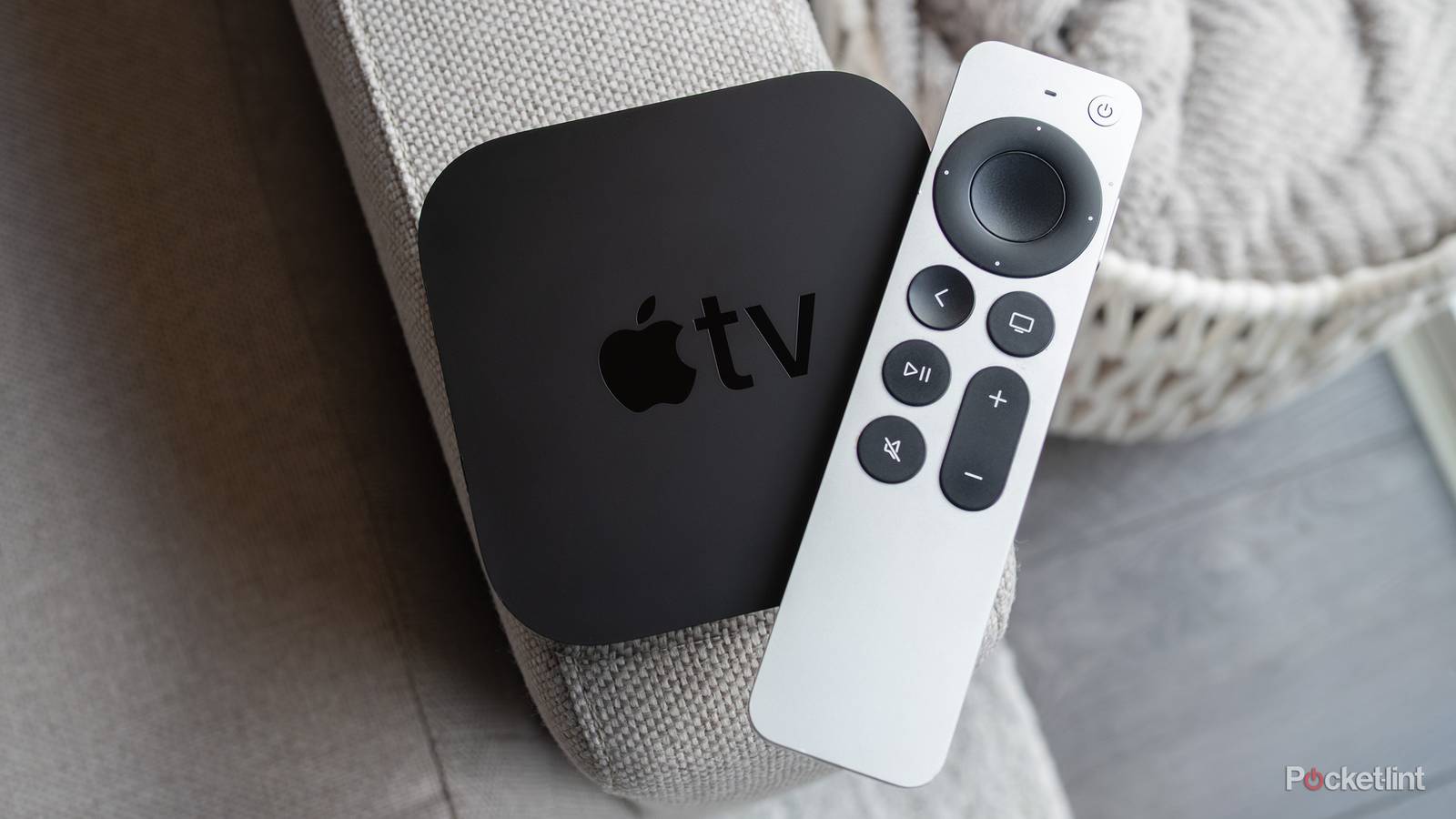
The Apple TV 4K is known for having very good picture quality, and Dolby Vision is a big part of that. All models of the Apple TV 4K have Dolby Vision, and if you have a Dolby Vision-capable TV, it’s a great boon. What you might not know is that having Dolby Vision toggled on all the time isn’t a good thing. In fact, I would wager that most things you watch don’t have any Dolby Vision support. With many streamers starting to lock the functionality, along with 4K resolution in general, behind paywalls, you might not even pay for it.
When Dolby Vision is enabled for things that don’t have it, you get some weird-looking colors and stray far from what the picture is intended to look like. Dolby Vision is great, but it’s not meant to be used for everything. If you’re doing that, you should rethink some things and tinker with your settings.

- Brand
-
Apple
- Bluetooth codecs
-
5.0
- Wi-Fi
-
6
- Ethernet
-
Gigabit (128GB model only)
- Storage and RAM
-
64GB, 128GB
Turn off Dolby Vision on your Apple TV
Get better results

I know it sounds like I’m contradicting myself, but you shouldn’t have Dolby Vision turned on in the settings of your Apple TV 4K. Turning it off doesn’t mean you don’t have access to it, however. As long as you have your Match Content and Match Frame Rate settings turned on, you still get Dolby Vision on supported content. This is the way you should do it, because you’ll never get anything odd-looking, and you’ll be able to enjoy everything the way it was meant to be seen. I know this may seem a bit unusual, but believe me, it’s how you get the most out of your Apple TV 4K.
Dolby Vision is my favorite HDR format available, and I don’t want anybody to get the wrong idea about it. Having it always enabled gives everything a weird color palette, and while your home screen might pop off the screen a little bit more, it’ll make all your regular SDR look bad. The last thing I want is for somebody to make a decision about Dolby Vision based on that, because that’s not how it’s meant to be used. Yes, it feels a little counterintuitive to turn off Dolby Vision to use it properly, but the only thing we can do is play by Apple’s rules.
This is actually something you should do on all of your devices that allow it. There’s no sense in having Dolby Vision force enabled if it doesn’t have to be. This is how my 4K Blu-ray player works, and if I don’t toggle it off before watching something without Dolby Vision, I won’t get accurate colors. Again, it seems backwards, but this is something you have to do if you value your picture quality.
Dolby Vision is great, but only if it’s meant to be on
Don’t ruin your picture quality

By default, your TV probably has HDR10. Dolby Vision builds on that, but HDR10 on its own is still very, very good. Both formats make colors feel like they’re popping off the screen, but Dolby Vision promises darker darks and brighter brights. Of course, other factors come into play, such as your screen itself. OLED screens can get darker than their competitors, but that doesn’t mean you won’t get competitive quality from Mini-LED screens, for example.
In ideal circumstances, I don’t think anything beats Dolby Vision, but that’s only if you’re watching something where it’s meant to be implemented. This is why it’s important to have that match content setting turned on if you can. I think it’s better to forget to turn on Dolby Vision, as I do with my Blu-ray player every so often, than it is to always have it on. The worst-case scenario for leaving it off is getting HDR10, while having it always on could mean a poor experience watching a movie.
With the match content setting, you should have no more fears of doing that when you’re watching on an Apple TV 4K. Of course, that doesn’t apply to other things, like my Blu-ray player, so your bases aren’t all covered by a simple setting. For your Apple TV 4K, you’re all set with this basic change, and I’d recommend it be one of the first things you do when you set it up. Even if you don’t have a Dolby Vision TV, I’d still set your settings to only output 4K SDR all the time so it’s not forcing any HDR when there isn’t supposed to be any.
Far too often, picture quality is ruined by people having the wrong settings on. Motion smoothing is a big offender in this regard, but that boils down to personal preference. I don’t understand how somebody could think inaccurate colors could look good, while I can sort of understand how a smoother-looking image could work for a lot of people. I’m not a fan of either, but I have to pick my battles.