



I’m sure I don’t need to tell you that sound can be just as important to the home theater experience as your TV. Usually, it’s the element that distinguishes a setup from a room that happens to have a TV in it. I could be playing Conan the Barbarian on an 85-inch TV, but no one would probably accept the room as a theater without hearing the boom from that Basil Poledouris soundtrack.
That said, people sometimes lean too far in the opposite direction, in my opinion. They spend far more on their speaker setup than their TV, forgetting that it’s what you’re watching that matters, not perfect fidelity or bragging rights. It’s not like people watching Conan on VHS in the 1980s were ripping their hair out because Dolby Atmos hadn’t been invented.
If you’re using cheap external speakers for your TV or none at all, there are a few ways you can step up your audio experience without biting deep into your streaming budget. You don’t have to use all of these, and I’m deliberately including a few options that are totally free.
Buying an add-on subwoofer
Your options may vary dramatically

As I mentioned, boom is essential to the home theater experience. You don’t necessarily need a subwoofer to experience it — in fact, the woofers in my Sonos Ray deliver plenty of bass on their own — but it’s hard to deny that owning one is a shortcut to feeling like you’re at the cineplex.
This is a potentially tricky upgrade if you want to keep things cheap. In theory, you may be able to combine a subwoofer with your TV’s internal speakers. But even if you can connect a subwoofer without buying anything else, internal audio tends to be weak enough that the results will probably sound strange. At best you’ll get decent highs and mids with an excellent bottom end, but a conspicuous gap where powerful woofers would normally handle things.
A subwoofer is best used as an upgrade to an existing external setup, then, which creates a complication of its own, as there may or may not be a compatible unit you can simply plug and play. If there is, though, you’ll experience a lot more punch from your favorite movies, shows, and games.
Buying a 2.0 soundbar
When you’re starting from scratch

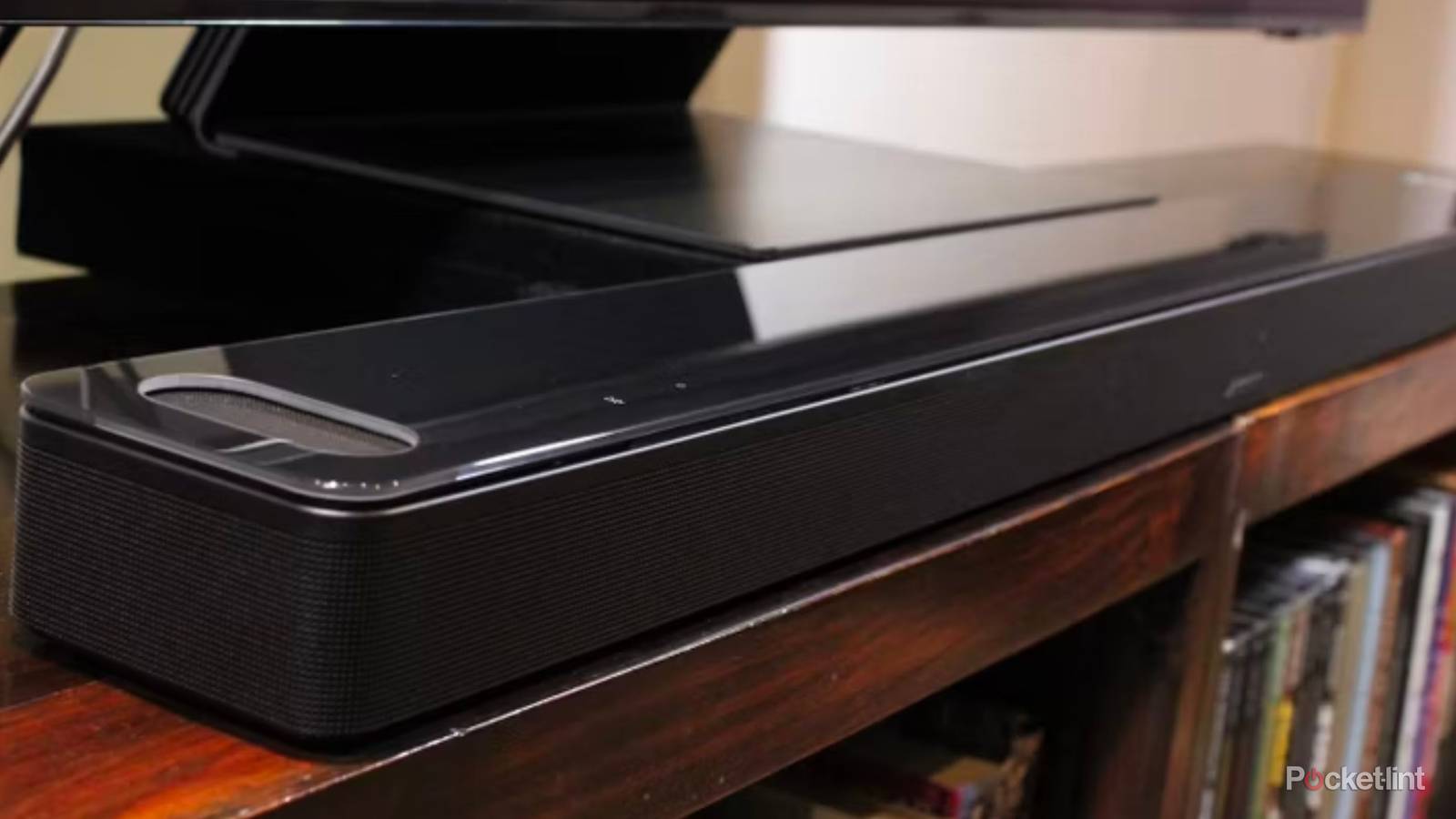
Normally, I advise against buying a cheap soundbar if you really care about audio. There are a host of potential drawbacks that can set you up for disappointment, ranging from the lack of Dolby Atmos to, of course, subpar performance in clarity or bass. But if you’re still using your TV’s internal speakers, just about any soundbar will be an upgrade.
Consider this — while high-end TVs can deliver surprisingly good sound, with total output in the dozens of watts, those are the exception rather than the rule. Many TVs are rated for 20W or less, with two channels that use full-range drivers rather than separate tweeters and woofers. That’s fine if you’re just watching the news or the latest EUC videos, but it’s going to be distinctly underwhelming for movies.
Many TVs are rated for 20W or less, with two channels that use full-range drivers rather than separate tweeters and woofers.
There’s actually a reason most TVs are like this. With so little space inside modern flatpanels, separate tweeters and woofers may not be an option. Meanwhile, pushing full-range drivers past the 20W mark risks introducing too much distortion when a driver isn’t very wide to begin with.
Contrast this with soundbars. Even a dirt-cheap 2.0 soundbar is liable to produce at least 40W, and often far more. On top of that, you’re going to get those much-needed tweeters and woofers, producing clearer highs and deeper lows. The more you spend, the better things are going to be, and that’s without shifting to a 2.1 system that includes a subwoofer.
Changing software-based EQ and dialogue settings
Free, if very limited

If you’re more concerned with clarity than raw power, it’s common for TVs, smart speakers, and add-on media streamers to include various software options for enhancing output. The Apple TV 4K, for instance, includes not one but two vocal boost settings if you’re having a hard time understanding dialogue. Related to dialogue options are “night” modes that reduce the volume of loud sounds while raising the volume of quiet ones.
Your options are fewer if you want more bass, but some devices have “bass boost” presets, or if you’re really lucky, fully customizable EQs (equalizers). The reason an EQ is preferable is that you can raise and lower not just bass, but frequencies across the entire spectrum, settling on a “soundprint” that best suits your hardware configuration, room acoustics, and personal tastes.
There is a big catch here, in that software can’t overcome the fundamental limitations of the hardware it’s running on. In fact, boost and night modes usually compress your speakers’ dynamic range, i.e. the greatest possible gap between loud and quiet sounds. A vocal booster is not only going to make low-end effects less impressive, but potentially flatten the vocals themselves, since there’s less possible fluctuation. Speaking of Conan the Barbarian, you might undo some of the baritone qualities in James Earl Jones.
You’ll have to explore and experiment to judge whether the options available to you are worth using. I do use vocal boosts on my Sonos soundbar and HomePods, but that’s it.
Repositioning and dampening speakers
Mostly cheap if you do it right

Speaker placement matters more than most people give it credit for. You might have a general sense of where speakers are supposed to go and point, but moving them further apart (if you have more than a soundbar) can improve not just spatial perception, but sound separation, making it easier to catch the nuances in what you’re hearing. Likewise, moving satellites closer or further away can affect their real-world perceived volume.
Potentially even more important is the material your speakers are sitting on or next to. Some materials can resonate in an unpleasant way, especially at louder volumes, in which case moving speakers to a different surface will fix issues like distortion. Alternately, you may be able to slide some sort of dampening mat under your speakers, or use stands and mounts to get gear up in the air.
Moving speakers further apart can improve not just spatial perception, but sound separation, making it easier to catch nuances in what you’re hearing. Likewise, moving satellites closer or further away can affect real-world perceived volume.
As a rule, it’s wise to keep any speaker at least a few inches away from your walls. Aside from resonance, there are a variety of other potential problems, like overpowered bass, “destructive” interference, and a delay effect known as time smearing. Speakers with rear-firing bass ports can run into port turbulence, once again producing distortion.
Don’t fret too much about walls, though. Many speakers are designed to be wall-mounted, accounting for the associated risks. And if relocation isn’t an option, you may be able to solve your troubles with wall hangings like acoustic panels. These can be very cheap — it mostly depends on how attractive you want these hangings to be.