

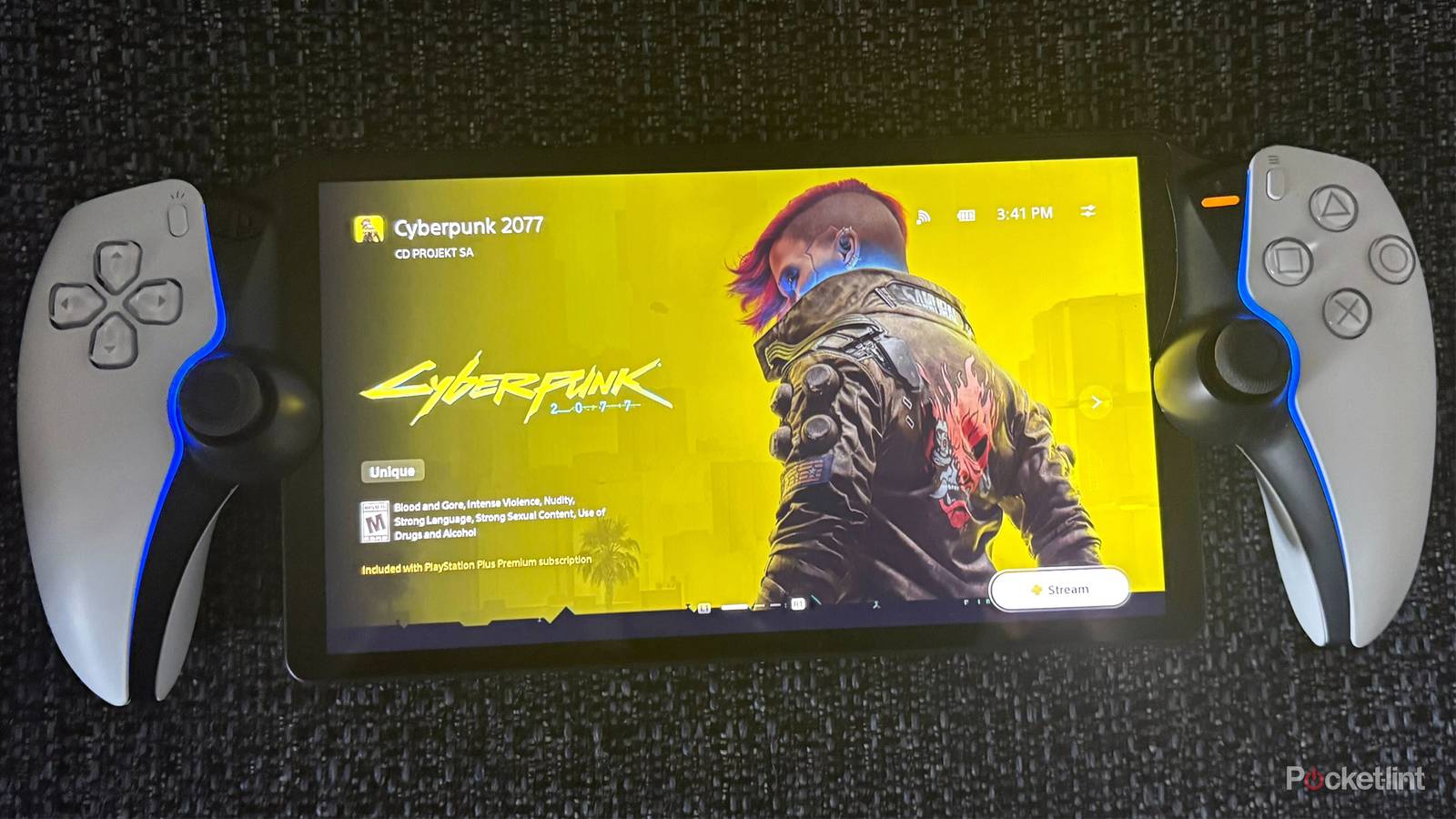
The PlayStation Portal has seen a major resurgence lately. When it first launched in 2023, it admittedly felt incomplete, as it could only stream games via Remote Play from a PS5. That finally changed late last year, when Sony added cloud streaming support. With a PlayStation Plus subscription, you can now play a wide range of PS5 games straight from the cloud on the Portal, no console needed.
Now, a few months after that game-changing update reignited interest in the Portal, Sony is back with another major free update, rolling out globally on March 18. This time, the focus is on boosting image quality with a new high-quality mode and refining the overall user interface (UI) experience.

- Dimensions
-
14 x 3.88 x 6 inches
- Weight
-
2.6 Pounds
- Display
-
LCD
- Output resolution
-
1080p
High quality streaming has arrived on the Portal
You can now play games at a higher 1080p bitrate

To kick things off, Sony is adding a new “1080p High Quality” mode to the PlayStation Portal, available for both Remote Play and cloud streaming. This new option bumps the bitrate up from the default 1080p Standard mode, resulting in improved image quality and overall clarity while playing games.
Sony says the new high-quality mode delivers a “smooth and high-fidelity experience,” but there is a trade-off: it uses more data. So if your internet connection isn’t particularly strong where you are, you might run into stability issues while using it. Sony recommends a connection speed of at least 15 Mbps for the best experience.
Enabling the new high-quality mode on your Portal is pretty simple. When you’re playing a game, go to the Quick Menu > Max Resolution, then select 1080p High Quality. After your game restarts, the new, higher-quality video mode will be active, and you can test it out.
The Portal’s UI also receives some much-needed improvements
Trophies will now appear properly when you unlock them

Additionally, Sony is rolling out a handful of UI improvements with this update, all aimed at making the Portal easier to use.
First up is a revamped product detail page for game bundles. Now, when you select a bundle, a new interface pops up that lets you choose exactly which game you want to play (as you can see in the image above).
Sony has also made it easier to spot game invites while playing multiplayer titles. When you’re streaming a multiplayer game, you’ll now see what Sony calls a “clear on-screen notification,” so you’re less likely to miss it.
For trophy hunters, this update also improves how trophy notifications show up on the Portal. They now clearly display the trophy name along with its associated image when unlocked, and Platinum trophies now have their signature animation that plays when you unlock them, bringing the experience closer in line with the PS5.

Finally, Sony has improved the search screen for finding games and refined the onboarding process, making it easier to create a PlayStation account when using a Portal for the first time or to log in to your existing PlayStation account with a QR code.
All in all, this update includes many quality-of-life improvements for the PlayStation Portal, and I’m really happy to see that Sony remains dedicated to improving the Portal experience for users nearly three years after its initial launch. Cloud streaming support was a huge step-up for the handheld last year, and personally, I have no doubt that the new 1080p High Quality mode and the UI improvements, especially for trophies, will make the Portal experience even better.
Fortunately, if you have a PlayStation Portal, you don’t have to wait long to try out this update, as it starts rolling out globally on March 18.