


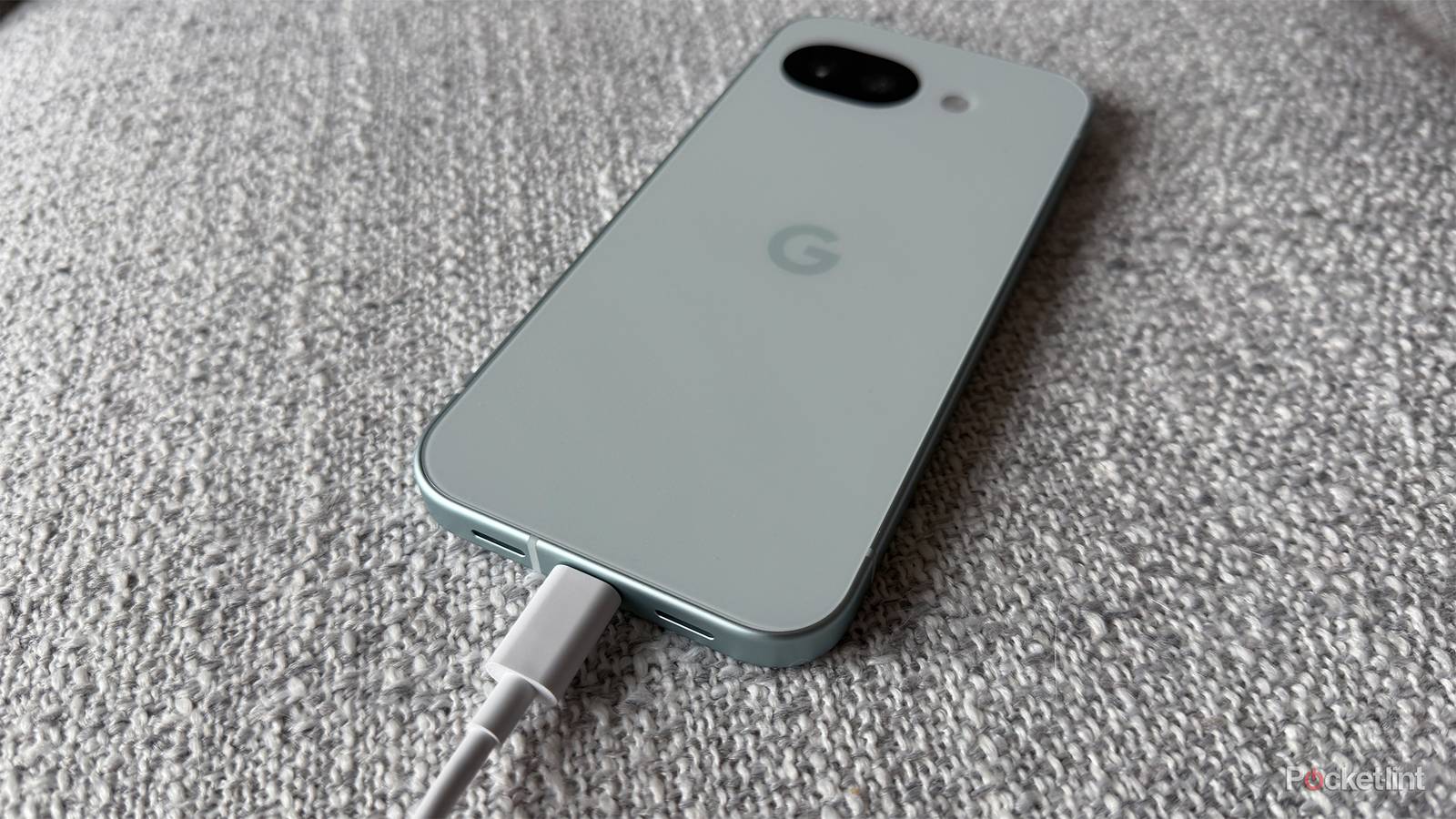
Google has added plenty of useful features to its Pixel phones over the years through its Pixel Feature Drops, but one of my favorites by far is the 80 percent charge limit feature, which first arrived in 2024.
As the name suggests, the feature allows you to set your Pixel’s maximum charge limit to 80 percent instead of 100 percent to help extend the battery’s lifespan. In addition to the charge limit, Google also introduced bypass charging, which means that once your phone reaches 80 percent, it draws power directly from the wall charger, bypassing the battery entirely, again to reduce battery wear.
However, while the feature has worked great up until now, the latest March 2026 Feature Drop update appears to have changed how the 80 percent charge limit behaves, and not for the better.
After installing the March update, some Pixel owners noticed that once their battery charges to around 77 percent, it now takes noticeably longer to reach the 80 percent cap than before (via Android Police). One Reddit user said it took their Pixel “over 30 minutes” to go from 78 percent to 80 percent after updating. This means it takes longer to reach the point where you can use your Pixel with bypass charging, and it also takes longer to charge overall, which isn’t convenient if you’re in a hurry.
And this doesn’t appear to be an isolated issue either. Plenty of Reddit users have been voicing their frustrations about the sudden slowdown, including one user who recently picked up the new Pixel 10a. Since the behavior only appeared after the March 2026 Feature Drop, many initially assumed it was a bug, but it may actually be intentional.

- Brand
-
Google
- SoC
-
Tensor G4
- Display
-
6.3-inch 1080 x 2424 pixel resolution pOLED
- RAM
-
8GB
Google says the slower charging speed is intended
It’s possible it could be improved

If you use the 80 percent charge limit on your Pixel as I do, it seems the slower charging near that limit is here to stay for now, since Google apparently put it in place on purpose.
In a recent post on Google’s IssueTracker (where the company tracks Android bugs), a Google developer confirmed that the slower charging near the 80 percent charge limit is deliberate. According to the developer, the change is meant to help manage battery health, though they also noted that Google is “currently working on optimizing this user experience.” You can read the full quote below.
“This behavior is related to the 80% Charge Limit feature. In the current software build, the device charges at normal speeds until it reaches approximately 77%, at which point it transitions to a lower current to reach the final 80% limit,” a Google developer explained. “While this may result in slower charging speeds near the limit, it is intended to manage battery health and should not impact normal device usage. We are currently working on optimizing this user experience.”
So, while this behavior appears to be intentional — possibly to reduce heat near the charge limit and help preserve long-term battery health — it also sounds to me like Google is open to improving how quickly Pixels reach the 80 percent cap, but we’ll have to wait and see.
Reactions to the change have been mixed. One Redditor called it “very annoying,” adding that “we should be able to fast charge up to 80%.” Meanwhile, another user was far less bothered, saying, “That’s fine, I can just unplug at 77%. 3% is like 15 minutes of screen time. Not going to change my life.”
If you have a Pixel phone and haven’t tried the 80 percent charge limit feature yet, I still recommend giving it a try despite this change. It’s a useful feature for extending your battery’s lifespan, especially if you plan to keep your phone for several years. Plus, it also allows you to take advantage of bypass charging once the phone hits the limit.
To do this, just go to Settings > Battery > Battery health > Charging Optimization. By default, “Adaptive Charging” is enabled. Simply switch to the “Limit to 80%” option, and it will start working. Hopefully, Google improves the charging speed close to the limit, though, as the slower pace since the new update is a bit annoying.