



Plenty of effort and attention goes into finding the perfect smart TV, and rightly so. Differences in power, processing, screen technology, and so many other features determine the quality of what you’re watching in the comfort of your own home. However, there is an often overlooked component of enjoying high-quality entertainment: HDMI cables.
For all the features offered by your TV, gaming console, soundbar, physical media player, and any other devices, they are only as strong as the cables that connect them all. It’s worth paying attention to your HDMI cables, and it’s important you’re not using old ones. Here’s what you need to know.
HDMI versions evolved over time
New iterations upgrade the useful connection

High-Defintion Multimedia Interface (HDMI) has been around for over 20 years. It was devised to better transfer audio and video by combining both channels into one cable. Whereas in the past you would have to hook up a separate cord for audio and another for video, HDMI put them together. It was brilliant.
HDMI cables can typically last anywhere from five to ten years, and they aren’t prone to wearing out. However, as you upgrade devices around them, the cables may become obsolete.
The first iteration, HDMI 1.0, is quite dated now: it supported 1080p resolution and was used for HD TVs and DVD players. Over time, new versions followed. HDMI 2.0 was released in 2013 allowing 4K resolution to pass through, with HDMI 2.1 bowing a few years later, enhancing video output at higher speeds while also providing improved audio. Bandwidth has increased over time, which allows better resolution at higher refresh rates as well as better quality sound.
HDMI 2.2, meanwhile, was released last year, and can support resolution up to 16K.
HDMI cables should support your devices
Optimize your setup with the matching connection

It’s important that you match the needs of your devices to the capabilities of your HDMI cables. As each different version of HDMI has different allowances, you don’t want to employ a cable that can’t support what it’s connected to. For example, you don’t want to use an HDMI 1.4 cable to connect a 4K TV and Blu-ray player because that kind of cable doesn’t support 4K resolution at 60Hz. Similarly, you don’t want to connect your new TV to your new soundbar with HDMI 2.0, as HDMI 2.1 is better suited to audio transfer.
Because HDMI cables tend to last a long time, it’s possible you’ve been using old HDMI cables for your current devices and not getting the most out of those capabilities. There wouldn’t necessarily be any alert either; as long as the older cable functions normally, it will continue to transmit audio and video, but it won’t do it beyond its limits. Using an older cable basically means your downscaling quality across devices. However, keep in mind HDMI cables are backwards compatible, so a new cable will work well with older devices.
HDMI is superior to wireless connections
Avoid Bluetooth and Wi-Fi when HDMI is available

There are alternatives to HDMI connections that may be available on your devices. However, in just about every case, you’ll want to choose HDMI over them.
Soundbars, for example, may be able to connect to your TV via Bluetooth or Wi-Fi, but any corded connection is going to be more stable and reliable than anything wireless. Signal interruption and crowded networks can impede audio transfer and diminish quality. What’s more, HDMI eARC is designed specifically for high-quality audio playback. HDMI eARC will also be superior to an optical connection between a TV and soundbar.
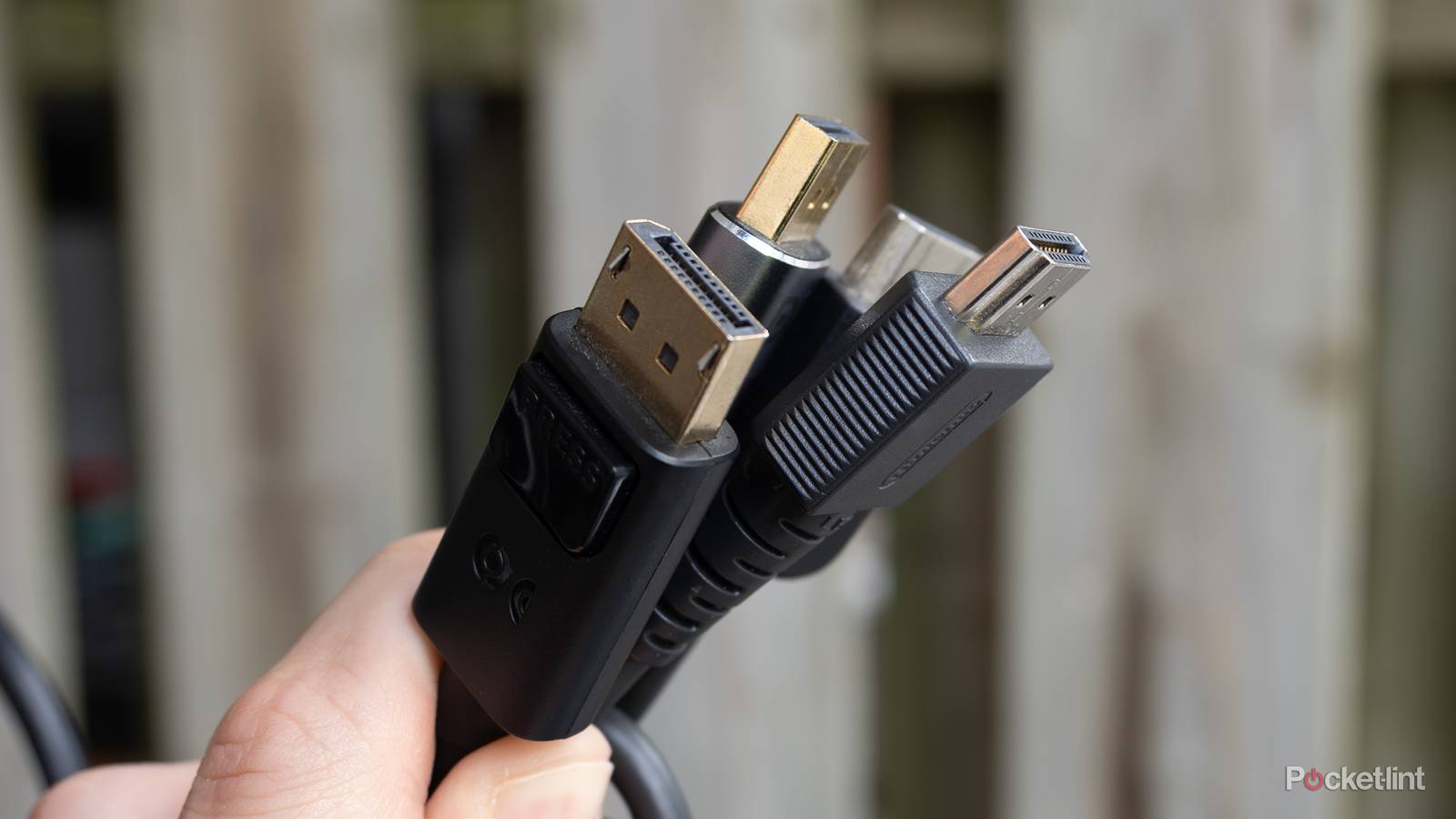
When it comes to computers and displays, HDMI is rivaled by DisplayPort. The latter is likely preferred by serious gamers when going up against HDMI 2.1 as it provides more bandwidth. However, the latest HDMI iteration looks to supplant DisplayPort’s capabilities, for now.
HDMI 2.2 offers impressive specs
Ultra96 surpasses the limits of devices

The future of HDMI is already here, with HDMI 2.2 announced last year. It boasts some impressive specs, with support for up to 16K resolution. That’s pretty staggering, since even 8K resolution is barely available for consumers. Its dubbed Ultra96 for its 96Gbps bandwidth, double the bandwidth of HDMI 2.1.
While this HDMI version is coming soon for consumers, it’s not necessarily one that you need to invest in now. Consider again your devices and what they need. Unless you’re someone who wants to invest in the newest technology as soon as it becomes available, you probably don’t have any devices that need this newest version. This is a case where the cable seems quite far ahead of the devices it will be connected to.
HDMI cable tips and tricks
Match the cable to the right TV port

I recommend always using the HDMI cable that comes with your device as this will ensure you’re up-to-date and optimizing that device. If you’re shopping for a new cable, be sure you’re buying firsthand from a trusted seller and company; HDMI counterfeits are common. You’ll also want to make sure the cable is plugged into the right port on your TV. While it may have three or four ports, only some may be suitable for HDMI 2.1. Furthermore, it may only have one port suited for audio transfer via HDMI eARC.
If you’re unsure of what version of HDMI cable is being employed, there are a couple different ways to find out. Check the physical cable itself and see if you can find a name or number. Some will list the version, while others just a title. Ultra High Speed indicates HDMI 2.1, while Premium denotes 2.0. If it just says High Speed, then you’re using a very dated HDMI 1.4 cord. Your cable may also have a QR cord attached; if so, you can scan that code and verify its quality.