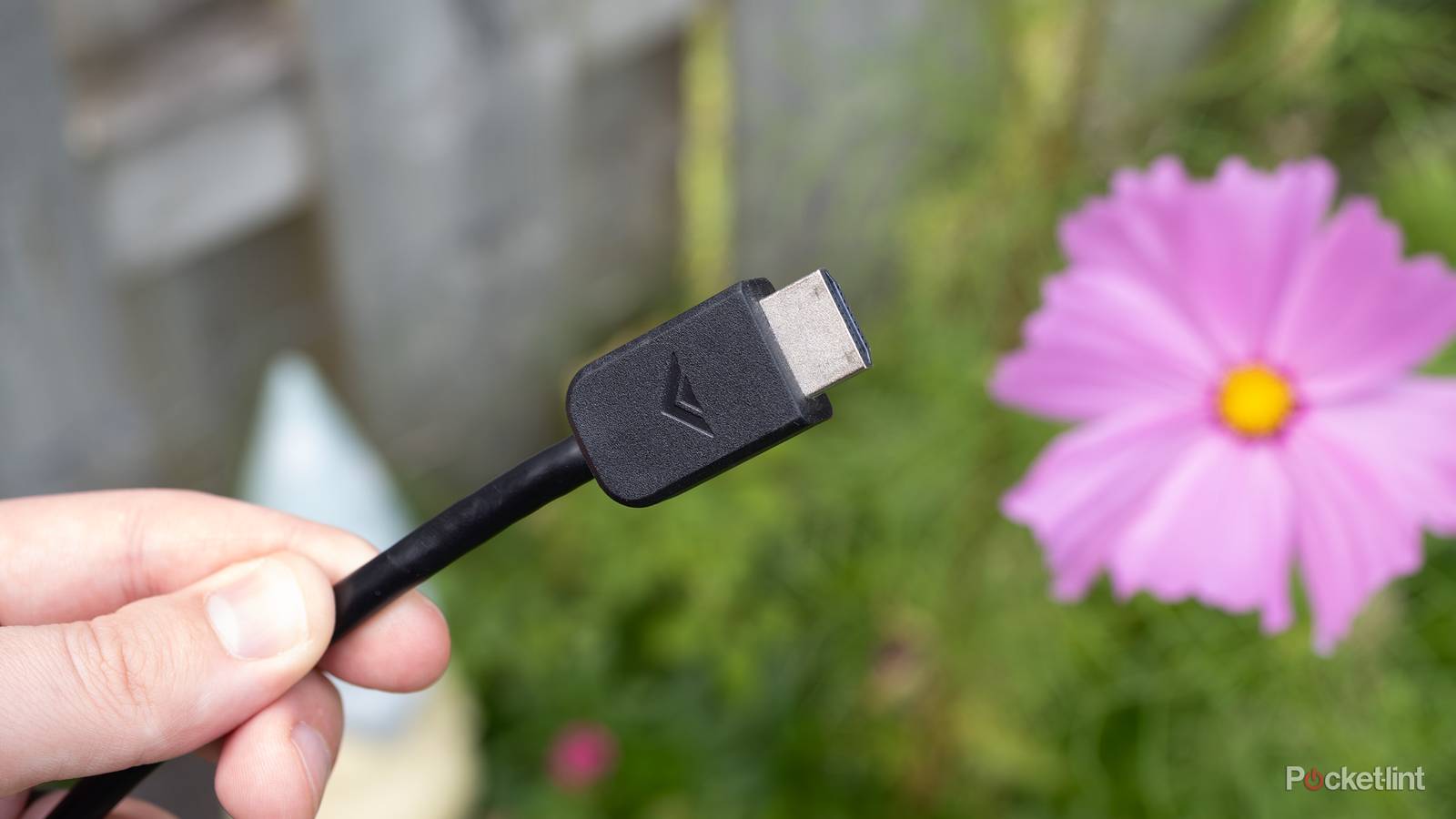
The HDMI format keeps rolling along, and with the advent of HDMI 2.2, things are looking bright. HDMI 2.2 promises faster speeds and better performance, which is great news for anybody looking to get the most out of their devices.
However, it doesn’t feel like technology is moving fast enough to take advantage of what 2.2 can offer. It still doesn’t feel like we’ve fully maxed out what HDMI 2.1 can do, either. Yes, the current console generation can push it with the likes of VRR and 120 FPS, but not every game can do that. Until we hit that point, what’s the point in moving forward?
Strangely enough, there are plenty of circumstances where an HDMI 2.0 cable still gets the job done. That’s good news for people who don’t want to go out and buy new cables, of course, but it’d be nice to see a little more movement here. Aside from game consoles and your audio system, it feels like most things are perfectly fine with HDMI 2.0, and that’s a bummer. Considering 2.0 is now two generations behind, you’d think there would be a little more movement, but it hasn’t happened yet
Your 4K Blu-ray player is great
Don’t need the newest format here

You might think that something like a 4K Blu-ray player would need the newest port, but that’s not the case. Since movies and TV shows don’t run at high frame rates to begin with, there’s no benefit to using 2.1 over 2.0. If your audio system is already plugged into your eARC or ARC port, there’s nothing to worry about on that end either.
I guess this one makes sense since physical media hasn’t exactly evolved since 4K discs were released, so I can see HDMI 2.0 being the answer for your player for years to come. That’s good news for people who don’t like buying a new TV for their devices, but it’s bad news for people hoping their format advances just a little bit. HDMI 2.2 is here, and it doesn’t seem like it’s something that’s going to make any difference to your 4K Blu-ray player.
Older game consoles don’t need it
PS4 and lower apply here

Your Xbox Series X|S and PS5 need HDMI 2.1 to get the best performance, but that doesn’t apply to any consoles below that generation. This means your Xbox One and PS4 are fine with HDMI 2.0, and consoles older than that don’t even need 2.0. HDMI 2.1 feels a lot like a gaming-centric upgrade, which is why it makes perfect sense that only the most modern consoles reap the benefits.
A good rule of thumb is to simply use the HDMI port that came bundled with your device, which means sticking with your 2.0 cable. Remember, you can use your HDMI 2.1 cables with these consoles if you want to, but you won’t get any benefits. You can’t magically give these consoles extra performance, but one of the cool things about the HDMI format is that it can be used across many devices, thanks to the same port being used with each generation.
Your soundbar or receiver, but only if you just need ARC
eARC wants the newer format

Your TV’s ARC and eARC ports essentially do the same thing, but the eARC wants to be plugged in with an HDMI 2.1 cable. However, the older ARC format gets by with just an HDMI 2.0. That essentially comes down to how old your TV and receiver are. If your receiver only has HDMI 2.0 outputs, for example, then the ARC port is perfect for it. Yes, the eARC port is better than the ARC one, but if it’s all you have to work with, then you still need to work with it.
This is a situation where I would feel like I’m being limited by having less bandwidth available, so it’s something I’d try to rectify if I could. Sadly, it would mean going out and buying newer equipment that supports HDMI 2.1, something that’s not in the cards for everybody.
Streaming sticks are fine with the older format
A common trend emerging

Things like your Roku Streaming Stick, even the 4K variation, work with an HDMI 2.0 port. Not only that, you can expect great performance from it as well. As is the case with your 4K Blu-ray player, most things you watch cap out at a 4K resolution, and I doubt you’ll watch something that goes beyond 60 FPS very often or ever at all.
An HDMI 2.0 port gives you HDR10 and Dolby Vision, so it’s the real experience without needing to be plugged into an HDMI 2.1 port. Essentially, if there’s one thing to learn from this list is that unless it’s a modern gaming console, HDMI 2.0 is fine in most scenarios. Maybe something will push the boundaries eventually, but streaming sticks don’t look to be the thing that’ll be doing that.


4.5/5
- Dimensions
-
3.7 x 0.80 x .45 inches
- Integrations
-
Roku Smart Home, AirPlay, Apple Hom, Alexa, Google Home