

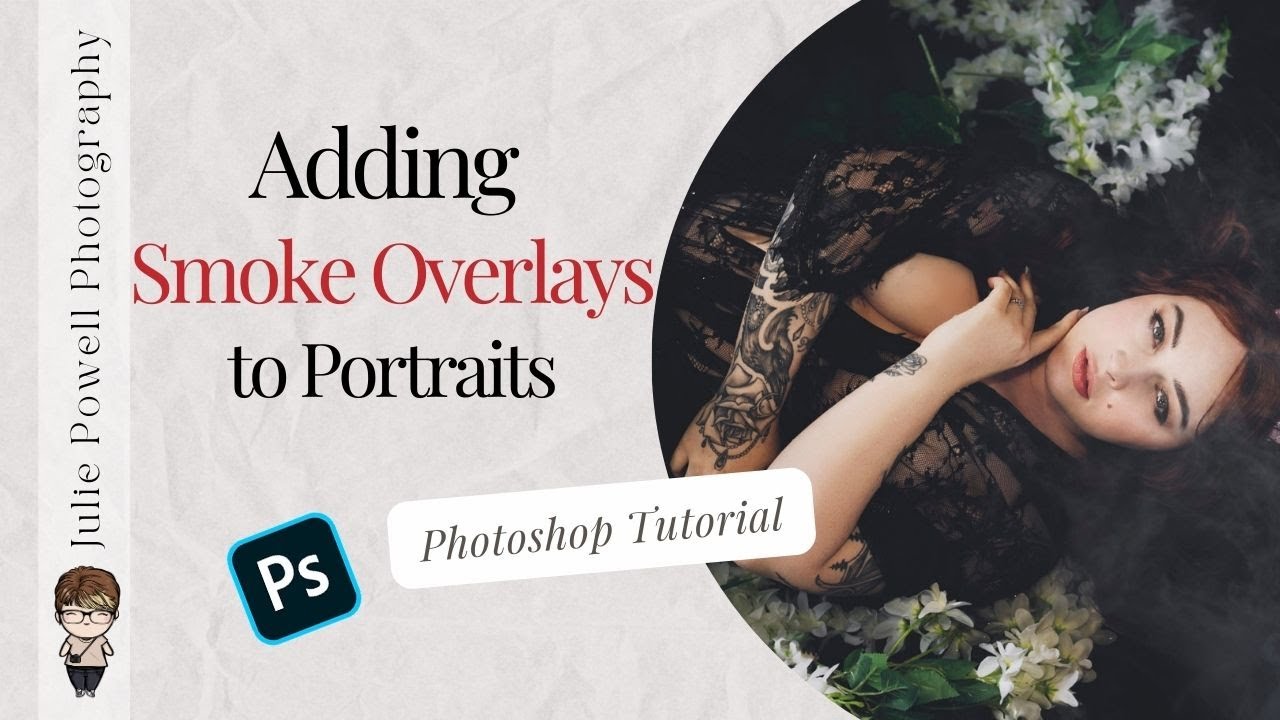
In this Photoshop editing tutorial, I take you behind the scenes of an Ophelia-inspired portrait edit featuring model Skye Medusa, showing exactly how I rebuilt atmosphere when real-world conditions did not cooperate. You will see how to clean up small distractions, remove specular highlights, and realistically add smoke back into a portrait using overlay techniques, blending modes, masking, and Generative Fill in Adobe Photoshop. I walk through capturing practical smoke plates on set with a Telesin mini fogger, then compositing them seamlessly so lighting, texture, and perspective all match. From there, I finish the image using Aperty for fast, natural skin retouching, colour balance, and detail control, followed by a final colour dodge and burn to add depth and focus. This video is ideal for photographers who want to fix on-location issues in post, learn practical smoke compositing, and refine cinematic portrait edits without relying on gimmicks or presets.
Check out these other videos on YouTube
- Learn how to Dodge and Burn
- Check out the Telesin Mini Fogger in action
Grab a special Telesin 15% discount use code JULIEPOWELL including the mini fogger