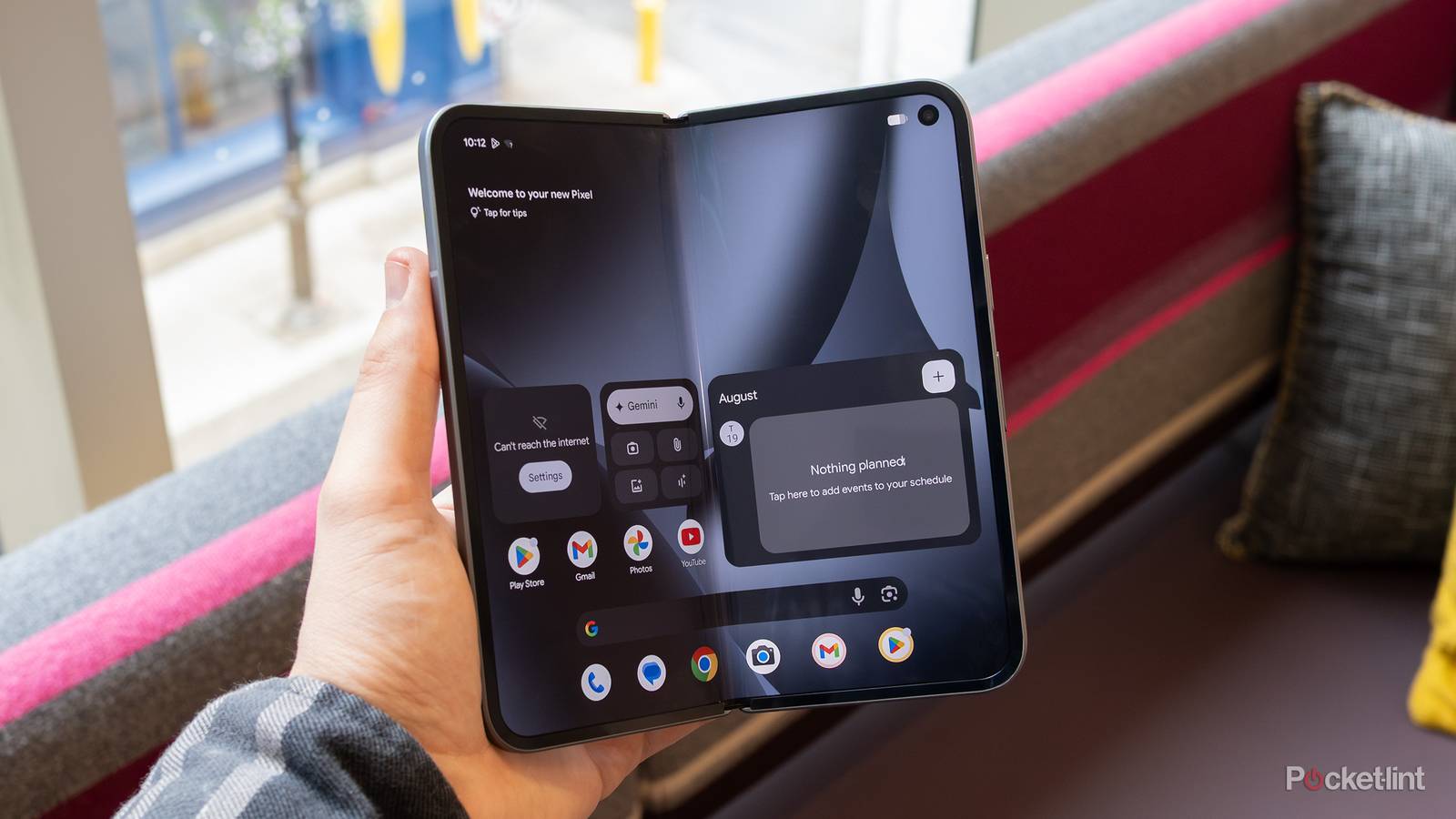
By and large, Google’s Pixel software experience is well-refined from top to bottom. The company’s proprietary skin over top of Android is clean, streamlined, and sprinkled with useful features throughout. That being said, not every single Pixel feature is a slam dunk, and there are a couple in particular that I find to be under-baked or otherwise not ready for prime time.
Here are three such cases of Pixel software features that, despite sparking intrigue, just about always end up on my disabled list whenever I set up a new Google handset. Conceptually, I’m a fan of all three entries on this list, but I find they simply don’t deliver enough of the goods to justify keeping them up and running.
Magic Cue
Lots of potential, but not quite there yet

Magic Cue is a marquee artifical intelligence feature that launched alongside the Pixel 10 series last year. The idea here is that AI can be leveraged to proactively surface context-appropriate information as you use your phone, which could end up saving you time and lead to less app juggling. For example, if you’re actively on the phone with an airline to rebook a flight, Magic Cue is theoretically capable of digging up your existing flight number from Gmail and displaying it on-screen for convenience.
Unfortunately, at least in its current state, Magic Cue is underwhelming. I’ve been using my Pixel 10 for several months now, and I’ve yet to come across an instance where the feature has integrated into my flow in an indispensable manner. The good news is that the AI models that power Magic Cue are totally updatable, and so I expect improvements to arrive as time goes on.
Rules
Third-party alternatives are far more robust

Rules is a built-in utility within the Pixel’s Settings application that lets you automate a limited set of action, which are configured via if / then scenarios. I’ve written about Rules in the past, and I’m a fan of the approachability of the feature overall, but the fact of the matter is that it’s too rudimentary by 2026 standards. Where Samsung and Apple feature robust automation options in the form of Modes and Routines and Shortcuts, respectively, the Pixel is limited to adjusting the ringer status based on location or Wi-Fi connection.
I’d love to see Google evolve Rules into a full-fledged automation system that can rival other market solutions, especially if it can manage to preserve the feature’s existing user interface simplicity in the process. For the time being, however, I’ll continue to rely on the incredibly powerful Tasker app from the Google Play Store for mapping out all my shortcuts.
At a Glance
Not useful enough to warrant living on my home screen

At a Glance is a context-aware widget and user interface element that has been part and parcel with Google Pixels for as long as I can remember. The feature initially presents itself as a basic date and weather widget on both the home screen and the lock screen, but it’s also capable of displaying upcoming calendar events, extreme weather alerts, commute and traffic insights, and much more.
On the lock screen, At a Glance is perfectly functional, but I don’t find it useful enough to justify it taking up space on my home screen. When enabled, the feature essentially robs the first home screen page of its top grid row, which is extra frustrating if you already have a date and weather widget set up to begin with. Thankfully, as of the Android 16 Quarterly Platform Release (QPR) 3 Beta, it’s now possible to hide At a Glance from the home screen, which is much appreciated.