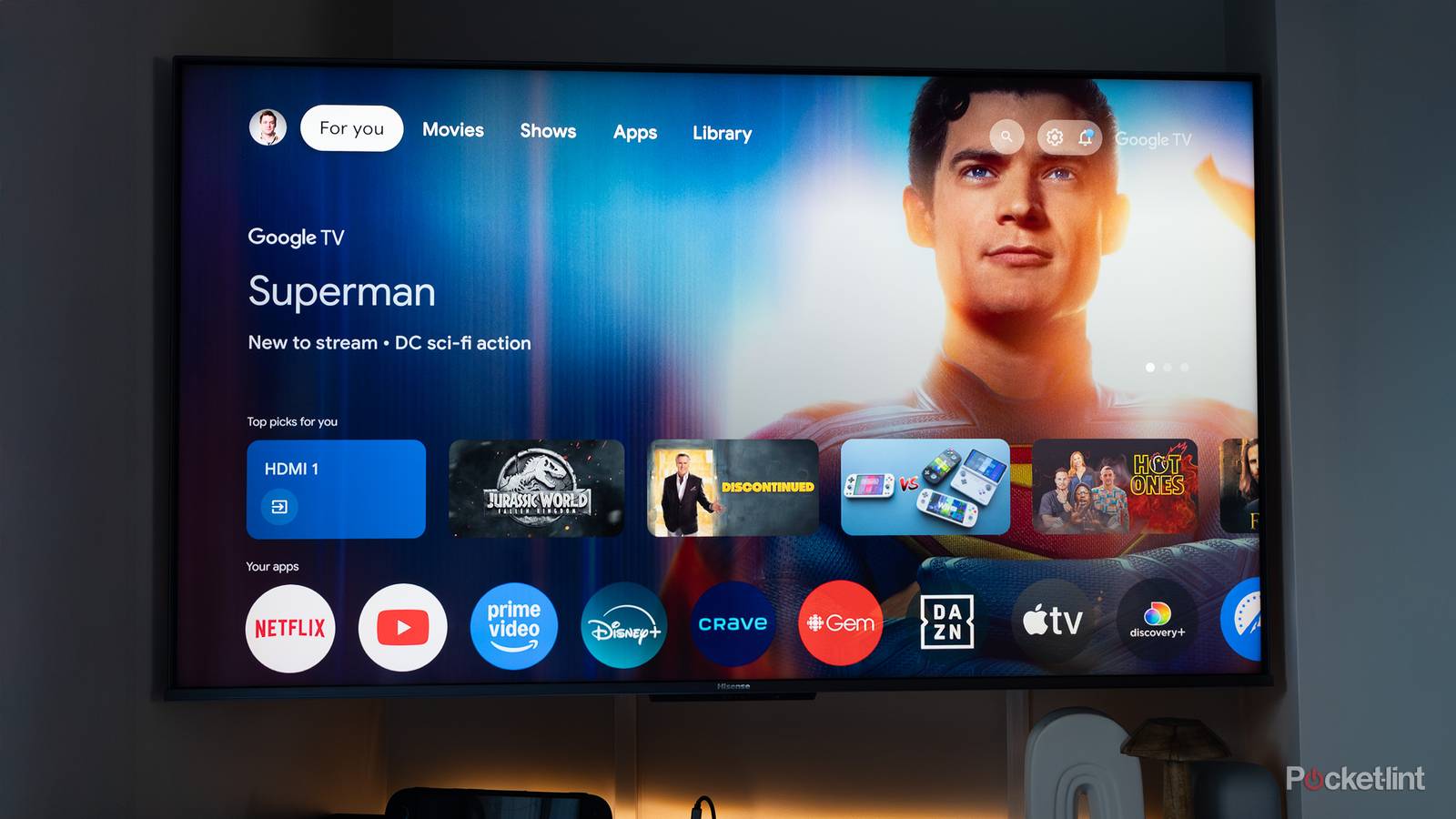
For the most part, the Android TV / Google TV ecosystem is saturated with streaming services. This makes a lot of sense, considering the platform’s focus on content consumption. Convenient and on-demand access to movies, TV shows, and even music is the bread and butter of any smart TV set, stick, or set-top box endowed with Android and, by extension, the Google Play Store.
Of course, Android is a relatively open platform, allowing creative developers to build unique app experiences for the big screen that have little or nothing to do with content consumption itself. Here are five non-streaming applications for Android TV that I personally can’t live without, and that I consider to be must-haves on any Google-powered smart TV setup.
Send Files to TV
The easiest way to transfer files to your flat panel

Transferring local media files from an Android phone to an Android TV can be a surprisingly confusing endeavor. For the time being, Google has yet to adapt its wireless Quick Share protocol for the big screen, forcing users to turn to third-party alternatives. There are many great options out there — including the popular LocalSend — but far and away my favorite option is Send files to TV. This app features a clean and intuitive user interface, speedy transfer speeds, and compatibility with a broad range of devices.
Button Mapper
A convenient tool for customizing your remote control

Button Mapper is a handy tool that lets you customize and remap the physical buttons on your Android device. When installed on Android TV, you can leverage the app to configure your remote control to your liking. This comes in handy if your remote lacks a specific button you rely on regularly, and it’s also great for motor accessibility purposes. While some advanced configurations require root access, many others can be freely tweaked to your liking right out of the box.
Flip Timer
The most stylish countdown clock you’ll ever own

A dedicated television app for countdowns might seem superfluous on the surface, but Flip Timer proves that well-crafted software design can transform even the simplest tool into a delightful experience. The app features a clean, minimalistic clock design, with customizable fonts and colors, a refined set of flip animations, and a scalable interface that feels right at home on a modern flat-panel TV. I personally can’t get enough of the retro flip clock aesthetic, and I find Flip Timer to be the perfect tool to throw on screen when counting down to midnight on New Year’s Eve.
VLC for Android
The ideal playback tool for local media

VLC is a classic local media player that feels right at home on Android TV. If you’re feeling jaded by streaming services, recurring subscription fees, and the constant appearance and disappearance of specific content offerings, I recommend loading up your TV with movies and shows and watching them directly through VLC instead. The app’s claim to fame is its all-encompassing support for media file formats, no matter how obscure they may be. If you have a media file you’d like to play back locally, VLC will get the job done.
FX File Explorer
Browse your files in the most native way possible

For one reason or another, Android TV doesn’t include a native file manager application out of the box. While not strictly necessary for basic use, the ability to browse, search, and organize files can come in handy — especially with regard to local media playback. There are several solid file explorer options available on the Google Play Store that scale well on TV-sized screens, but FX File Explorer stands out to me with its clean user interface, its fast indexing, and its lack of trackers, advertisements, or potentially shady permission requests.